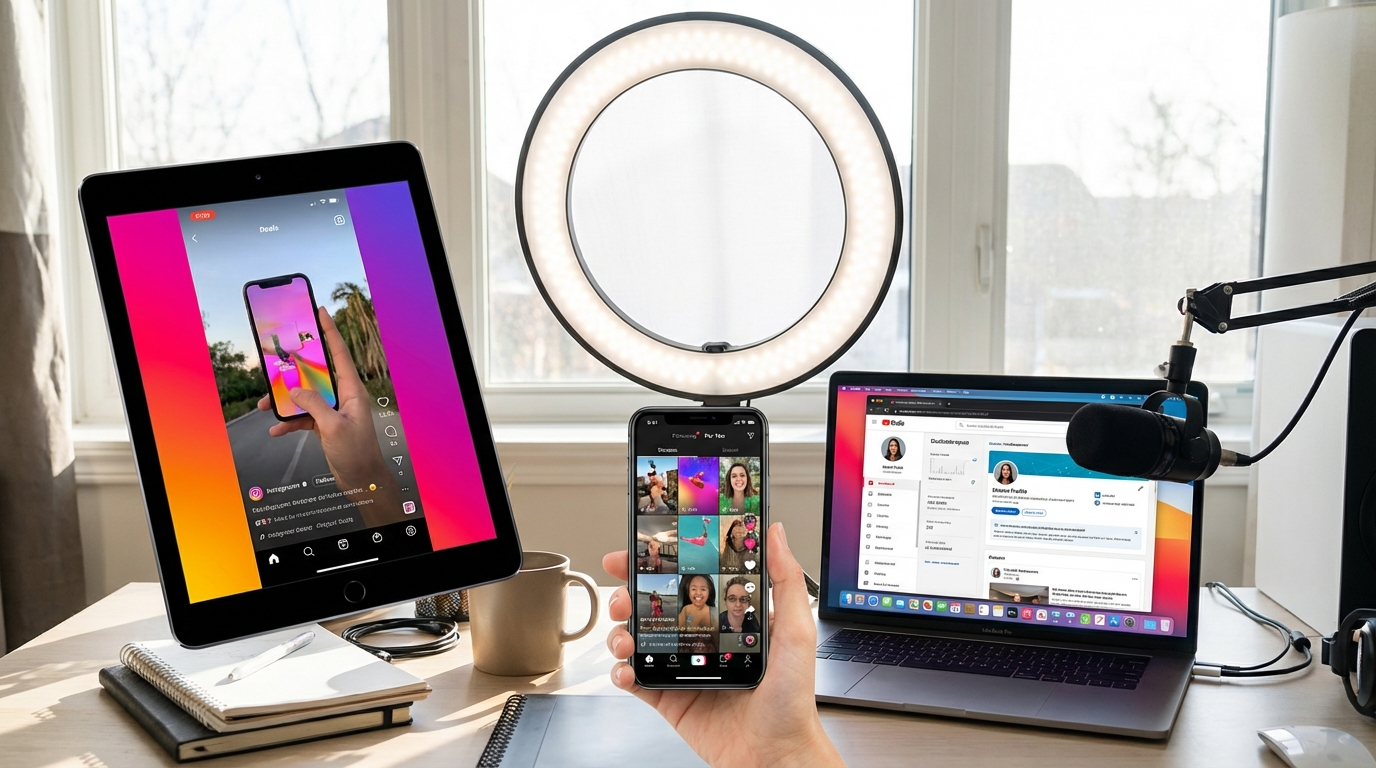
Best AI Video Tools for Social Media in 2026: Boost Engagement Fast
Social media demands constant, high-quality video content. AI video tools have become essential for creators and marketers who need to produce engaging content quickly without sacrificing quality. This guide covers the top AI tools optimized specifically for social media video creation in 2026.
Why AI Video Tools Matter for Social Media
Social media algorithms increasingly favor video content, with platforms like Instagram, TikTok, LinkedIn, and Facebook prioritizing video in their feeds. However, creating professional videos at scale was traditionally time-consuming and expensive. AI tools have changed this equation dramatically:
- Speed: Create videos 10x faster than traditional editing
- Consistency: Maintain brand standards across all content
- Optimization: Automatic formatting for each platform’s requirements
- Accessibility: No video editing expertise required
- Cost: Professional results at fraction of traditional costs
1. OpusClip: AI-Powered Short-Form Video Creation
OpusClip transforms long videos into viral-ready short clips automatically, perfect for TikTok, Instagram Reels, and YouTube Shorts.
Key Features:
- AI identifies the most engaging moments from long videos
- Automatic captioning with customizable styles
- Virality score prediction for each clip
- Face tracking and auto-reframing
- B-roll overlay suggestions
- One-click posting to multiple platforms
Pricing: Free plan (10 mins/month), Starter at $9/month, Pro at $29/month
Best For: Content creators repurposing long-form content, podcasters expanding to short-form
Social Media Win: Users report 300% increase in social media reach by converting webinars and podcasts into short clips
2. Captions.ai: Add Viral-Style Captions Instantly
Captions.ai specializes in adding eye-catching, animated captions that boost engagement and watch time on social platforms.
Key Features:
- 99% accurate AI transcription
- 30+ viral caption styles (MrBeast, Alex Hormozi, etc.)
- Automatic emoji insertion
- Custom brand fonts and colors
- Sound effect auto-sync
- Multi-language support (50+ languages)
Pricing: Free plan available, Pro at $20/month, Scale at $50/month
Best For: TikTok creators, Instagram Reels producers, any video needing engagement-boosting captions
Engagement Impact: Videos with captions see 40% higher completion rates on social media
3. Vidyo.ai: Long to Short Video Transformation
Vidyo.ai uses advanced AI to identify key segments in long videos and automatically creates platform-optimized short clips.
Key Features:
- AI-powered content analysis for highlight detection
- Automatic social media formatting (9:16, 1:1, 16:9)
- Speaker detection and framing
- Customizable templates and branding
- Batch processing for multiple videos
- Direct publishing to social platforms
Pricing: Free tier (75 mins/month), Growth at $29.99/month, Business at $149.99/month
Best For: Marketers, agencies managing multiple clients, enterprise social teams
4. Lumen5: Turn Blog Posts into Social Videos
Lumen5 transforms written content—blog posts, articles, scripts—into polished social media videos in minutes.
Key Features:
- URL-to-video conversion
- AI selects relevant stock footage (millions of clips)
- Automatic scene creation based on text
- Brand kit integration (colors, fonts, logos)
- Music library with mood-based selection
- Social media formatting presets
Pricing: Basic at $29/month, Starter at $79/month, Professional at $199/month
Best For: Content marketers, bloggers, news organizations repurposing written content
5. InVideo AI: Complete Social Video Creation Suite
InVideo AI offers comprehensive video creation with AI-powered assistance at every step, from scripting to final export.
Key Features:
- AI script generator based on prompts
- 5,000+ customizable templates
- Text-to-video with automatic scene generation
- Voiceover with 40+ AI voices
- Automatic subtitle generation
- Stock library (8M+ media assets)
- Brand hub for consistent styling
Pricing: Free plan available, Plus at $20/month, Max at $60/month
Best For:Small businesses, solo creators, social media managers For more insights, see our Waymark AI Video Tool Review 2026: Script-to-TV-Ad in Minutes.
6. Munch: AI Video Repurposing Platform
Munch analyzes your long-form videos using AI to extract the most engaging, shareable moments for social media.
Key Features:
- AI trend analysis to identify viral-worthy content
- Automatic keyword extraction for SEO
- Platform-specific optimization (TikTok, IG, YT)
- Engagement prediction scoring
- Auto-generated social captions
- Multi-clip batch export
Pricing: Starter at $49/month, Creator at $99/month, Business at $199/month
Best For: Video podcasters, thought leaders, B2B content creators
Platform-Specific Optimization Tips
For TikTok & Instagram Reels:
- Use 9:16 vertical format
- Hook viewers in first 3 seconds
- Add trending music and sound effects
- Use bold, animated captions (Captions.ai, OpusClip)
- Keep videos under 60 seconds
For LinkedIn:
- Square format (1:1) performs best
- Professional, informative content
- Subtitles essential (85% watch without sound)
- 2-3 minute videos ideal length
- Educational and thought leadership content
For YouTube Shorts:
- 9:16 vertical format
- Under 60 seconds
- Clear call-to-action to main channel
- Eye-catching thumbnails
- High-energy pacing
For Facebook & Instagram Feed:
- Square (1:1) or vertical (4:5) format
- First 3 seconds must grab attention
- Captions required (most watch muted)
- Shorter videos (15-60 seconds) perform better
- Strong visual branding
Social Media Video Best Practices in 2026
1. Lead with Value: The first 3 seconds determine if viewers keep watching. Start with the payoff, not the setup.
2. Design for Sound-Off:85% of social videos are watched without sound. Captions aren’t optional—they’re essential. This is why best ai video tools for social media in 2026 stands out in the market.
3. Optimize for Each Platform: Don’t just repost the same video everywhere. Use AI tools to create platform-specific versions.
4. Maintain Brand Consistency: Use brand kits in your AI tools to ensure consistent colors, fonts, and style across all content.
5. Test and Iterate: Use the analytics from AI tools (virality scores, engagement predictions) to refine your content strategy.
6. Batch Create Content: Use AI tools to create a week or month of content in one session, then schedule for consistent posting.
Workflow Example: Podcast to 20 Social Videos
Here’s a real workflow using AI tools to maximize one podcast episode:
- Record: Create 1-hour podcast episode
- OpusClip: Generate 15-20 short clips (30-60 seconds each)
- Captions.ai: Add viral-style captions to top 10 clips
- Vidyo.ai: Create platform-specific versions (TikTok, LinkedIn, IG)
- Schedule: Post 2-3 clips daily across platforms
- Result: 1 hour of recording = 20+ social videos = 2 weeks of content
Time Investment: 2 hours total (including recording)
Output: 2 weeks of daily multi-platform content
ROI: Why AI Video Tools Pay for Themselves
Consider the alternative to AI tools:
- Traditional editing: 4-6 hours per video @ $50/hour = $200-300 per video
- AI tools: 15 minutes per video @ $29/month subscription = ~$2 per video
- Savings: 99% cost reduction + 95% time savings
For businesses posting 3-5 videos per week, AI tools typically pay for themselves within the first week.
Conclusion: Start Simple, Scale Smart
You don’t need all these tools at once. Start with one based on your primary content source: For more insights, see our Best AI Video Tools for Product Demos in 2026: Showcase, Convert & Sell More.
- Have long videos? Start with OpusClip or Vidyo.ai
- Have blog posts? Start with Lumen5
- Creating from scratch? Start with InVideo AI
- Need better captions? Start with Captions.ai
Most tools offer free trials. Test them with your actual content before committing. The social media landscape in 2026 rewards consistency and quality—AI video tools finally make both achievable for creators and brands of all sizes.
The question isn’t whether to use AI video tools for social media. It’s which ones will help you achieve your specific goals fastest.







