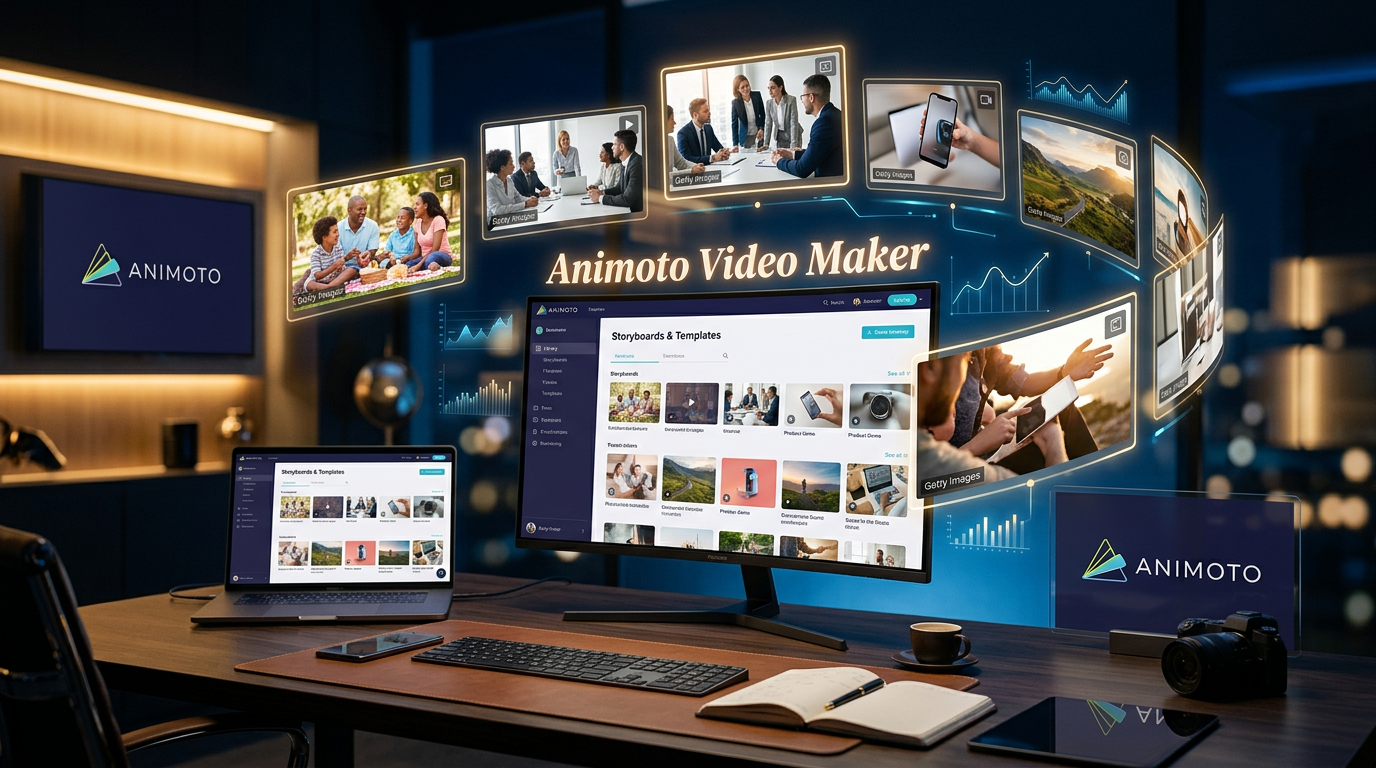
The Video Platform That’s Been Around Since Before Video Was Cool
Animoto has been in the video creation game since 2006. That’s ancient history in tech years — we’re talking pre-iPhone, back when “creating a video” meant buying expensive software and hoping your computer didn’t crash.
But here’s what’s interesting: while flashier AI video tools have exploded onto the scene, Animoto is still here, still thriving, and still used by thousands of businesses. That longevity tells you something.
So what is Animoto exactly? It’s a drag-and-drop video maker designed for people who need to create professional-looking marketing videos without being professional videographers. Think of it as the sweet spot between “too simple to be useful” and “too complicated to figure out.”
Let’s see if it’s actually worth using in 2026, or if it’s been lapped by newer tools.
What Animoto Actually Does
Animoto is fundamentally a template-based video creation platform. You pick a video template, drop in your photos and video clips, add text, pick music, and export. The platform handles all the timing, transitions, and visual polish automatically.
The big idea is that you shouldn’t need to know anything about frame rates, aspect ratios, or keyframe animation to make a good-looking video. Animoto takes care of the technical stuff so you can focus on your content and message.
It’s cloud-based, meaning everything happens in your browser. No downloads, no software to install, no “is my computer fast enough?” worries. You create, edit, and export entirely online.
The Core Features That Matter
Let’s talk about what you can actually do with Animoto.
Template Library
Animoto’s template library is organized by use case: marketing videos, social media posts, presentations, real estate listings, event promotions, educational content, and more. Each template is pre-built with a specific structure, timing, and visual style.
You’re not staring at a blank timeline trying to figure out where to start. The template shows you exactly what a finished video looks like, and you just swap in your own content. It’s faster and less intimidating than building from scratch.
The templates aren’t just placeholders either. They’re professionally designed with attention to pacing, transitions, and visual hierarchy. Even if you have zero design skills, following a template gets you 80% of the way to something that looks polished.
Drag-and-Drop Editor
The editing interface is intentionally simple. You see your video as a storyboard of scenes. Click a scene to edit it — add photos, video clips, text, adjust timing. Drag scenes to reorder them. That’s basically it.
There’s no complex timeline with multiple tracks. No effects panel with hundreds of options. Just the essentials: content, text, music, transitions. If you’re a power user this might feel limiting. If you just want to make a video without a learning curve, it’s perfect.
The text editor deserves mention. You’ve got 70+ professional fonts (on paid plans), full control over colors and positioning, and the text animations are smooth and tasteful. No Comic Sans, no cheesy word art. Just clean, professional typography.
Stock Media Library
This is where Animoto really stands out. The Professional plan gives you access to over 1 million licensed stock photos and videos from Getty Images. The Professional Plus plan unlocks 100 million premium Getty assets.
That’s a big deal. Getty Images is expensive if you’re licensing content directly. Having it included in your Animoto subscription means you can create visually impressive videos without worrying about copyright or spending hundreds on stock footage.
The music library is extensive too — 3,000 licensed tracks on Professional plans. They’re organized by mood and genre, and they’re all cleared for commercial use. No copyright strikes, no takedown notices.
Screen and Webcam Recording
Animoto includes built-in screen and webcam recording. Record your screen for tutorials or demos, record yourself for video messages, or record both simultaneously for that “face in the corner” style popular on YouTube.
The quality is solid — up to 1080p — and since it’s integrated into the editor, you can record and immediately start building your video around that footage. No exporting, no reimporting, no file management headaches.
Voice-Over Tools
You can record voice-over narration directly in Animoto or upload pre-recorded audio files. The recording interface is simple: hit record, talk, stop. No fancy audio editing features, but that’s kind of the point — just get your narration in there.
This is particularly useful for product demos, explainer videos, or presentations where you need to guide viewers through what they’re seeing.
Brand Kit and Customization
On Professional plans and up, you get brand kits. Upload your logo, define your brand colors, save your preferred fonts. Then every video you create can automatically include these elements.
This matters more than it sounds. Brand consistency across video content is hard when you’re creating videos manually each time. Having your branding pre-loaded means everything you make looks cohesive without extra effort.
Custom Video Landing Pages
Here’s a feature most competitors don’t have: Animoto creates custom landing pages for your videos. Instead of just exporting a video file, you get a hosted page with your video, customizable with your brand’s logo, colors, and background.
You can share this page link instead of embedding videos on your site. It looks professional, loads fast, and gives you a clean presentation for your content. Great for client presentations or portfolio work.
Animoto Pricing: What You’re Actually Paying For
Animoto uses a straightforward four-tier system. Let’s break down what you get at each level.
Free Plan – $0
You get high-quality 720p video exports, unlimited video creation, screen recording, webcam recording, and access to 50 licensed music tracks.
The catch: every video has an Animoto watermark. Videos are also limited in length and you can’t download them — you can only share them via Animoto’s platform.
This is functional for testing Animoto or creating personal content where watermarks don’t matter. It’s not viable for professional or branded content.
Basic Plan – Pricing Not Listed on Main Page
Everything in Free, plus: no Animoto watermark, unlimited downloads, and 1080p video exports.
This is the entry point for professional use. The watermark removal and ability to download your videos makes this the minimum tier for business content.
Based on third-party sources, this typically runs around $16/month when billed annually, though Animoto doesn’t prominently display this pricing.
Professional Plan – Contact for Pricing
Everything in Basic, plus: brand kit (logo and colors), 3,000 licensed music tracks, 1 million+ Getty Images stock photos and videos, voice-over recording, customizable video landing pages, ability to record screen and webcam together, multiple songs per video, 3 saved templates, 70+ professional fonts, and 1 saved brand.
This is where Animoto becomes genuinely powerful. The Getty Images access alone is worth the price if you’re creating regular marketing content. Having professional stock footage and photos included means you’re not hunting for visuals or worrying about licensing.
Pricing isn’t listed publicly, but reports suggest this is typically around $39-49/month when billed annually.
Professional Plus Plan – Contact for Pricing
Everything in Professional, plus: 100 million premium Getty Images assets, 10 saved brands, 25 saved templates, upload your own fonts, time-stamped comments for feedback, shared team workspace, user and role management, dedicated account manager, onboarding and training, ability to purchase additional seats, and license to resell videos to businesses.
This is built for teams and agencies. The team collaboration features, multiple brand kits, and reseller license make sense if you’re creating videos for multiple clients or managing a team of creators.
Reports suggest this starts around $79/month for 3 users when billed annually, with additional seats available for purchase.
Where Animoto Really Excels
Animoto is built for specific use cases, and it’s genuinely excellent at them.
Marketing and Promotional Videos
This is Animoto’s wheelhouse. Product launches, service promotions, brand videos, customer testimonials — the templates are designed for these formats, and the stock media library gives you professional visuals to work with.
The ability to create polished marketing videos without hiring a production team or spending days in editing software is Animoto’s core value proposition. For small businesses and marketing teams, this is huge.
Social Media Content
Animoto understands social media formats. Templates are optimized for Instagram, Facebook, TikTok, LinkedIn, YouTube — all the major platforms. The aspect ratios are correct, the timing is appropriate, and the visual style fits what works on each platform.
You can create a month’s worth of social content in an afternoon. Pick templates, customize with your products or services, adjust the text, export. Done.
Real Estate Videos
Real estate is a surprisingly big use case for Animoto. There are specific templates for property listings, neighborhood tours, agent introductions, and market updates.
Realtors love it because they can quickly create professional listing videos without technical skills. Upload property photos, add the address and details, pick music, export. That’s a listing video in 15 minutes.
Presentations and Slideshows
Business presentations, event recaps, photo montages, memorial slideshows — Animoto handles these elegantly. The automatic timing and transitions mean you don’t have to manually set how long each image appears or what transition works between slides.
It’s particularly good for personal events like weddings or birthdays where you want something nicer than a basic slideshow but don’t want to learn video editing.
What It Does Really Well
Speed is Animoto’s superpower. From opening the platform to having a finished video can happen in 30 minutes or less. The templates give you structure, the editor is simple, and the export process is fast. If you need to produce videos regularly, this efficiency is valuable.
The Getty Images integration is legitimately impressive. Access to millions of professional stock photos and videos means your content always looks polished. You’re not scraping together free stock footage or using the same tired images everyone else uses.
The learning curve is almost zero. If you can drag and drop files, you can use Animoto. There’s no manual to read, no tutorials to watch. The interface shows you what to do.
The output quality is consistently professional. Even users with no design experience create videos that look good. The templates, automatic timing, and professional fonts do most of the heavy lifting.
Customer support is reportedly excellent. Animoto has been around long enough to build real support infrastructure. When you need help, you can actually get it.
The Honest Limitations
Animoto isn’t trying to be a professional video editing suite, and that shows in what it can’t do.
Customization is limited compared to timeline-based editors. You’re working within the template structure. You can’t build complex custom animations or do frame-by-frame editing. It’s designed for simplicity, which means sacrificing flexibility.
Advanced editing features don’t exist. No color grading, no motion tracking, no keyframe animation, no advanced effects. If you need these things, Animoto isn’t the right tool.
The template-based approach can feel restrictive. If your vision for a video doesn’t match any available templates, you’re going to struggle. Animoto works best when you’re adapting your ideas to fit templates, not trying to build something completely custom.
Pricing isn’t transparent. The lack of public pricing for Professional and Professional Plus plans is frustrating. You have to contact sales or dig through third-party sites to find out what you’ll actually pay.
The free plan is barely usable for anything professional. The watermark and download restrictions mean you really need a paid plan for business use.
How It Compares to Competitors
Animoto competes with tools like FlexClip, InVideo, Canva Video, and Promo.com. What makes it different?
The Getty Images access is unique at this price point. Most competitors either don’t include stock media or use lower-quality free stock libraries. Animoto’s Getty integration is a real differentiator.
The template quality is consistently high. While other platforms have more templates, Animoto’s templates are refined and professional. Less quantity, more quality.
The custom video landing pages feature is uncommon. Most tools just give you a video file. Animoto gives you a hosted, branded page to share.
However, Animoto has less hands-on editing control than FlexClip or InVideo. Those tools let you get into the timeline and make precise adjustments. Animoto is more automated and less flexible.
The pricing is competitive but not cheap. You’re paying for the Getty access and the polished templates. If you just need basic editing, there are less expensive options.
Who Should Actually Use Animoto
Animoto makes sense for:
- Small business owners creating marketing videos
- Real estate agents producing listing videos
- Social media managers needing regular content
- Marketing teams without in-house video expertise
- Anyone who values speed and simplicity over customization
It’s probably not the right fit if you’re a professional video editor, need complex effects and animations, or want frame-by-frame control over every aspect of your video. Those needs require more powerful tools.
Tips for Getting the Most Out of Animoto
Always start with a template. Even if you modify it heavily, templates give you a proven structure to work from. Don’t waste time building from scratch.
Invest time in your brand kit setup. Loading your assets once means every video maintains consistency automatically. This pays off when you’re creating dozens of videos.
Use the Getty library liberally. Don’t settle for mediocre visuals when you have access to millions of professional photos and videos. The quality of your source material dramatically affects your final video.
Save templates for recurring video types. If you create weekly updates or consistent promotional content, build it once as a template and reuse the structure.
Take advantage of the custom video landing pages. Instead of just downloading and uploading videos everywhere, share the Animoto page link. It looks professional and saves you hosting headaches.
Final Verdict
Animoto is a mature, polished video creation platform that does exactly what it claims: helps non-video-editors create professional-looking videos quickly.
It’s not flashy. It’s not trying to revolutionize video creation with cutting-edge AI features. It’s just exceptionally good at making the process simple, fast, and foolproof.
The Getty Images integration is the killer feature. If you’re creating marketing or social content regularly, having access to millions of professional stock assets included in your subscription is genuinely valuable. That alone can justify the cost.
The template-based approach won’t appeal to everyone. If you want complete creative control or need to build custom animations, you’ll find Animoto restrictive. But if you need to produce decent-looking videos consistently without becoming a video editing expert, the template structure is actually liberating.
The pricing needs to be more transparent. Not listing costs publicly is frustrating and feels outdated. But once you know what you’re paying, the value is there for the right use cases.
Bottom line: Animoto is a solid choice if you prioritize speed and simplicity over customization, if you create marketing or social content regularly, and if you value having professional stock media included.
It’s not the newest or flashiest tool on the market. But sometimes the best tool is the one that’s been refined over 18 years of actual use by real customers solving real problems.
And that’s exactly what Animoto is.







