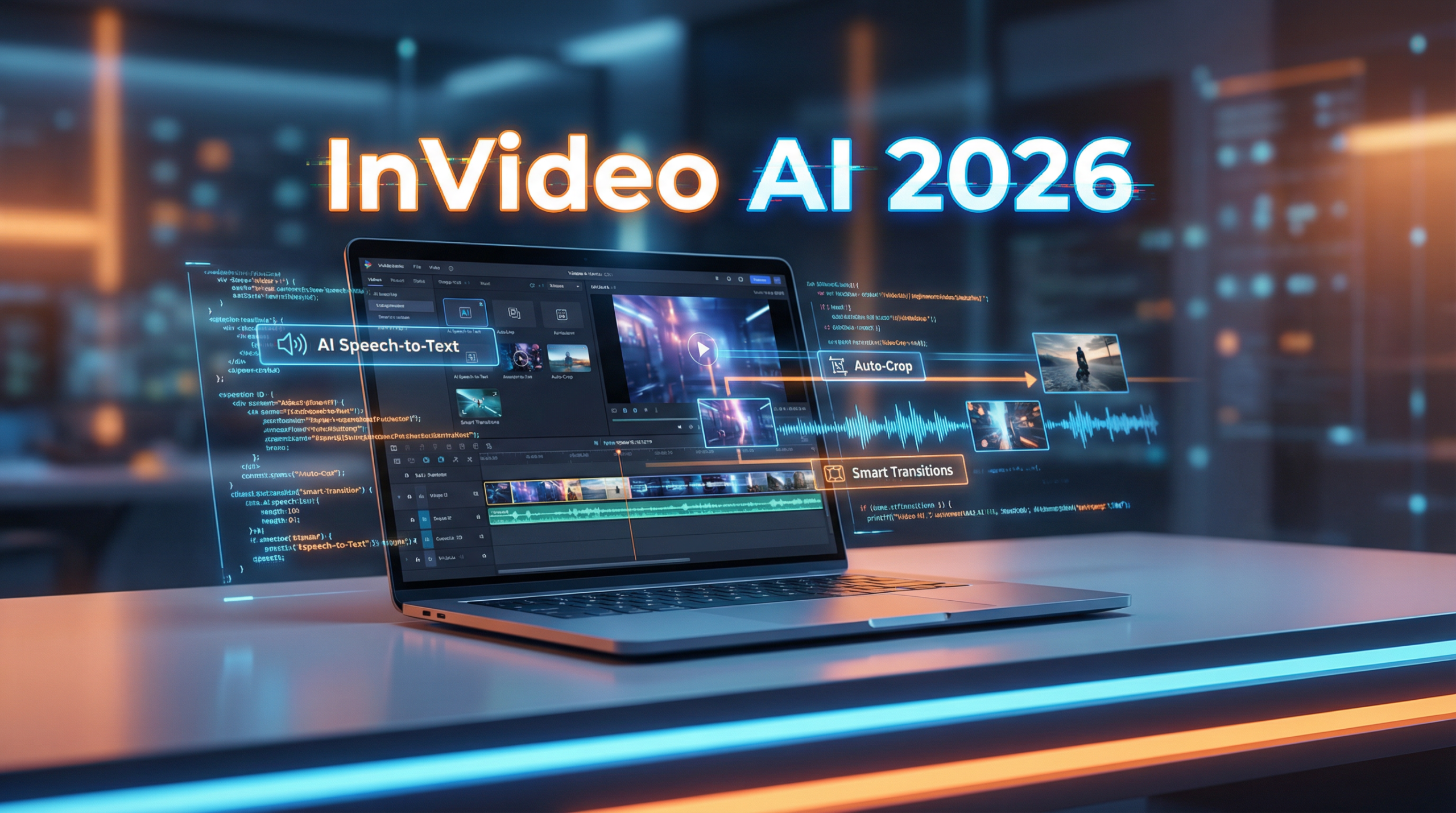
InVideo AI has emerged as one of 2026’s most powerful AI-driven video editing platforms, combining professional-grade features with intuitive automation. Whether you’re creating YouTube content, social media ads, or marketing videos, InVideo AI streamlines the entire production process.
This detailed review examines InVideo AI’s latest capabilities, transparent pricing structure, and practical applications to help you determine if it’s the right video editing solution for your content strategy.
Key Features
InVideo AI packs an impressive array of features that set it apart from traditional video editors:
AI-Powered Text-to-Video: Transform scripts, blog posts, or simple prompts into complete videos automatically. The AI selects relevant visuals, adds transitions, inserts background music, and generates voiceovers—all from your text input.
5000+ Professional Templates: Access thousands of pre-designed templates optimized for different platforms (YouTube, Instagram, TikTok, Facebook) and industries (e-commerce, real estate, education, finance). No need to worry about resizing or reformatting.
Drag-and-Drop Editor: Unlike complex tools like Adobe Premiere Pro, InVideo AI uses an intuitive interface that balances automation with manual control. Enter a script, let AI generate the draft, adjust elements as needed, and export in HD.
Brand Kits and Customization: Upload logos, define brand colors, and save custom font styles. Agencies managing multiple clients can store and switch between brand kits easily, ensuring every video aligns with brand identity.
Natural AI Voiceovers: Generate professional-sounding narration in dozens of languages and accents without recording equipment. Perfect for businesses targeting international audiences or creating multilingual content affordably.
Stock Media Integration: Access royalty-free images, video clips, and audio tracks from integrated libraries including iStock (depending on plan). Pull media directly into projects without separate purchases.
Collaboration Tools: Team features allow multiple users to work on projects simultaneously, streamlining workflows for agencies and corporate teams.
Pricing Plans
InVideo AI offers transparent, competitive pricing in 2026:
Free Plan ($0): Test the platform with 10 minutes of AI generation per week, 10GB storage, 4 exports per week with InVideo watermark, and access to 2.5M+ standard media assets.
Plus Plan ($20/month or $240 annually): The best value for individual creators includes 50 minutes of AI generation monthly, 80 iStock credits per month, 100GB storage, unlimited exports without watermarks, 2 voice clones, and generative credits. Annual billing saves 20%.
Max Plan ($48/month or $576 annually): Professional creators get 200 minutes of AI generation monthly, 320 iStock credits, 60 seconds of generative credits, 400GB storage, unlimited exports, and 5 voice clones.
Generative Plan ($96/month or $1,152 annually): Advanced users receive 200 AI minutes monthly, 320 iStock credits, 15 minutes of generative credits, 400GB storage, unlimited exports, and 5 voice clones.
All paid plans include priority support and commercial usage rights. Annual subscriptions provide significant savings compared to monthly billing.
Pros & Cons
Advantages:
- Beginner-friendly: No video editing experience required—AI handles the technical complexity
- Time-saving automation: Create videos 10x faster than traditional editing methods
- Affordable pricing: Significantly cheaper than hiring video production agencies or editors
- Template variety: 5000+ templates cover virtually every industry and use case
- Platform optimization: Templates automatically formatted for YouTube, Instagram, TikTok, Facebook
- Stock media included: iStock credits eliminate separate media subscription costs
- Regular updates: Platform continuously improves with new AI features and templates
Limitations:
- Free plan watermarks: Limits professional use without upgrading to paid plans
- Monthly credit limits: Heavy users may need higher-tier plans for sufficient generation minutes
- Template customization: Highly unique designs may require more manual editing than automated options provide
- Learning curve for advanced features: While basic use is simple, mastering all capabilities takes practice
Use Cases
YouTube Content Creation: Generate educational videos, product reviews, tutorials, and vlogs efficiently. Bulk create content for consistent upload schedules without constant filming.
Social Media Marketing: Produce attention-grabbing ads, promotional videos, and engaging social posts for Instagram Reels, TikTok, and Facebook. Test multiple ad variations quickly.
E-commerce Product Videos: Showcase products with professional demos, feature highlights, and customer testimonials. Convert product descriptions into compelling video ads automatically.
Corporate Communications: Create training videos, internal announcements, onboarding materials, and presentation videos. Maintain professional quality without dedicated video teams.
Agency Work: Manage multiple client accounts with separate brand kits. Produce high-volume video content efficiently while maintaining quality standards.
Conclusion
InVideo AI has evolved into a comprehensive video editing powerhouse that successfully bridges the gap between automation and creative control. Its 2026 feature set—combining AI-powered text-to-video, extensive templates, and intuitive editing—makes professional video creation accessible to everyone.
The Plus Plan ($20/month) represents exceptional value for individual creators and small businesses, offering unlimited exports, commercial rights, and substantial AI generation minutes. For agencies or businesses producing higher volumes, the Max Plan provides the necessary scale without breaking the budget.
What sets InVideo AI apart is its balance: enough automation to save massive time, yet sufficient customization to maintain brand uniqueness. The platform’s continuous improvements and responsive support team demonstrate a commitment to user success.
If you’re looking for an AI video editor that combines affordability, ease of use, and professional results, InVideo AI deserves a spot in your content creation toolkit. Whether you’re a solo creator building your YouTube channel or a marketing team managing multiple campaigns, InVideo AI scales to meet your needs.
The free plan provides a risk-free way to test the platform—start there, and upgrade once you experience the time-saving benefits firsthand.







