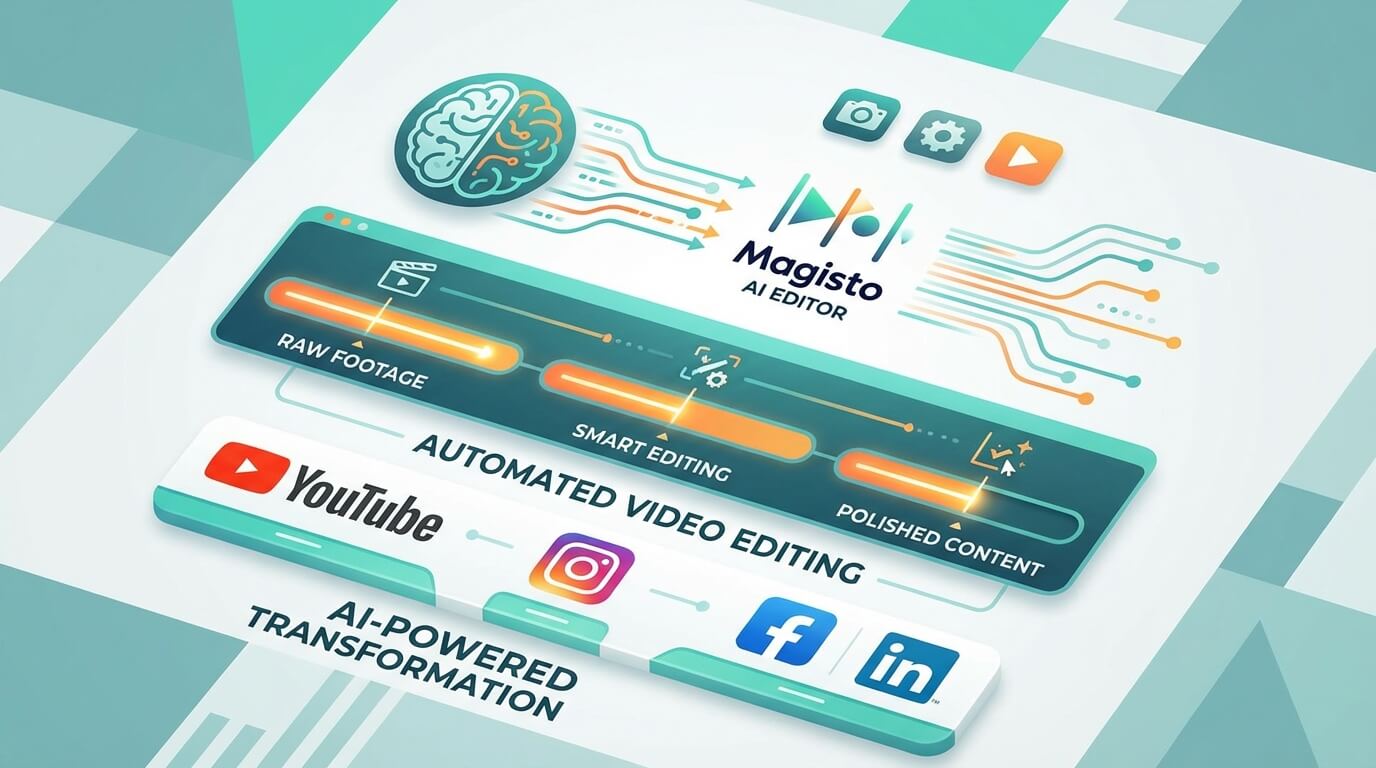
Magisto AI Video Editor
Magisto has established itself as a pioneering AI-powered video editing platform that continues to serve content creators, marketers, and businesses in 2026. By automating the traditionally time-consuming video editing process, Magisto enables users without technical expertise to produce professional-looking videos quickly and efficiently.
In an era where video content dominates digital marketing and social media, Magisto’s AI-driven approach solves a critical challenge: creating engaging videos without investing in expensive software, hiring professional editors, or spending hours learning complex editing techniques. This review explores Magisto’s features, pricing, use cases, and how it stacks up in today’s competitive landscape.
Key Features and Capabilities
Magisto’s strength lies in its intelligent automation combined with enough customization options to maintain creative control. Here’s what the platform offers in 2026:
AI-Powered Automation
- Smart Editing Engine: Upload your raw footage, select a theme or style, and Magisto’s AI analyzes the content to automatically create a polished video with transitions, effects, and pacing
- Facial Recognition: The platform identifies and highlights people in your footage, ensuring key subjects receive proper focus and screen time
- Video Stabilization: Automatic correction of shaky footage for smoother, more professional results
- Scene Detection: AI identifies optimal cutting points and assembles clips into coherent sequences
Customization and Creative Tools
- Template Library: Extensive collection of pre-designed templates for various purposes—marketing, social media, presentations, personal projects
- Music Library: Licensed music tracks that can be automatically synced to your video’s rhythm and pacing
- Text and Titles: Add captions, titles, and text overlays with customizable fonts and animations
- Brand Customization: Incorporate logos, brand colors, and consistent styling across multiple videos
- Style Selection: Choose from various visual themes to match your brand identity or content mood
Platform Integration and Sharing
- Social Media Integration: Direct publishing to Facebook, Instagram, YouTube, and other platforms
- Cloud Storage: Store and access your projects from anywhere with automatic cloud backup
- Analytics Dashboard: Track video performance metrics to understand engagement and optimize future content
- Team Collaboration: Higher-tier plans include collaboration features for team-based video production
Pricing Structure and Plans
Magisto offers tiered pricing designed to accommodate individual creators, small businesses, and larger organizations:
Free Demo and Trial
Magisto provides a free demo or trial period allowing users to test the platform’s core features before committing to a paid subscription. This lets potential users evaluate whether the AI editing approach suits their workflow.
Premium Plan
Designed for individual creators and casual users, the Premium plan includes:
- HD video downloads
- Extended video length limits
- Access to the full music library
- Basic customization options
- Limited cloud storage
Professional Plan
Targeted at serious content creators and small businesses, this tier adds:
- Advanced editing tools and customization
- Brand kit with logo and color management
- Increased cloud storage
- Priority customer support
- Social media scheduling capabilities
Business Plan
The highest tier caters to marketing teams and agencies with:
- Team collaboration features
- Advanced analytics and reporting
- Unlimited cloud storage
- Dedicated account management
- API access for integration with existing workflows
Pricing varies based on subscription length and specific features, but Magisto positions itself as an affordable alternative to traditional video editing software and professional editing services.
Primary Use Cases and Applications
Magisto’s versatility makes it valuable across numerous scenarios:
Marketing and Advertising
Create promotional videos, product demonstrations, and advertising content without dedicated video production teams. Marketing professionals can quickly produce multiple video variations for A/B testing campaigns.
Social Media Content
Generate platform-optimized videos for Instagram Stories, Reels, Facebook posts, YouTube shorts, and TikTok. The automated formatting and quick turnaround support consistent social media presence.
Personal Projects
Transform family vacation footage, event recordings, and personal memories into shareable video montages with minimal effort. Perfect for users wanting polished results without technical skills.
Educational Content
Teachers and trainers can create instructional videos, tutorials, and educational materials that enhance engagement compared to static presentations.
Event Highlights
Compile event footage—conferences, weddings, corporate gatherings—into professional highlight reels suitable for sharing with attendees or promoting future events.
E-commerce and Product Videos
Small business owners and online sellers can produce product showcase videos that increase conversion rates without expensive photography equipment or editing expertise.
Pros and Cons
Advantages
- Ease of Use: Exceptionally user-friendly interface requires minimal learning curve, making it accessible to complete beginners
- Time Efficiency: Automated editing dramatically reduces production time from hours to minutes
- Consistent Quality: AI ensures professional-looking results even for users with no editing experience
- Template Variety: Extensive library covers most common video needs and use cases
- Cloud-Based: Access projects from any device with internet connection
- Integration: Direct publishing to social platforms streamlines distribution workflow
- Affordable: More cost-effective than professional editing services or premium software like Adobe Premiere
Limitations
- Limited Creative Control: Heavy automation means less granular control compared to professional editing software
- AI Unpredictability: Automated decisions may not always align with creative vision, requiring multiple generation attempts
- Template Dependency: Results can feel formulaic or similar to other Magisto-created content
- Advanced Features Restricted: Professional editing capabilities are limited compared to dedicated software like Final Cut Pro or DaVinci Resolve
- Subscription Required: Most useful features require paid plans, limiting free tier utility
- Internet Dependency: Requires stable internet connection for cloud-based editing
Who Should Use Magisto?
Magisto is particularly well-suited for:
- Small Business Owners: Entrepreneurs needing marketing videos without dedicated creative teams
- Social Media Managers: Professionals managing multiple accounts requiring consistent video content
- Content Creators: YouTubers, bloggers, and influencers seeking to supplement manually-edited content with quick automated videos
- Marketing Teams: Departments needing to scale video production without proportional budget increases
- Casual Users: Individuals wanting to create shareable videos from personal footage without learning complex software
- Educators: Teachers creating supplemental educational content for students
Magisto is not ideal for professional videographers, filmmakers, or those requiring precise frame-by-frame control and advanced color grading capabilities.
Getting Started with Magisto
Beginning with Magisto is straightforward:
- Sign Up: Create a free account on the Magisto website or mobile app (available on iOS and Android)
- Upload Footage: Import video clips, photos, or a combination of both
- Select a Theme: Choose a template or style that matches your intended use case
- Customize: Add text, select music, and adjust basic parameters
- Let AI Work: The platform analyzes and edits your content automatically
- Review and Refine: Preview the result and make adjustments if needed
- Export and Share: Download or publish directly to social platforms
The entire process typically takes just minutes, making it perfect for time-sensitive content needs.
Comparison with Other AI Video Tools
While Magisto excels at automated editing of existing footage, it differs from text-to-video generators like Genmo or Synthesia. Magisto focuses on transforming your raw footage into polished videos, whereas generative AI tools create video content from scratch based on text prompts. Choose Magisto when you have footage to edit; choose generative tools when creating video from concepts or scripts.
Conclusion
Magisto AI video editor remains a valuable tool in 2026 for users prioritizing ease of use, speed, and automation over granular creative control. Its AI-powered approach democratizes video production, making professional-quality results accessible to individuals and businesses without technical expertise or substantial time investments.
The platform particularly shines for marketing content, social media videos, and personal projects where quick turnaround and consistent quality matter more than precise customization. While professional editors may find it limiting, Magisto serves its target audience exceptionally well—users who need good videos fast without mastering complex software.
If your video needs involve transforming existing footage into polished, shareable content with minimal effort, Magisto deserves serious consideration. Try the free demo to experience how AI-powered automation can streamline your video production workflow.







