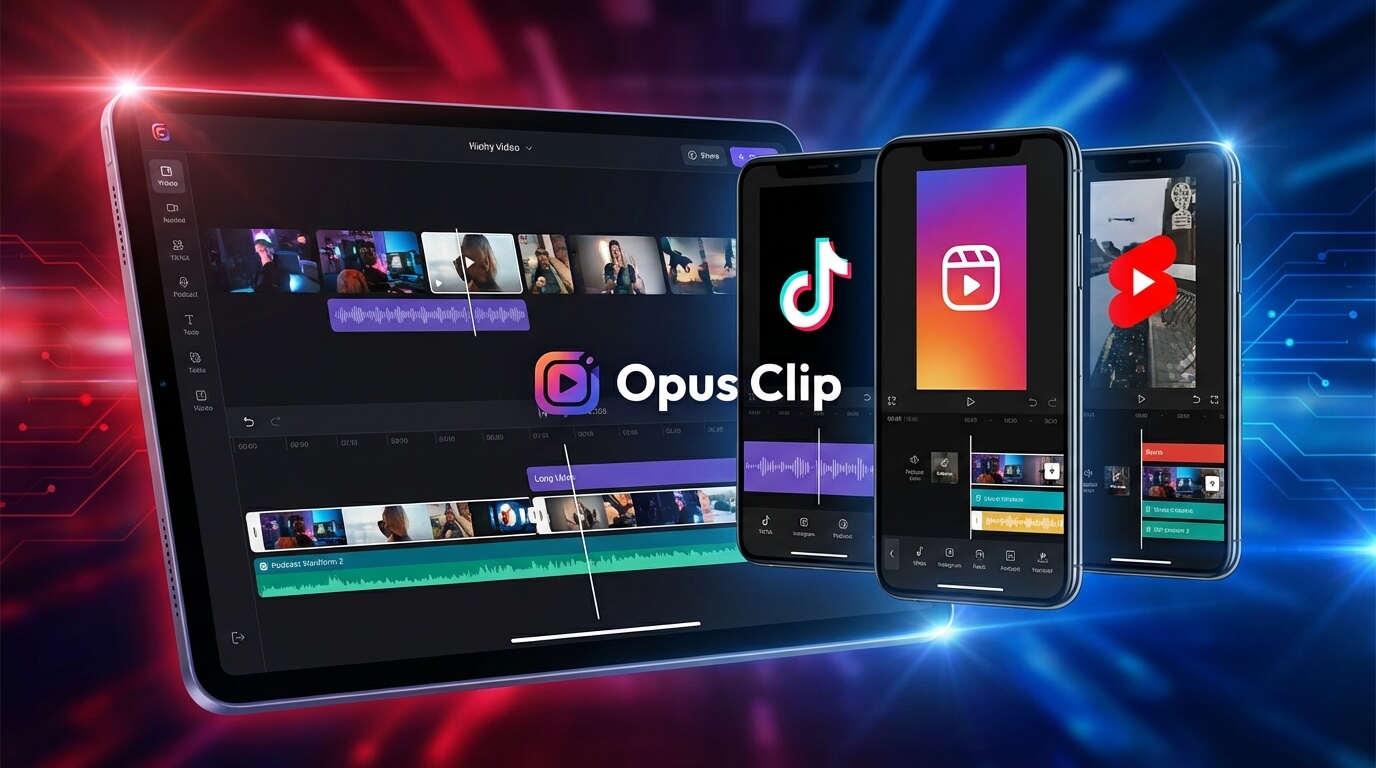
Opus Clip AI Video Repurposing
Opus Clip has revolutionized how content creators repurpose long-form video content into engaging short clips optimized for social media platforms. In 2026, as short-form video continues to dominate TikTok, Instagram Reels, and YouTube Shorts, Opus Clip addresses a critical challenge: efficiently extracting viral-worthy moments from longer videos without manual editing.
For podcasters, YouTubers, webinar hosts, and content marketers managing extensive video libraries, Opus Clip’s AI-powered automation transforms hours of manual clipping work into minutes of automated processing. This comprehensive review explores how Opus Clip works, its pricing structure, key features, and whether it deserves a place in your content workflow.
Key Features and Capabilities
Opus Clip leverages advanced artificial intelligence to automate the entire short-form content creation pipeline. Here’s what makes it a leading solution in 2026:
AI Clip Detection and Extraction
- 90%+ Accuracy Rate: Opus Clip’s AI analyzes long-form videos to identify the most engaging moments with over 90% accuracy, selecting segments most likely to perform well on social media
- Viral Score Prediction: Each generated clip receives a viral score indicating its potential engagement performance, helping you prioritize which clips to publish
- Contextual Understanding: The AI recognizes complete thoughts, sentences, and story arcs rather than making arbitrary cuts, ensuring clips make sense independently
- Highlight Detection: Automatically identifies key moments, punchlines, insights, and emotional peaks that resonate with audiences
Automatic Captioning and Transcription
- High Transcription Accuracy: Industry-leading speech-to-text technology converts spoken content into text with minimal errors
- Stylized Captions: Choose from multiple caption templates with different fonts, colors, and animations to match your brand aesthetic
- Keyword Highlighting: Automatically emphasizes important words for enhanced engagement and comprehension
- Timing Synchronization: Captions sync perfectly with speech for professional results
AI-Powered Video Resizing and Reformatting
- Multi-Format Support: Automatically reformat videos into 9:16 (vertical), 1:1 (square), and 16:9 (horizontal) aspect ratios
- AI Reframing: Intelligent cropping keeps subjects centered and in frame as they move, avoiding awkward cuts
- Platform Optimization: Output specifications match requirements for TikTok, Instagram Reels, YouTube Shorts, and other platforms
Enhanced Content Features
- AI B-Roll Generation: Automatically adds relevant supplementary footage to enhance visual interest
- Hook Generation: Creates attention-grabbing opening text to increase viewer retention
- Emoji Integration: Strategically places emojis to boost engagement in captions
- Brand Customization: Add logos, brand colors, and consistent styling across all clips
- Batch Processing: Process multiple long videos simultaneously for efficient workflow
Pricing Structure and Plans
Opus Clip offers a freemium pricing model designed to accommodate creators at various production scales:
Free Plan
The free tier includes:
- 60 credits per month (approximately 60 minutes of video processing)
- Access to core features including AI clipping, captions, and resizing
- Limited exports for testing the platform
- Watermarked outputs
Starter Plan – $15/Month
The entry-level paid plan provides:
- Increased monthly credits for higher video volume
- Watermark removal for professional outputs
- Priority processing for faster turnaround
- Access to all caption templates and styles
- HD video exports
Higher-Tier Plans
Additional plans scale pricing based on usage volume, offering:
- Unlimited or significantly increased processing credits
- Team collaboration features
- Advanced analytics and performance tracking
- API access for workflow integration
- Dedicated customer support
This pricing structure makes Opus Clip accessible for solo creators testing the platform while providing scalability for agencies and production teams managing multiple clients.
Primary Use Cases and Applications
Opus Clip excels in scenarios where long-form content needs efficient repurposing:
Podcast Repurposing
Transform hour-long podcast episodes into dozens of shareable clips highlighting the best moments, quotes, and insights. Increase podcast discoverability by distributing clips across multiple social platforms.
YouTube Content Atomization
Extract viral moments from long YouTube videos to create Shorts that drive traffic back to full-length content. Maximize content ROI by creating multiple assets from single recordings.
Webinar and Event Highlights
Convert webinars, virtual events, and conference sessions into promotional clips, key takeaway summaries, and social proof content for marketing campaigns.
Educational Content
Break down lengthy educational videos into bite-sized learning modules suitable for social media education and micro-learning strategies.
Interview and Q&A Content
Extract individual questions, answers, and compelling exchanges from long-form interview content for targeted social distribution.
Sales and Marketing
Repurpose product demonstrations, client testimonials, and thought leadership content into social media advertising and promotional materials.
Pros and Cons
Advantages
- Massive Time Savings: Automates hours of manual clipping, editing, and captioning work into minutes
- High Accuracy: AI clip selection performs remarkably well, identifying genuinely engaging moments
- Complete Automation: End-to-end workflow from upload to export requires minimal manual intervention
- Professional Outputs: Captions, formatting, and final clips look polished and platform-ready
- Viral Scoring: Predictive analytics help prioritize which clips to publish first
- Multi-Platform Optimization: Automatically formats content for different social media specifications
- Affordable Entry Point: Free tier and reasonable paid plans make it accessible
- Scalability: Process large video libraries efficiently
Limitations
- AI Judgment: Automated clip selection doesn’t always align with human creative judgment
- Context Dependency: Works best with talking-head content; may struggle with highly visual or action-oriented videos
- Learning Curve: Optimizing results requires understanding how to structure source content
- Credit System: Usage limits on lower-tier plans may not accommodate high-volume creators
- Customization Limits: Less granular control compared to manual editing in professional software
- Internet Dependent: Cloud-based processing requires stable internet and upload time for large files
- Variable Quality: Results vary based on source content quality and clarity
Who Should Use Opus Clip?
Opus Clip is particularly valuable for:
- Podcasters: Those producing regular long-form audio or video podcasts needing social promotion
- YouTubers: Content creators maximizing reach by repurposing long videos into Shorts
- Content Marketers: Marketing teams managing video content across multiple platforms
- Social Media Managers: Professionals responsible for consistent short-form video output
- Coaches and Educators: Instructors creating supplemental educational content from longer sessions
- Agencies: Creative agencies managing video content for multiple clients
- Event Organizers: Those repurposing recorded events, conferences, and webinars
Opus Clip is less suitable for creators primarily producing short-form content from scratch or those needing precise manual control over every editing decision.
How Opus Clip Compares to Manual Editing
Traditional video editing for social clips involves:
- Watching entire long-form videos to identify good moments
- Manually trimming clips in editing software
- Adding captions frame by frame
- Resizing and reformatting for different platforms
- Exporting multiple versions
This process can take 2-4 hours per long-form video. Opus Clip reduces this to 10-15 minutes of upload and review time, representing an 85-90% time reduction while maintaining quality comparable to manually-edited clips.
Getting Started with Opus Clip
To begin using Opus Clip:
- Sign Up: Create a free account on the Opus Clip website
- Upload Video: Import a long-form video (or provide a YouTube URL)
- Configure Settings: Choose target clip length, aspect ratio, and preferred caption style
- Process: Let the AI analyze and generate clips (processing time varies by video length)
- Review Clips: Evaluate generated clips and their viral scores
- Customize: Make minor adjustments to captions, timing, or formatting if needed
- Export: Download clips or publish directly to social platforms
For optimal results, ensure source videos have clear audio, consistent lighting, and engaging conversational content that translates well to shorter formats.
Comparison with Other Tools
Unlike editing-focused tools like Magisto which transform existing footage into polished videos, or generative tools like Genmo which create video from text, Opus Clip specializes in intelligent content extraction. Its closest competitors include Munch and Vizard, which offer similar repurposing capabilities but with different AI models and feature sets.
Conclusion
Opus Clip represents a game-changing solution for content creators drowning in long-form video but needing consistent short-form social media presence. By automating the tedious process of identifying, extracting, captioning, and formatting viral-worthy clips, it enables creators to maximize content ROI with minimal additional effort.
The platform particularly excels for podcasters, YouTubers, and marketers producing regular long-form content. While AI automation means sacrificing some creative control, the time savings and consistency of output make this trade-off worthwhile for most creators focused on efficiency and scale.
If your content strategy involves repurposing longer videos for TikTok, Instagram Reels, or YouTube Shorts—and you value your time—Opus Clip deserves serious consideration. Start with the free plan to experience how AI-powered repurposing can transform your content workflow and multiply your social media reach without multiplying your workload.







