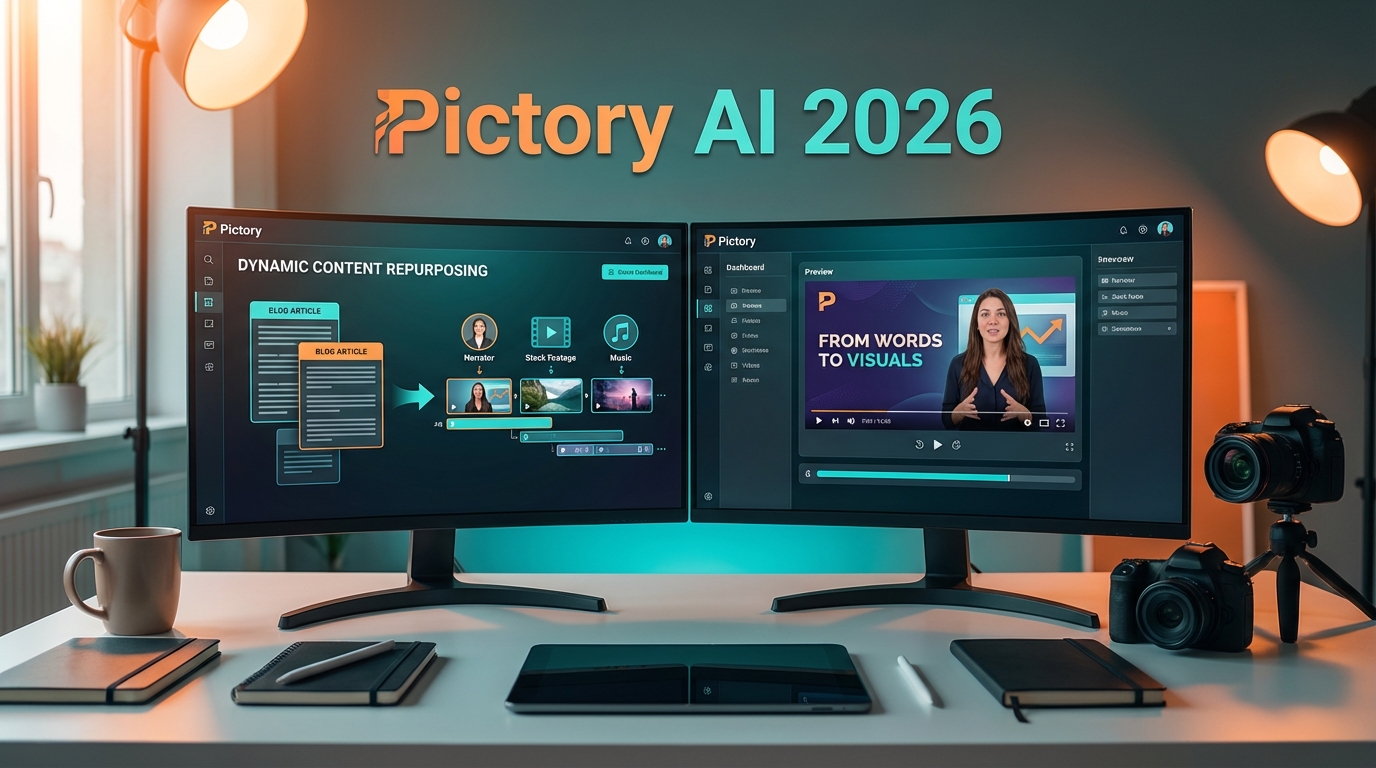
Video content dominates digital marketing in 2026, but creating engaging videos from scratch remains time-consuming and resource-intensive for many businesses. Pictory has emerged as a game-changing solution, offering an AI-powered platform that transforms written content, blog posts, and long-form videos into short, professional-looking clips designed for social media and marketing campaigns.
As a cloud-based tool requiring no software installation or prior video editing experience, Pictory democratizes video creation for marketers, social media managers, content creators, and small businesses. This comprehensive review examines Pictory’s capabilities, pricing structure, strengths, limitations, and ideal use cases as of 2026.
Key Features
Pictory’s feature set focuses on content repurposing and automation, making video creation accessible to non-technical users:
Script-to-Video Conversion
Transform any text script or article into a fully-produced video with relevant stock footage, background music, and AI-generated voiceover. The AI automatically selects visuals that match your content’s context and tone.
Blog Post to Video
Paste a blog URL or upload article text, and Pictory extracts key points to create a summary video perfect for social media promotion. This feature dramatically reduces the time needed to create video versions of written content.
Long Video Summarization
Upload lengthy video content, and Pictory’s AI identifies highlights to create short, shareable clips ideal for social platforms. This is particularly valuable for webinars, podcasts, and training videos that need to be repurposed.
Automatic Captioning
AI-powered transcription generates accurate captions with customizable styling, improving accessibility and engagement. Studies show that captioned videos perform significantly better on social media platforms.
Stock Media Library
Access millions of royalty-free images, video clips, and music tracks from integrated libraries including Storyblocks and Unsplash. The AI suggests relevant media based on your script content.
Brand Customization
Save brand colors, fonts, logos, and intro/outro templates for consistent visual identity across all video content. Team members can access shared brand assets to maintain consistency.
AI Voice-Over
Choose from natural-sounding AI voices in multiple languages and accents, or upload your own audio recording. Voice quality has improved dramatically in the 2026 update.
Scene-by-Scene Editing
Edit videos by modifying text transcripts—changes automatically sync to the video timeline. This text-based editing approach is intuitive for those without video editing experience.
Pricing Plans
Pictory offers three pricing tiers designed for different usage levels:
Starter Plan – $25/month
- 30 videos per month (up to 10 minutes each)
- Basic AI voiceovers
- Access to stock media library
- Automatic captions
- Standard video quality (720p)
- Pictory watermark on videos
- 10 GB cloud storage
Professional Plan – $49/month
- 60 videos per month (up to 20 minutes each)
- Premium AI voiceovers with more voice options
- Remove Pictory watermark
- 1080p video quality
- Brand customization features
- Priority rendering
- 100 GB cloud storage
- Collaboration for up to 3 users
Team Plan – $119/month
- Unlimited videos (up to 30 minutes each)
- All premium voiceovers
- 4K video quality option
- Advanced brand kit with multiple templates
- API access for integrations
- 500 GB cloud storage
- Collaboration for up to 10 users
- Priority support
Annual subscriptions receive approximately 15% discount. A free trial with limited features is available for testing the platform.
Pros & Cons
Pros
- Extremely user-friendly: No video editing experience required, intuitive interface
- Time-saving automation: Create videos in minutes from existing content
- Content repurposing powerhouse: Maximize ROI from blog posts and long videos
- Cloud-based accessibility: Work from anywhere without heavy software installation
- Affordable pricing: Competitive rates compared to traditional video production costs
- Excellent for social media: Output formats optimized for various platforms
- Automatic captions: Improves engagement and accessibility effortlessly
- Large stock media library: Millions of royalty-free assets included
Cons
- Template-based output: Videos can look similar to other Pictory-created content
- Limited creative control: Not suitable for highly customized, artistic video projects
- AI voice limitations: While improved, AI voices still lack human emotional nuance
- Internet dependency: Requires stable connection for cloud-based editing
- Video length restrictions: Lower tiers limit maximum video duration
- Learning curve for advanced features: Some features require experimentation to master
- Watermark on starter plan: Limits professional use at entry level
Use Cases
Pictory excels in specific scenarios where speed and content repurposing matter most:
Social Media Marketing
Marketing teams use Pictory to create engaging social media videos from blog content, ensuring consistent presence across platforms without dedicated video production resources.
Content Marketing Amplification
Bloggers and content creators transform written articles into video format, reaching audiences who prefer video content and improving SEO through multimedia content.
Internal Communications
HR teams and managers convert policy documents, announcements, and training materials into digestible video summaries that employees can watch on-demand.
Educational Content
Educators and online course creators repurpose lecture notes and articles into video lessons, making educational content more engaging and accessible.
Webinar and Podcast Promotion
Event organizers extract highlight clips from long-form content to promote upcoming events or share key takeaways on social media.
Product Marketing
E-commerce businesses create product explainer videos from product descriptions and specifications, improving conversion rates without expensive video production.
Conclusion
Pictory positions itself as the ideal solution for marketers, content creators, and businesses that need to produce video content quickly and efficiently without deep video editing expertise. Its strength lies in automation and content repurposing—transforming existing text and video assets into social-media-ready clips that drive engagement.
For teams producing regular blog content or managing social media accounts, Pictory delivers exceptional value. The ability to create dozens of videos monthly from existing content maximizes content ROI and maintains consistent social media presence without overwhelming resources.
However, creative professionals seeking highly customized, artistic video production will find Pictory’s template-based approach limiting. The platform prioritizes speed and accessibility over granular creative control, which is appropriate for its target audience but may not satisfy advanced video editors.
The Professional plan at $49/month represents the sweet spot for most businesses, offering watermark removal, 1080p quality, and brand customization features that enable professional-looking output. The Starter plan works for testing and light usage, while the Team plan suits agencies and larger marketing departments with high-volume needs.
In the crowded AI video tool market of 2026, Pictory stands out by focusing on what it does best: making video creation accessible, fast, and purpose-built for content repurposing and social media marketing. If your goal is to transform written content into engaging videos without hiring video editors or learning complex software, Pictory delivers on its promise.







