Why Vidnoz AI Is Changing How Teams Create Video Content
So you need to create videos. Lots of them. Maybe it’s training content for your team, marketing videos for social media, or product demos for your website. And you’re looking at traditional video production thinking, “There has to be a better way.”
That’s exactly where Vidnoz AI comes in.
This platform takes a completely different approach to video creation. Instead of filming, editing, and wrestling with complex software, you basically type what you want to say, pick an AI avatar, and boom — you’ve got a professional-looking video. No camera. No studio. No video editing expertise required.
But here’s the question everyone asks: Is it actually good enough to use for real business content? Let’s dig in.
What Makes Vidnoz AI Different
Vidnoz isn’t trying to replace Hollywood productions. It’s built for a specific use case: creating talking-head videos at scale. Think explainer videos, training modules, product announcements, or social media content where someone needs to explain something directly to camera.
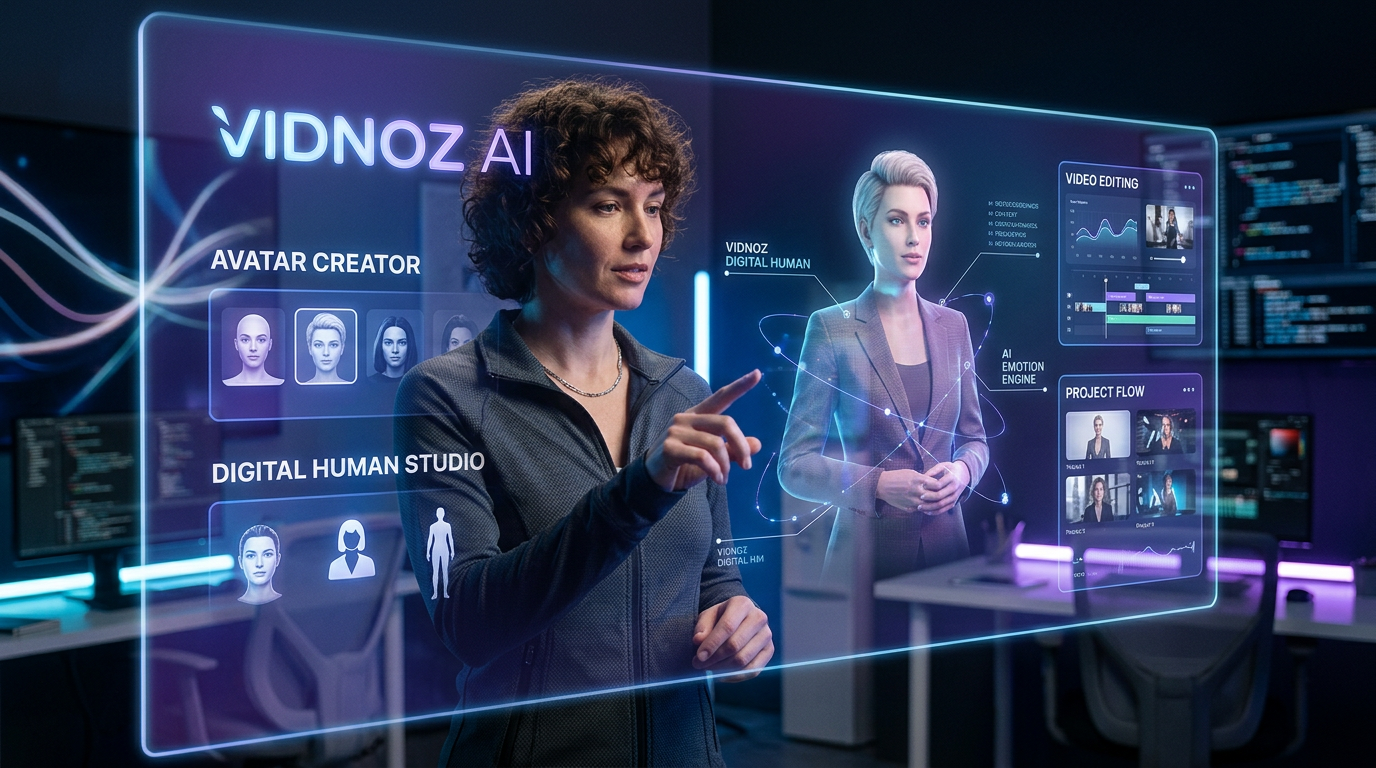
The magic happens through AI avatars. You pick from over 1,900 realistic-looking digital presenters, type your script, and the AI generates a video where that avatar delivers your message with natural lip-sync and gestures. The technology behind it is genuinely impressive — these aren’t creepy deepfakes or obviously robotic animations. They look and sound like real people.
What really sets Vidnoz apart is how it handles the entire workflow. You’re not just getting avatar generation. You get video templates, a built-in editor, access to stock footage from Getty Images, background music, subtitles, and even translation tools. Everything you need is right there in one platform.
The Features That Actually Matter
Let’s talk about what you can actually do with Vidnoz, because the feature list is extensive.
AI Avatar Options
The platform offers several types of avatars, and understanding the difference matters. Standard AI avatars are pre-made digital presenters you can use right away. There are hundreds of them across different ages, ethnicities, and professional styles.
Then you’ve got Expressive Avatars, which are way more advanced. These don’t just move their lips — they use natural gestures, facial expressions, and body language that actually matches the emotion and tone of what they’re saying. If your script is enthusiastic, they look enthusiastic. If it’s serious, they look serious. It’s pretty remarkable.
Motion Avatars let you upload a photo and bring it to life. Your company founder, your product manager, anyone — you can create an avatar from a single image. The AI adds facial expressions and movements to make it look like a real video.
And if you want to go all-in, there’s Avatar Pro. This creates a high-resolution digital twin of an actual person. It requires a proper setup (good lighting, multiple recordings), but the result is essentially a digital version of yourself that can present any script you write. Some companies use this for CEOs or executives who need to be in lots of videos but don’t have time to record them all.
Voice and Language Support
Vidnoz supports over 2,680 voices across 890 languages (on the free plan) and expands to even more on paid plans. That’s not just quantity — the quality is solid. These are AI-generated voices that sound natural, not robotic.
You can also clone your own voice (on Business plan and up). Record a sample, and the AI learns how to recreate your voice for any script. Combined with a custom avatar, you can essentially create infinite videos without ever being on camera again.
The emotional voice feature is worth mentioning too. You can adjust the tone — happy, sad, excited, serious — and the AI modifies the delivery accordingly. It’s a small detail that makes a big difference in how professional your videos feel.
Video Creation Workflow
There are multiple ways to create videos in Vidnoz, depending on your needs:
Text-to-Video: Just paste your script, and the AI generates a complete video with scenes, transitions, and an avatar presenter. It’s the fastest option.
Template-Based: Choose from 3,400+ pre-made templates for specific use cases (product demos, social posts, tutorials, etc.). Swap out the text and images, and you’re done.
PPT/PDF Import: Upload a presentation or document, and Vidnoz converts it into a video. Each slide becomes a scene with your chosen avatar explaining the content.
Full Editor Mode: Build videos from scratch with complete control over scenes, timing, overlays, transitions, and everything else. This gives you more flexibility when templates aren’t quite right.
Collaboration and Team Features
The Business and Enterprise plans include team collaboration tools. Multiple people can work in the same workspace, share projects, leave time-stamped comments, and manage roles and permissions. For companies creating lots of training or marketing content, this is essential.
You also get brand kits, which let you save logos, colors, and fonts so everything stays consistent across all your videos. And you can create custom video templates your whole team can use, which is great for maintaining quality standards.
Vidnoz Pricing Breakdown
Alright, let’s talk money. Vidnoz uses a credit-based system where video creation consumes credits based on duration and features used.
Free Plan
You get 30 credits per day (equals about 60 seconds of video), which resets daily. Videos export at 720p with a Vidnoz watermark. You have access to 1,800+ avatars, 3,400+ templates, and 890 voices. Maximum video length is 3 minutes.
This is genuinely usable for testing the platform or creating occasional short videos. The daily credit reset means you can keep using it without paying, though you’re limited in what you can produce.
Starter Plan – $19.99/month (billed annually)
This gives you 450 credits per month plus 90 free daily credits. Videos export at 1080p with no watermark. You get access to more avatars (1,900+) and voices (2,680+), and videos can be up to 60 minutes long.
You also unlock expressive avatars (up to 15 minutes worth), 100 motion avatars per month, 100 photo avatars per day, and emotional voices. The video processing is faster too.
Monthly price is $26.99, but the annual plan saves you 25% on the first month.
Business Plan – $56.99/month (billed annually)
This is where things get serious. You get 900 credits per month plus unlimited motion and photo avatars. You can clone one voice, translate videos into 135+ languages, and access full brand kit features.
You also get team collaboration tools, SAML/SSO login, video analytics, the ability to embed videos on your website, and branded video pages. These features matter if you’re creating videos at scale or need multiple team members involved.
Monthly price is $74.99 without the annual discount.
Enterprise Plan – Custom Pricing
For large organizations, the Enterprise plan includes everything in Business plus custom credit amounts, Avatar Pro creation, dedicated account manager, paired solution engineer, customized solutions, and access to the Vidnoz API.
You’ll need to contact sales for pricing, but this is built for companies producing hundreds of videos monthly.
Understanding Credit Usage
Here’s how credits work:
- Standard video generation: 0.5 credits per second (minimum 1 credit)
- Expressive avatars: 2 credits per second
- Motion avatars: 10 credits per generation
- Photo avatars: 2 credits per generation
- AI image generation: 2 credits per image
So if you’re creating a 2-minute standard video, that’s 60 credits. A 2-minute expressive avatar video would be 240 credits. Plan accordingly.
Real-World Use Cases
Vidnoz shines in specific scenarios. Here’s where it actually makes sense:
Training and Onboarding
Companies use Vidnoz to create training modules at scale. Instead of recording the same training video over and over when content updates, you just edit the script and regenerate. One medical university mentioned they use it to create virtual patient scenarios for communication training — way faster than filming actors.
Marketing and Social Media
Product announcements, feature explainers, social media posts — Vidnoz makes it easy to create consistent branded content. You can translate the same video into multiple languages for different markets without re-recording anything.
Internal Communications
Some companies use Vidnoz for CEO updates, department announcements, or policy explanations. Instead of writing long emails nobody reads, you create a short video with an avatar delivering the message. The video analytics tell you who actually watched it.
E-Learning Content
Educational platforms and course creators use Vidnoz to produce lesson videos quickly. The SCORM export feature lets you integrate directly with learning management systems. You can create an entire course worth of videos in the time it would take to film one traditional module.
What It Does Really Well
Speed is the obvious winner. You can create a professional-looking video in literally minutes. Write the script, pick an avatar, generate. Done. For teams that need to produce lots of similar content, this is a game-changer.
The quality of avatars is legitimately impressive. Yes, you can tell they’re AI-generated if you look closely, but they’re convincing enough that most viewers won’t question it. The expressive avatars in particular are surprisingly natural.
Translation is another huge strength. The one-click video translation feature actually works well. It doesn’t just translate the text — it maintains lip-sync in the target language. That’s incredibly valuable for global companies.
The platform is genuinely easy to use. Even if you’ve never edited a video before, you can figure out Vidnoz. The interface is intuitive, templates are helpful, and the learning curve is minimal.
The Limitations You Should Know About
Let’s be honest about what Vidnoz can’t do.
It’s not designed for creative storytelling or emotional content. These are professional explainer videos, not compelling narratives. If you need something with real emotional depth or artistic vision, you still need human creators.
The avatars, while impressive, still fall into the uncanny valley occasionally. Certain expressions or rapid movements can look slightly off. Most viewers won’t notice or care, but perfectionists might struggle with this.
Credit consumption can add up quickly if you’re creating long videos or using expressive avatars frequently. You need to plan your usage carefully, especially on lower-tier plans.
Customization has limits. You can’t completely customize avatar appearance beyond choosing from available options (unless you go for Avatar Pro). You’re working within the platform’s ecosystem.
And honestly, AI-generated video content still carries some stigma in certain industries or audiences. Some viewers prefer seeing real humans, especially for sensitive topics or personal messages.
How It Compares to Alternatives
Vidnoz sits in a crowded market alongside tools like Synthesia, HeyGen, and Elai. What makes it stand out?
The pricing is more accessible than Synthesia, especially at the entry level. The free plan is genuinely usable, and the Starter plan at $19.99/month is reasonable for small teams or individuals.
The avatar variety is impressive — 1,900+ options gives you lots of choices for different demographics and styles. Some competitors have fewer pre-made avatars.
The template library (3,400+) is more extensive than most alternatives. If you’re not a designer, having this many starting points helps tremendously.
Integration features like SCORM export, video translation, and team collaboration are robust. Some simpler tools focus only on avatar video generation without these business-critical features.
However, Synthesia arguably has slightly more natural-looking premium avatars, and HeyGen’s video personalization features are stronger for sales use cases. It depends on your specific needs.
Who Should Actually Use Vidnoz
This tool makes sense if you need to:
- Create lots of explainer or training videos regularly
- Produce content in multiple languages
- Scale video production without scaling your team
- Create consistent branded content across departments
- Generate videos quickly for time-sensitive announcements
It’s particularly valuable for L&D teams, marketing departments in B2B companies, e-learning platforms, HR teams, and anyone doing product education at scale.
It’s probably not the right fit if you need highly creative content, emotionally resonant storytelling, or if your audience specifically values seeing real humans on camera.
Final Verdict
Vidnoz AI is a seriously capable platform for creating AI avatar videos at scale. It’s not perfect — no AI video tool is — but it solves a real problem for teams that need to produce lots of professional explainer content without the time and cost of traditional video production.
The technology has reached the point where the output is good enough for most business use cases. The avatars look professional, the voices sound natural, and the workflow is efficient. For training, marketing, and internal communications, this is a legitimate solution.
The pricing is reasonable, especially compared to the cost of hiring videographers or the time investment of DIY video creation. The free plan lets you test thoroughly before committing.
If you’re currently spending hours recording and editing videos, or avoiding video content altogether because it seems too hard, Vidnoz is worth trying. It’s not going to win any film festivals, but it’ll help you communicate more effectively with way less effort.
And in 2026, that’s exactly what most businesses actually need.







