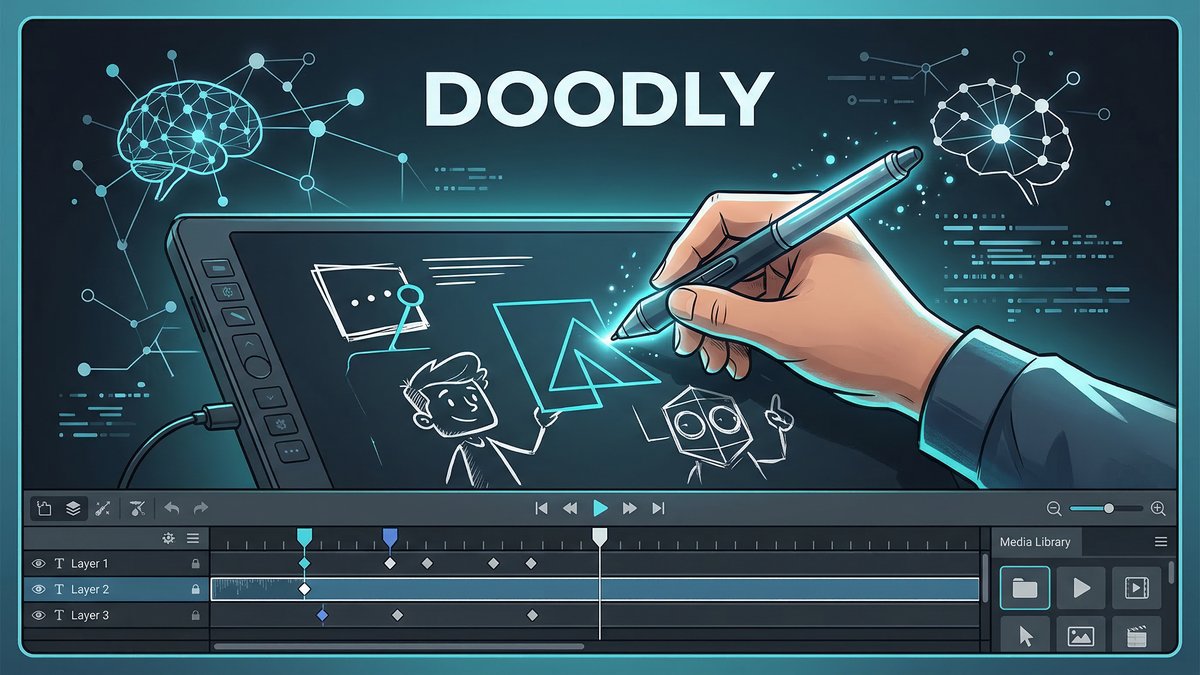
When it comes to Doodly Deep Dive pricing, whiteboard animation videos have become one of the most engaging content formats in digital marketing, education, and business communication. But creating them traditionally required either expensive freelancers or complex animation software. EnterDoodly—a desktop-based whiteboard animation software that promises professional results without the professional price tag or steep learning curve.
In this comprehensive review, we’ll dive deep into Doodly’s features, pricing, real-world performance, and whether it’s worth your investment in 2026.
What is Doodly?
Doodly is a drag-and-drop whiteboard animation software developed by Voomly that allows users to create professional doodle sketch videos without any design or technical skills. Unlike browser-based tools, Doodly is a desktop application available for both Windows and Mac, offering offline editing capabilities once installed.
The software specializes in creating hand-drawn animation videos across four distinct board styles: whiteboard, blackboard, glassboard, and greenboard. With over 75,000 active users in its private Facebook community and backing from a reputable company, Doodly has established itself as a leading solution in the whiteboard animation space.
Core Features Deep-Dive
1. Smart Draw Custom Path Technology
Doodly’s patent-pending Smart Draw feature is its biggest differentiator in the market. You can import any custom image and create a point-by-point drawing path around it. The software then animates that image as though it were being sketched by hand, blending it naturally with the native asset library. This level of custom path control is unmatched in this price range.
2. Extensive Hand-Drawn Asset Library
Every image inside Doodly has been custom-drawn by the in-house design team. The Standard plan includes over 1,164 character images and 1,620 prop images. Enterprise users unlock over 3,900 characters and 3,300 props, along with additional fonts and templates. This eliminates the need to source external graphics or hire designers.
3. Multiple Board Styles
Choose from four different animation board styles to match your content theme:
- Whiteboard: Classic clean background perfect for educational content
- Blackboard: Ideal for academic or nostalgic presentations
- Glassboard: Modern, sleek look for corporate videos
- Greenboard: Unique option for variety and differentiation
4. Built-in Voiceover and Audio Tools
Record your voiceover directly inside the application and sync it to your visuals with a single click. You can also upload pre-recorded audio or use tracks from the royalty-free music library. The library includes 150+ tracks on the Standard plan and 250+ on the Enterprise plan, covering a wide range of genres. This is why Doodly Deep Dive pricing stands out in the market.
5. 15 Different Hand Styles
One of the most important elements of whiteboard animation videos is the drawing hand. Doodly offers 15 hand styles including male and female hands in different ethnicities, colors, and sizes. You can choose between right-handed and left-handed styles, and even select different pen and marker styles for added customization.
6. HD Video Export with Flexible Output
Export finished videos in resolutions from 480p to full 1080p HD. File format options include MP4, MKV, OGG, and WebM. Frame rate options range from 24 FPS to 60 FPS, and quality settings span from low to maximum. This flexibility ensures your content looks polished on any platform or device.
7. Offline Desktop Editing
Unlike many cloud-based competitors, Doodly runs as a desktop application. Once installed, you can work on projects without an active internet connection (though an internet connection is required for initial installation and occasional updates). This makes it ideal for users with unreliable internet or those who prefer offline workflows.
Doodly Pricing Breakdown 2026
Doodly offers two main pricing tiers, both available as monthly or annual subscriptions:
| Plan | Monthly Price | Annual Price | Key Features |
|---|---|---|---|
| Standard | $49/month | $490/year ($40.83/mo) | 1,164 characters, 1,620 props, 150 music tracks, unlimited videos |
| Enterprise | $79/month | $790/year ($65.83/mo) | 3,959 characters, 3,341 props, 250 music tracks, Doodly Club access |
Note: All plans come with a 30-day money-back guarantee and allow installation on multiple computers. Through Voomly Cloud, subscribers also get access to Standard or Enterprise versions of Toonly, Talkia, People Builder, and other tools at no extra cost.
Pros and Cons Based on Real User Reviews
✅ Pros:
- Incredibly easy to use: Drag-and-drop interface requires zero technical skills
- Unique custom drawing paths: Smart Draw technology unmatched by competitors
- Offline editing capability: Work without internet connection
- Unlimited video creation: No caps on number of videos produced
- Multi-computer installation: Use on multiple devices with one license
- High-quality output: Export up to 1080p HD with 60 FPS
- 30-day money-back guarantee: Risk-free trial period
- Large support community: 75,000+ members in Facebook group
❌ Cons:
- No free trial: Must purchase to test (though money-back guarantee mitigates risk)
- Requires internet for installation: Can’t work completely offline initially
- No web version: Must download and install desktop software
- Limited animation movement: Characters lack complex motion capabilities
- Text drawing paths lack precision: Custom text animation can be finicky
- Relatively expensive: More costly than some cloud-based alternatives
Competitor Comparison: How Does Doodly Stack Up?
| Feature | Doodly | VideoScribe | Vyond |
|---|---|---|---|
| Starting Price | $49/month | $35/month | $99/month |
| Custom Draw Paths | ✅ Yes (Smart Draw) | ❌ No | ❌ No |
| Offline Editing | ✅ Yes | ✅ Yes | ❌ Cloud only |
| Asset Library Size | 3,900+ (Enterprise) | 10,000+ largest | 40,000+ |
| Character Animation | ❌ Limited | ❌ Limited | ✅ Advanced |
Verdict: Doodly wins on custom draw paths and offline editing. VideoScribe offers the largest hand-drawn asset library at a lower price. Vyond provides superior character animation but costs more and requires cloud access.
Use Case Scenarios: When to Use Doodly
Scenario 1: Marketing Explainer Video
Goal:Create a 2-minute product explainer for a SaaS landing page.
Process: Import company logo using Smart Draw → Select professional male character → Add product screenshots as props → Record voiceover explaining features → Add royalty-free background music → Export in 1080p.
Time Required: 30-45 minutes for first attempt, 15-20 minutes with practice.
Scenario 2: Educational Lesson Video
Goal: Create engaging math lesson for middle school students.
Process: Use blackboard style → Drag mathematical symbols and diagrams → Animate step-by-step problem solving → Add teacher character for engagement → Include pauses for student thinking time.
Time Required: 45-60 minutes including planning.
Scenario 3: Internal Training Module
Goal: Onboard new employees with company policy overview.
Process:Glassboard style for professional look → Import company branding → Create custom characters matching diverse workforce → Add professional voiceover → Include call-to-action at end. This is why Doodly Deep Dive pricing stands out in the market.
Time Required: 1-2 hours for polished result.
Expert Tips for Maximizing Doodly
- Plan your script first: Write and time your voiceover before building scenes to ensure proper pacing.
- Use Smart Draw strategically: Import your logo, product images, or custom graphics and let Doodly animate them for unique branding.
- Mix board styles: Don’t limit yourself to one board type—switching styles between scenes can maintain viewer interest.
- Leverage the Facebook community: Join the 75K+ member group to access user-created assets, tips, and troubleshooting help.
- Batch your projects: Since Doodly allows unlimited videos, create multiple projects in one sitting to maximize efficiency.
Final Verdict: Is Doodly Worth It in 2026?
Rating: ⭐⭐⭐⭐ (4/5 Stars)
Doodly excels at what it’s designed to do: create professional whiteboard animation videos quickly and easily. Its Smart Draw custom path technology is genuinely unique, and the offline editing capability sets it apart from cloud-based competitors.
Who should buy Doodly:
- Marketers needing high-converting explainer videos
- Educators creating engaging lesson content
- Business owners producing training materials
- Content creators who value offline editing
- Anyone wanting professional results without hiring freelancers
Who should skip it: For more insights, see our Best AI Video Tools for Product Demos in 2026: Showcase, Convert & Sell More.
- Users needing advanced character animation with multiple actions
- Those on extremely tight budgets (VideoScribe is cheaper)
- Creators requiring web-based collaboration features
- Users wanting AI-powered video generation (consider Synthesia or Pictory instead)
Bottom line: Doodly delivers excellent value for its price point, especially if you need to create multiple whiteboard videos regularly. The 30-day money-back guarantee makes it low-risk to try. If whiteboard animation fits your content strategy, Doodly is one of the best tools available in 2026.







