InVideo AI vs Fliki (2026): Which AI Video Generator Is Actually Worth Paying For?
The AI video generation landscape in 2026 is crowded with powerful tools, but two platforms consistently dominate creator conversations: InVideo AI and Fliki.
Both promise to turn text into polished videos in minutes, but they approach the process in very different ways.
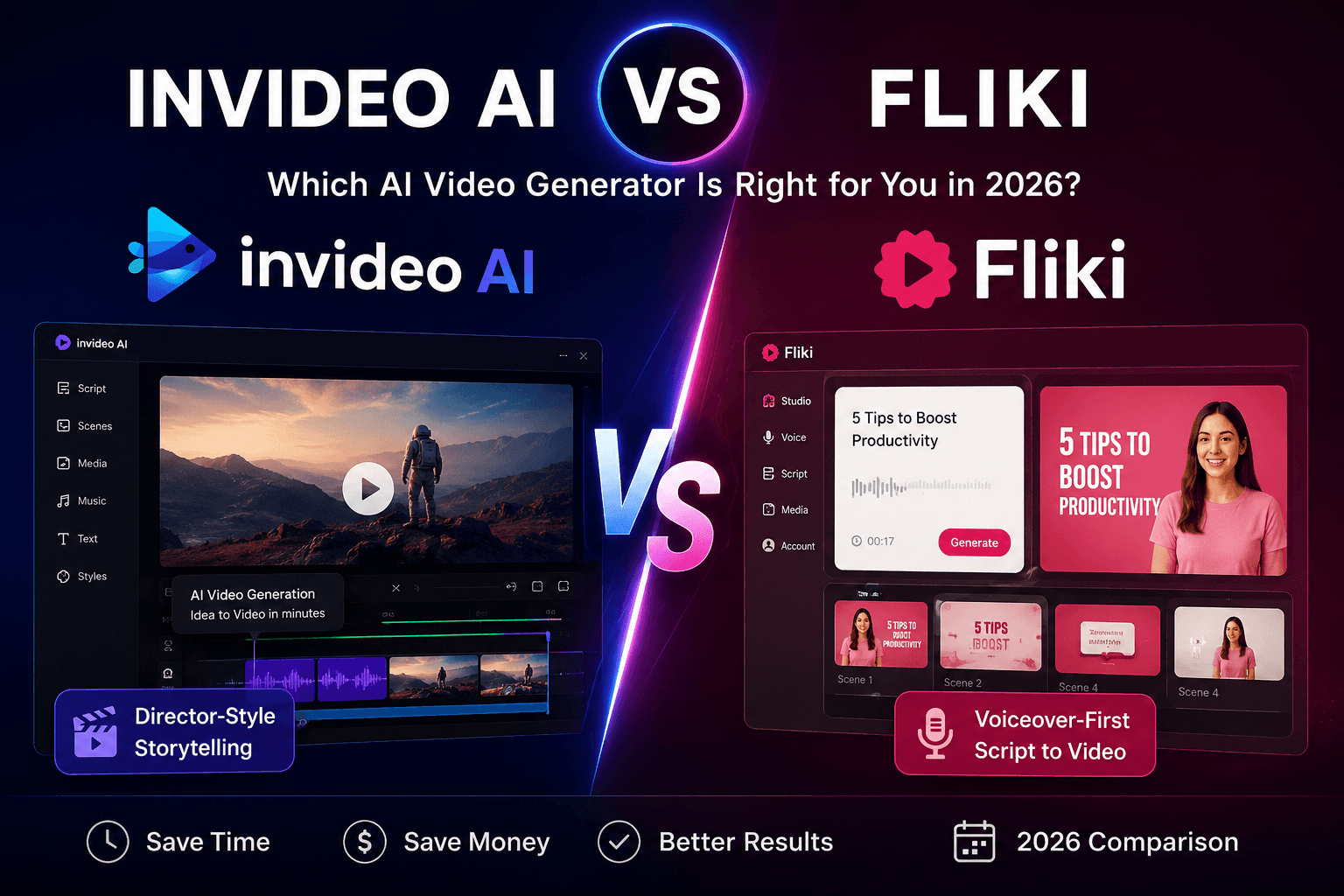
InVideo AI positions itself as a more cinematic, “director-style” platform geared toward storytelling, YouTube content, and longer-form productions. Fliki built its reputation around fast script-to-video workflows and ultra-realistic AI voiceovers designed for high-volume social media creation.
So which one actually delivers the better value in 2026 If you want to understand the broader pricing landscape first, check our AI Video Pricing 2026 guide before diving into this comparison.?
This comparison breaks down pricing, features, workflows, strengths, weaknesses, and real-world use cases to help you decide which platform deserves your budget.
At a Glance: InVideo AI vs Fliki
| Feature | InVideo AI | Fliki |
|---|---|---|
| Platform Style | Idea-to-video creative workflow | Script-to-video voiceover workflow |
| Best For | Long-form storytelling, YouTube videos | Shorts, Reels, TikToks, social batching |
| Launch Year | 2017 (AI expansion 2023+) | 2021 |
| Max Resolution | Up to 4K (model dependent) | 1080p Full HD |
| Max Video Length | Up to 30 minutes (depending on workflow) | 15 min Standard / 40 min Premium |
| AI Voices | Human-like AI voices + cloning | 2000+ voices with strong multilingual support |
| Stock Library | 16M+ stock assets | Millions of stock assets |
| Automation Tools | Collaboration-focused | Zapier, Make.com, direct publishing |
| Free Plan | Limited trial access | Yes |
| Entry Pricing | Around $17–20/mo annually | Free tier available |
| Mid-Tier Pricing | Around $85–100/mo annually | Around $21/mo annually |
| High-End Pricing | Enterprise-level scaling available | Around $66/mo Premium |
Pricing Breakdown: InVideo AI vs Fliki
InVideo AI Pricing (2026)
InVideo uses a credit-based system where different AI generation models consume different amounts of credits depending on complexity and output type.
Public pricing currently falls roughly into these ranges:
Plus Plan
- Around $17–20/month annually
- Entry-level AI generation access
- Watermark-free exports
- Limited AI avatar access
- Moderate storage limits
Max Plan
- Around $85–100/month annually
- Increased credit allocation
- More AI avatars
- Higher concurrency and storage
- Better suited for serious creators
Higher-End / Enterprise Plans
- Scaled credits and storage
- Advanced collaboration
- Enterprise production workflows
- Custom generation capacity
One of InVideo’s biggest selling points is access to multiple integrated AI generation models. Publicly listed workflows and integrations have included tools associated with Veo, Kling, and Sora-family video generation depending on plan availability and rollout status.
That said, available models and access levels may vary over time.
Important Pricing Note
InVideo’s system can feel more complex than traditional subscriptions because:
- Different models consume different credits
- Premium generations cost more
- Credits typically do not roll over monthly
For heavy creators, this matters.
Fliki Pricing (2026)
Fliki uses a duration-based system where credits are tied more directly to generated audio and video length.
Free Plan
- Limited free credits
- Watermarked exports
- Basic voice access
- Great for testing workflows
Standard Plan
- Around $21/month annually
- 1080p exports
- Commercial rights
- Voice cloning access
- Up to 15-minute exports
Premium Plan
- Around $66/month annually
- Expanded monthly generation capacity
- 2000+ AI voices
- Additional voice clones
- Priority rendering/support
- Up to 40-minute exports
Enterprise
- API access
- Team workflows
- Custom usage limits
- Dedicated support
Important Pricing Note
Fliki charges based on generated duration, meaning:
- Longer videos consume more credits
- Regenerating voiceovers may use additional credits
- Batch creators need to monitor monthly usage carefully
Feature-by-Feature Comparison
1. Workflow and Content Creation
InVideo AI
InVideo uses an “idea-to-video” workflow.
You provide:
- A topic
- A concept
- Or a simple prompt
The platform then attempts to generate:
- Script
- Scenes
- Visuals
- Voiceover
- Music
- Captions
The editing system leans heavily into text-based commands instead of traditional timeline editing.
This works especially well for:
- Faceless YouTube channels
- Explainer videos
- Documentary-style content
- Longer storytelling formats
Fliki
Fliki approaches video creation more like editing a document.
You:
- Paste a script
- Import a blog post
- Add narration
- Generate visuals automatically
The workflow is extremely fast and optimized for:
- Shorts
- Reels
- TikToks
- Motivational clips
- Repurposed blog content
Verdict
- InVideo wins for creative storytelling and longer-form production
- Fliki wins for speed and content batching
2. AI Voice Quality
InVideo AI
InVideo offers strong AI voice support and voice cloning across higher plans.
The voices sound natural and work well for:
- Narration
- Educational content
- Faceless YouTube videos
But voice generation is not necessarily the platform’s core differentiator.
Fliki
Fliki’s reputation was built around AI voiceovers.
The platform offers:
- 2000+ voices
- Strong multilingual support
- Multiple accents and dialects
- Expressive AI voice options
- Voice cloning features
If voice quality is your highest priority, Fliki remains one of the strongest tools in this category.
Verdict
Fliki clearly leads in voiceover quality and variety.
3. Stock Media Library
InVideo AI
InVideo offers access to a massive stock library reportedly exceeding 16 million assets through providers like iStock and Storyblocks.
This matters for:
- Long-form videos
- Documentary visuals
- Scene variety
- Viewer retention
Fliki
Fliki also includes a large stock library with:
- Video clips
- Images
- Music
- Stickers
- Social-friendly visuals
The overall style tends to lean more toward polished social content rather than cinematic storytelling.
Verdict
InVideo has the edge for longer-form visual storytelling.
4. AI Model Ecosystem
InVideo AI
One of InVideo’s biggest strengths is its broader AI ecosystem.
The platform publicly advertises workflows and integrations tied to multiple leading AI generation systems, including models associated with:
- Veo
- Kling
- Sora-family video generation
- AI music tools
- Image generation systems
This makes InVideo appealing for creators who want access to evolving AI capabilities under one platform.
Fliki
Fliki focuses more narrowly on:
- Voice AI
- Script-to-video automation
- Fast publishing workflows
Its ecosystem is simpler but also easier for beginners.
Verdict
InVideo wins for broader generative AI capabilities.
5. Resolution and Export Limits
InVideo AI
- Supports up to 4K depending on workflow/model
- Longer-form exports
- Watermark-free exports on paid plans
Fliki
- 720p on free plans
- 1080p on paid plans
- 15-minute export limit on Standard
- 40-minute export limit on Premium
Verdict
InVideo wins for creators needing higher-resolution or longer-form output.
6. Automation and Integrations
InVideo AI
InVideo focuses more on:
- Creative production
- Team collaboration
- AI-assisted editing workflows
Fliki
Fliki emphasizes:
- Automation
- Repeatable workflows
- Direct publishing
- Make.com integration
- Zapier integration
This makes it attractive for high-volume content marketers.
Verdict
Fliki wins for automation-heavy workflows.
7. Ease of Use
InVideo AI
InVideo can produce impressive results, but there is a learning curve.
Better outputs usually require:
- Strong prompting
- Clear direction
- Workflow experimentation
Fliki
Fliki is much easier for beginners.
The workflow feels familiar:
- Paste script
- Pick voice
- Generate video
Minimal friction.
Verdict
Fliki is easier for beginners and faster to learn.
Pros and Cons
InVideo AI
Pros
- Strong long-form storytelling workflow
- Access to multiple AI generation ecosystems
- Large stock media library
- Up to 4K exports
- Great for faceless YouTube channels
- Flexible creative control
Cons
- Higher pricing for serious usage
- Credit system can feel confusing
- Credits typically do not roll over
- Steeper learning curve
- Can feel excessive for simple social clips
Fliki
Pros
- Excellent AI voice quality
- Beginner-friendly workflow
- Fast social content production
- Lower entry pricing
- Strong automation integrations
- Great for repurposing blogs into videos
Cons
- 1080p export ceiling
- Less cinematic flexibility
- Shorter export limits on lower plans
- Can produce repetitive “slideshow-style” visuals
- Regeneration can consume additional credits
Which Tool Should You Choose?
Choose InVideo AI if you:
- Create long-form YouTube videos
- Produce documentaries or explainers
- Want cinematic storytelling workflows
- Need higher-resolution exports
- Care about advanced AI generation tools
- Want more creative flexibility
Choose Fliki if you:
- Create Shorts, Reels, or TikToks
- Prioritize voiceover quality
- Need fast batch production
- Repurpose blogs into video
- Want beginner-friendly workflows
- Prefer lower monthly costs
Final Verdict: InVideo AI vs Fliki
There is no universal winner because these tools solve different problems.
InVideo AI is better suited for creators building ambitious storytelling channels and longer-form content workflows. Its broader AI ecosystem, creative flexibility, and cinematic orientation make it stronger for serious YouTube production.
Fliki excels at speed, simplicity, and voice-first content creation. For social media marketers, faceless Shorts creators, and blog repurposing workflows, Fliki offers one of the fastest and easiest pipelines available in 2026.
The real decision comes down to your workflow:
- Choose InVideo if you want a creative studio
- Choose Fliki if you want a scalable content factory
Pricing & Feature Disclaimer
AI video platforms evolve rapidly. Pricing, export limits, integrations, AI model availability, and included features may change frequently.
Always verify the latest details directly on the official product pages before subscribing.
Official Sources:







