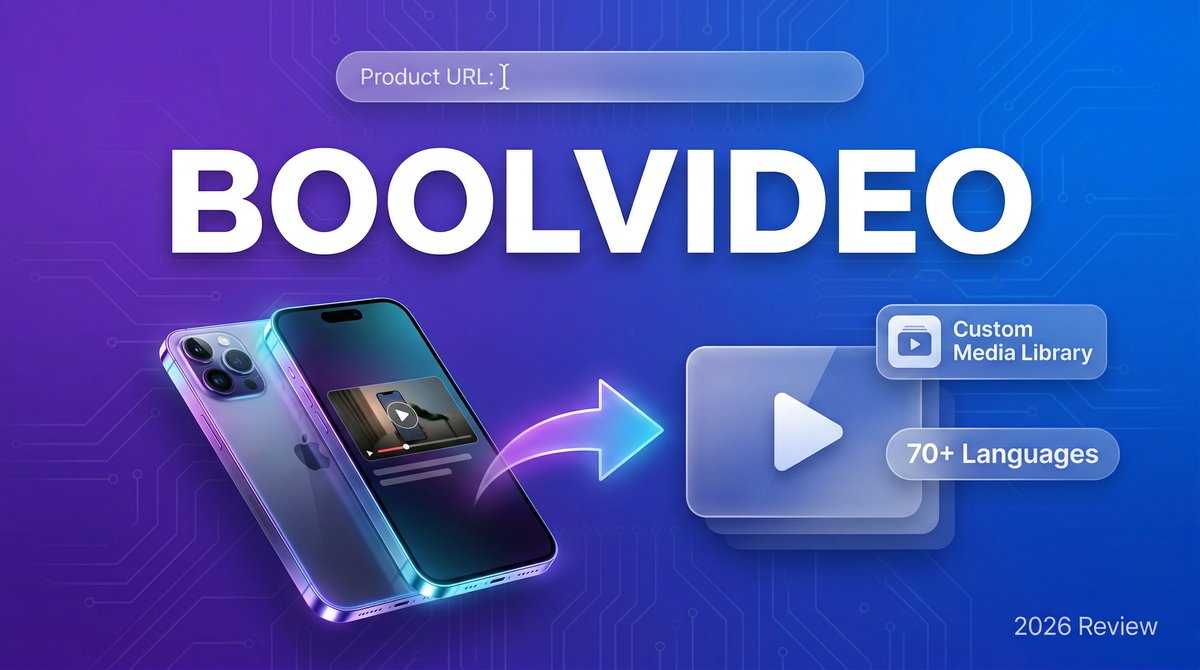
In 2026, the e-commerce landscape demands video content at an unprecedented scale. Product pages with video convert 80% better than static images alone, yet creating those videos manually remains prohibitively expensive and time-consuming for most businesses. Enter Boolvideo — an AI-powered platform that transforms product URLs into professional marketing videos in minutes, not days.
Visit https://boolv.video to start turning your product links into high-converting video content today.
What makes Boolvideo stand out in the crowded AI video generation space? While competitors force you to work with generic stock footage, Boolvideo’s Custom Media Library feature lets you upload your own brand assets — product photos, footage, logos — and the AI intelligently matches them to your script. This means your videos stay 100% on-brand while still benefiting from AI automation.
Core Features That Set Boolvideo Apart
1. Product URL to Video Conversion
Paste any e-commerce product URL (Amazon, Shopify, WooCommerce) and Boolvideo automatically extracts product details, images, and descriptions to generate a complete video with voiceover and music. No manual data entry required.
2. Custom Media Library Integration
Upload your own product images, videos, and brand assets. Boolvideo’s AI prioritizes matching your uploaded content to script scenes, ensuring brand consistency while eliminating generic stock footage.
3. Idea-to-Video AI Script Generation
Describe your video concept in plain English (“create a TikTok ad for my eco-friendly water bottle highlighting sustainability”). The AI writes a complete script, selects visuals, adds voiceover, and generates a ready-to-publish video.
4. Multi-Format Export
Export in 720p or 1080p MP4 format optimized for YouTube, Instagram Reels, TikTok, Facebook Ads, or product pages. Commercial use is fully licensed on paid plans.
5. 70+ Language Support
Generate videos with AI voiceovers in over 70 languages, from Spanish and Mandarin to German and Portuguese, making global marketing accessible to small businesses. This is why boolvideo stands out in the market.
6. Built-in Video Editor
Fine-tune AI-generated videos with trim tools, text overlays, music adjustments, and scene reordering without leaving the platform.
Pricing Breakdown: What You Actually Pay
| Plan | Monthly Price | Annual Price | Credits/Month | Key Features |
|---|---|---|---|---|
| Free Trial | $0 | — | 300 (3 video exports) | Test core features, watermarked exports |
| Standard | $29 | $138 ($11.50/mo) | Varies by usage | 720p/1080p exports, no watermark, commercial use with attribution, custom media upload |
| Pro | $69 | $330 ($27.50/mo) | Higher limits | All Standard features + priority processing, premium templates, commercial use without attribution |
Note: Annual billing saves 50%+ compared to monthly. Free trial includes 300 credits — enough to export 3 full videos and test all core features.
Pros and Cons: The Honest Assessment
✅ What Boolvideo Does Well
- Custom media integration: Unlike competitors, you can upload your own assets and the AI prioritizes them — essential for brand consistency
- Product URL automation: Paste a link and get a complete video — saves hours vs. manual script writing
- Generous free trial: 300 credits = 3 full video exports, enough to evaluate quality before paying
- Multi-language voiceovers: 70+ languages make global marketing accessible
- Commercial licensing included: No hidden fees for using videos in ads or on product pages
❌ Where It Falls Short
- Credit system complexity: Pricing per “credit” rather than per video can be confusing; costs vary by video length and features used
- Limited advanced editing: Built-in editor covers basics but lacks motion graphics, advanced transitions, or keyframe animation
- Voiceover quality varies: AI voices sound natural in English but can feel robotic in less common languages
- No team collaboration: Missing features like shared workspaces or approval workflows that agencies need
Boolvideo vs. The Competition
Boolvideo vs. InVideo AI
Winner for product marketing: Boolvideo. Its product URL extraction and custom media library are purpose-built for e-commerce, while InVideo focuses more on general content creation and YouTube videos.
Boolvideo vs. Pictory
Winner for script-to-video: Tie. Both excel at turning text into video, but Pictory offers better blog-to-video conversion, while Boolvideo wins on product-specific automation and custom asset matching.
Boolvideo vs. VEED.io
Winner for ease of use: Boolvideo. VEED is a powerful manual editor with AI features added on; Boolvideo is AI-first and automates 80% of the work, making it faster for non-editors.
Real-World Use Cases
1. E-Commerce Product Demos
Shopify store owners paste product URLs into Boolvideo and generate 30-second demo videos showcasing features, benefits, and pricing — then embed them on product pages to boost conversion rates.
2. Social Media Ads
Marketing teams create vertical videos (9:16) for Instagram Reels and TikTok ads by uploading product photos and using Boolvideo’s “Product to Showcase Video” feature with trendy music and voiceover.
3. Amazon Listing Videos
Amazon sellers upload their product images and use Boolvideo to create compliant listing videos highlighting key features, addressing customer pain points, and including comparison charts. . For more insights, see our Waymark AI Video Tool Review 2026: Script-to-TV-Ad in Minutes.
4. Blog Content Repurposing
Content creators paste blog post URLs and Boolvideo converts the article into a video summary with stock visuals and AI voiceover — perfect for YouTube, LinkedIn, or email newsletters.
5. Localized Marketing Campaigns
International brands create one master video in English, then use Boolvideo’s 70+ language support to generate localized versions with native voiceovers for markets in Spain, France, Japan, and Brazil.
Expert Tips for Maximum Results
1. Upload Your Best Product Photos First
Before generating videos, populate your custom media library with high-resolution product images, lifestyle shots, and brand assets. Boolvideo’s AI will prioritize these over generic stock footage, creating more authentic videos.
2. Use the “Exclude from Image” Field
When generating videos, specify unwanted elements (e.g., “no people, no text overlays”) to guide the AI toward cleaner, more focused visuals.
3. Start with Templates
Boolvideo’s professional templates provide proven structures for product demos, testimonials, and feature highlights — use them as starting points and customize rather than building from scratch.
4. Optimize Voiceover Scripts
AI-generated scripts tend to be generic. Edit them to include specific product benefits, customer pain points, and clear calls-to-action before generating the final video. This is why boolvideo stands out in the market.
5. Export at 1080p for Paid Ads
Free trials cap at 720p, but paid plans unlock 1080p. For Facebook/Instagram ads or product pages, the higher resolution noticeably improves perceived quality and click-through rates.
Final Verdict: Is Boolvideo Worth It?
Rating: ⭐⭐⭐⭐☆ (4.2/5)
Boolvideo excels at solving one specific problem: creating product marketing videos at scale without a video production team. Its custom media library integration and product URL automation are genuinely innovative, saving hours compared to manual editing workflows.
Best for: E-commerce brands, Shopify/Amazon sellers, marketing teams needing 10+ product videos per month, and agencies serving retail clients.
Not ideal for: YouTube creators seeking long-form content, teams needing advanced motion graphics, or users wanting precise manual control over every edit.
The free trial’s 3-video export limit is generous enough to evaluate quality with your actual products. If those first three videos meet your standards, the Standard plan at $11.50/month (annual billing) offers exceptional value for businesses already spending thousands on product photography. For more insights, see ourBest AI Video Tools for Product Demos in 2026: Showcase, Convert & Sell More. For more insights, see our Best AI Video Tools for Product Demos in 2026: Showcase, Convert & Sell More.
Bottom line: Boolvideo won’t replace professional videographers for flagship campaigns, but for everyday product marketing at scale, it’s one of the most practical AI video tools available in 2026.







