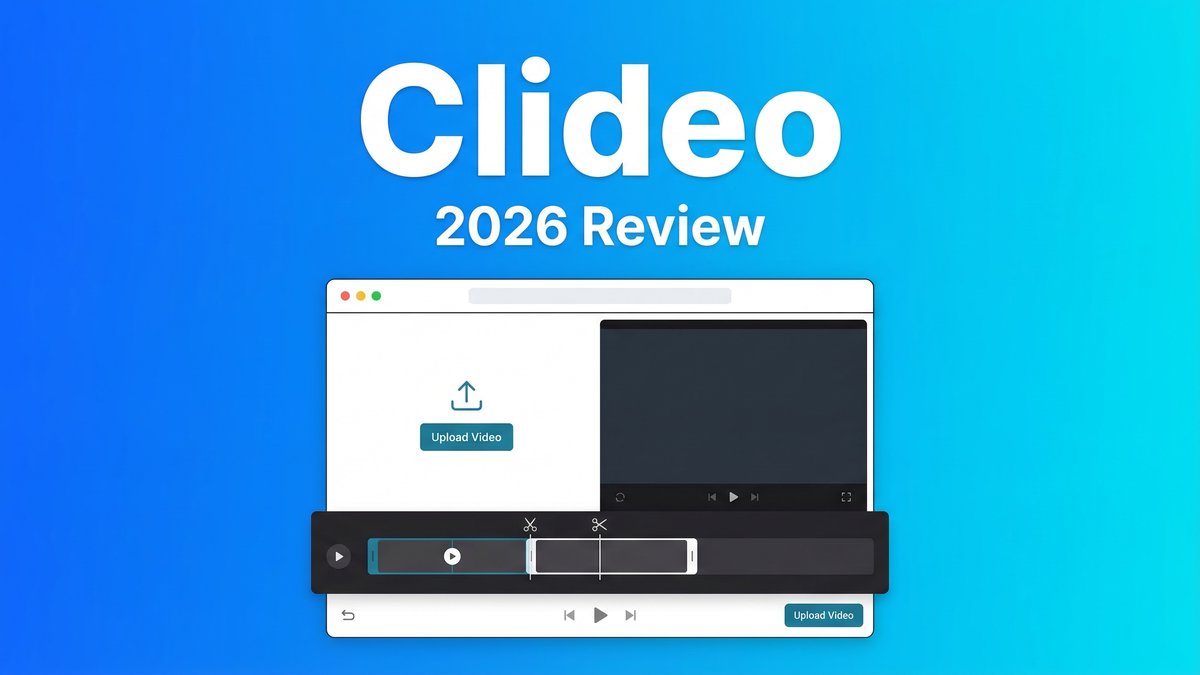
Looking for a simple way to edit videos without downloading complex software? Clideo has become one of the most popular online video editing platforms in 2026, offering over 40 browser-based tools for everything from trimming clips to adding subtitles.
What is Clideo?
Clideo is an online suite of video editing tools designed for simplicity. Founded in 2019, it operates entirely in your web browser—no downloads required. The platform serves educators, marketers, small business owners, and content creators with over 10 million monthly visitors.
Core Features
- Video Cutter: Trim unwanted footage with precise timeline control
- Video Merger: Combine multiple clips with crossfade transitions
- Video Resizer: Optimize for Instagram, TikTok, YouTube with one-click presets
- Video Compressor: Reduce file sizes without noticeable quality loss
- AI Background Remover: Remove backgrounds automatically (no green screen)
- Auto Captions: Generate subtitles with AI speech recognition
Pricing Breakdown
Free Plan ($0/month): 500MB weekly upload limit, watermarked exports, slower processing
Pro Plan ($9/month or $72/year): Unlimited videos, no watermark, 100GB upload limit, faster processing, priority support, all AI features included
Pros and Cons
Pros:
- Zero learning curve – intuitive for complete beginners
- Browser-based – works on any computer (Windows, Mac, Linux, Chromebook)
- Supports all major video formats (MP4, MOV, AVI, WMV, WebM, MKV)
- Fast processing (1-3 minutes for most edits)
- Affordable at $9/month compared to Adobe Premiere Pro ($27/month)
Cons:
- No advanced features like keyframe animation or color grading
- Prominent watermark on free plan exports
- AI caption accuracy varies with audio quality
- Requires constant internet connection
- Customer support response times can be slow
Competitor Comparison
| Tool | Price | Best For |
|---|---|---|
| Clideo | $9/mo | Quick simple edits |
| Kapwing | $16/mo | Team collaboration |
| FlexClip | $20/mo | Template-based creation |
Use Cases
Social Media: Convert horizontal testimonials to 9:16 vertical Reels, trim to 30 seconds, add music, compress for mobile – done in 10 minutes.
Education: Split 45-minute lessons into three 15-minute segments, add accessibility captions.
Marketing: Merge 5 product demo clips from different formats into one cohesive video.
Expert Tips
- Choose annual plan to save 40% ($72/year vs $108/year monthly)
- Compress large files locally before uploading to speed up processing
- Use platform presets (Instagram, TikTok, YouTube) instead of manual dimensions
- Always review AI-generated captions for accuracy
- Download finished files immediately – Clideo doesn’t store them permanently
Final Verdict
Rating: 3.8/5 Stars
Clideo excels at making video editing accessible and affordable for non-professionals. At $9/month, it’s perfect for solo creators and small businesses doing basic edits like trimming, resizing, merging, and compression.
However, marketing teams needing collaboration, creators requiring advanced controls, or organizations managing large video libraries should consider alternatives like Kapwing, Vimeo, or Descript.
Choose Clideo if: You need quick simple edits, work solo, want browser convenience, have a limited budget, primarily create social/educational content.