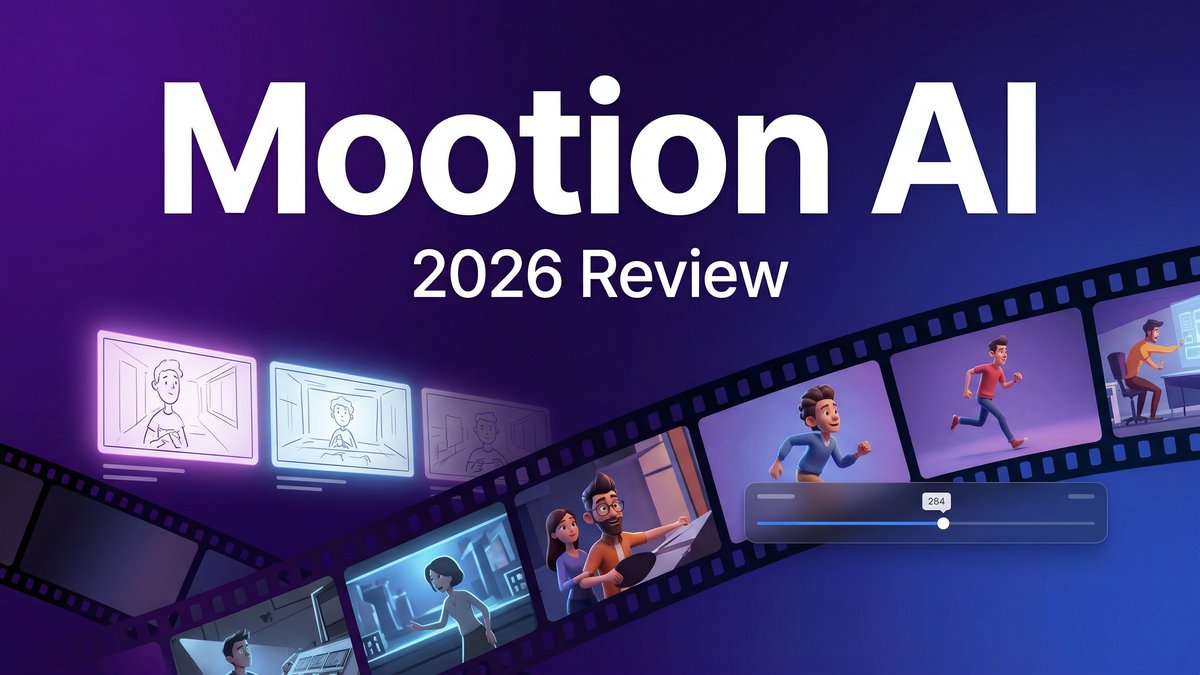
Creating animated story videos used to require a full production team, expensive software, and weeks of work. But what if you could transform a simple text prompt into a complete animated story—with characters, scenes, voiceovers, and music—in just minutes? That’s exactly what Mootion AI promises, and after testing this AI-powered video storyteller extensively, I’m here to tell you whether it lives up to the hype.
In a world flooded with AI video generators that churn out generic 5-second clips, Mootion AI stands apart with its narrative-first approach. This isn’t just another tool for making product demos or social media snippets—it’s designed specifically for creators who want to tell complete stories through video. Whether you’re an educator crafting lesson videos, a content creator building YouTube channels, or a marketer developing brand narratives, Mootion’s ability to generate 2-5 minute story videos from a single sentence is genuinely impressive.
What is Mootion AI?
Mootion AI is a specialized AI video generation platform that converts ideas, text scripts, images, or audio into fully animated story videos. Founded in June 2024 and based in Hong Kong, Mootion has quickly carved out a unique niche by focusing on narrative content rather than short-form clips.
Visit https://www.mootion.com to explore the platform.
Unlike traditional video editors that require manual timeline editing, Mootion automates the entire storytelling workflow. You can input a theme like “Emily gets lost in a new neighborhood and makes new friends” and the platform generates a complete story video with consistent characters, scene transitions, AI voiceovers, background music, and subtitles—all in one automated workflow.
The platform offers two main generation modes: “idea to video” (where AI generates the script from your prompt) and “script to video” (where you provide the full narrative). Mootion integrates premium AI models including Veo 3, Sora 2, Seedance, and WAN 2.6, giving users access to cutting-edge video generation technology without needing to understand the technical complexity.
Core Features: What Makes Mootion AI Different
1. Idea-to-Video Storytelling
Mootion’s flagship capability is transforming a single sentence or theme into a complete story video. The AI handles script generation, character design, scene composition, and narrative pacing automatically. This is perfect for creators who have a concept but need help developing it into a full narrative.
2. Character Consistency Technology
One of the biggest challenges in AI video generation is maintaining the same character appearance across multiple scenes. Mootion addresses this with advanced character consistency algorithms that ensure your protagonist looks the same whether they’re in scene 1 or scene 20. This is why mootion ai stands out in the market.
3. Multi-Modal Input Support
Flexibility is key—Mootion accepts text prompts, full scripts, images, and even audio files as starting points. You can upload a podcast episode and have it transformed into an animated video, or start with concept art and bring it to life with motion.
4. Integrated AI Voiceovers
The platform includes 50+ AI voices across 60+ languages, with higher-tier plans offering ultra-realistic voiceovers that sound remarkably human. You can select voice styles that match your content—from warm storytelling tones to energetic narration.
5. Premium AI Model Integration
Mootion isn’t limited to one AI engine. It integrates Veo 3, Sora 2, Seedance, and WAN 2.6, allowing users to switch between models based on their needs. This gives you access to the best available AI video technology as it evolves.
6. Customizable Visual Styles
Choose from multiple animation styles including photorealistic, Pixar-style 3D animation, Ghibli-inspired art, comic book aesthetics, and more. Each style can be applied consistently across your entire video.
7. Real-Time Preview & Editing
Make changes and see results immediately with real-time preview capabilities. Adjust shot lengths (2-12 seconds per shot), modify subtitle styles, swap AI voices, and edit scripts without starting from scratch.
8. Educational Content Templates
Mootion includes specialized templates for educational videos, including AI avatar layouts perfect for teaching content, making it a powerful tool for e-learning creators and educators.
Mootion AI Pricing: What Does It Actually Cost?
| Plan | Price | Credits/Month | Key Features |
|---|---|---|---|
| Standard | $15/month | 1,500 credits | Premium models, all styles, script editing, voiceovers, watermark-free |
| Plus | $25/month | 3,000 credits | 32 scenes/project, better voiceovers, faster generation, 20GB storage |
| Pro | $50/month | 8,000 credits | Idea-to-video, 5x faster, unlimited voiceovers, 100GB storage |
| Max | $200/month | 32,000 credits | Up to 5,000 clips, top speed, 400GB storage, priority support |
Understanding Credit Costs:A single animated storyboard costs approximately 10-20 credits per second. This means on the Standard plan (1,500 credits), you can generate roughly 75-150 seconds of animation, or about 15-30 story videos depending on length and complexity. This is why mootion ai stands out in the market.
Important Note:Mootion does NOT offer a free tier or trial. You must subscribe to start creating, which is a significant barrier for users who want to test before committing. . For more insights, see our Waymark AI Video Tool Review 2026: Script-to-TV-Ad in Minutes.
Pros & Cons: The Honest Truth About Mootion AI
Pros
- Effortless Storytelling Workflow: The idea-to-video pipeline handles everything from script generation to final export automatically
- Excellent Narrative Coherence: Natural scene transitions and consistent character appearance across long videos
- Professional Features for Educators: Specialized templates and AI avatar layouts designed specifically for teaching content
- Multi-Language Support: 50+ AI voices across 60+ languages make it ideal for global content creation
- Access to Premium AI Models: Integration with Veo 3, Sora 2, and other cutting-edge models gives you the best technology available
- Balances Automation with Control: Customizable subtitle styles, shot lengths, and model selection allow creative flexibility
Cons
- No Free Tier or Trial: You must pay before testing, which is a significant drawback compared to competitors
- Credit Consumption Adds Up Fast: At roughly 100 credits per storyboard, costs can escalate quickly for high-volume creators
- Visual Style Inconsistency: Selected styles (like “Pixar”) don’t always match the output—results can look generic
- Presentation-Like Animation: Better suited for educational content than entertainment; movements can feel slow and PowerPoint-like
- Slower Action Sequences: Dynamic motion and fast-paced action don’t translate well—animations feel deliberate rather than fluid
- Limited Community Feedback: Smaller user base means fewer tutorials, examples, and community support compared to mainstream tools
Mootion AI vs Competitors: How Does It Stack Up?
| Feature | Mootion AI | Runway Gen-3 | Synthesia |
|---|---|---|---|
| Starting Price | $15/month | $12/month | $22/month |
| Max Video Length | 2-5 minutes | 10-40 seconds | Unlimited |
| Story-First Focus | Yes | No | Yes |
| Character Consistency | Excellent | Good | Excellent |
| Free Trial | No | 125 credits | Yes |
| Best For | Educational stories, YouTube content | Short social clips, ads | Professional training videos |
Who Should Use Mootion AI?
Perfect For:
- Educators & E-Learning Creators: Teachers creating visual lesson content, explainer videos, and educational animations
- YouTube Storytellers: Content creators building narrative-driven channels (storytime, history, science channels)
- Children’s Content Producers: Creators making bedtime stories, educational cartoons, and kid-friendly content
- Marketing Teams: Brands developing narrative marketing campaigns and brand story videos
- Social Media Managers: Creating faceless video content for TikTok, Instagram Reels, and YouTube Shorts
Not Ideal For:
- Budget-conscious creators who need to test before buying (no free trial)
- Users creating high-action, fast-paced entertainment content
- Creators who need maximum photorealism (opt for Runway or Sora instead)
- Those requiring precise visual style matching (Pixar/Ghibli styles can be inconsistent)
Expert Tips for Getting the Most from Mootion AI
1. Start with the Plus Plan for Serious Use
The Standard plan’s 1,500 credits deplete quickly. The Plus plan ($25/month) doubles your credits and adds faster generation speeds—the $10 difference pays for itself in time saved and creative flexibility.
2. Use Script-to-Video for Better Control
While idea-to-video is convenient, writing your own script gives you far more control over pacing, dialogue, and narrative structure. The AI’s script generation can be generic—your own writing will produce more engaging results.
3. Test Different AI Models for Your Content Type
Mootion’s access to multiple models (Veo, Sora, Seedance) is a huge advantage. Experiment with each to see which produces the best results for your specific visual style and content type. Veo excels at realism, while Seedance may be better for stylized animation.
4. Adjust Shot Lengths for Better Pacing
The default shot lengths may feel too slow. Manually adjust each shot’s duration (2-12 seconds) to create more dynamic pacing and keep viewers engaged. This is why mootion ai stands out in the market.
5. Combine with External Editing for Professional Results
Use Mootion to generate your story video foundation, then export and refine in a traditional editor like DaVinci Resolve or Premiere Pro for color grading, additional effects, and final polish.
Final Verdict: Is Mootion AI Worth It?
Rating: 4.0/5 Stars
Mootion AI delivers on its core promise: turning ideas into complete story videos with impressive automation and character consistency. For educators, YouTube creators, and marketers focused on narrative content, it’s a genuinely valuable tool that saves enormous amounts of time compared to traditional animation workflows.
The platform’s integration of premium AI models (Veo 3, Sora 2, Seedance) and multilingual voiceover capabilities make it particularly strong for global content creation and educational use cases. The character consistency technology is notably better than most competitors, solving one of AI video’s biggest challenges.
However, the lack of a free trial is a significant barrier—you’re essentially buying blind unless you find demo videos that match your use case. The visual style inconsistency (where “Pixar” doesn’t quite look like Pixar) and the presentation-like animation quality mean it’s better suited for educational and informational content than entertainment.
Credit costs can escalate quickly for high-volume creators, making the Plus or Pro plans essential for serious use. At $25-50/month, Mootion sits in a competitive price range but delivers unique value for its story-first approach.
Bottom Line:If you’re creating educational content, narrative YouTube videos, or story-driven marketing materials, Mootion AI is worth the investment—especially at the Plus tier or higher. If you need short social clips, maximum photorealism, or want to test before buying, consider alternatives like Runway (with free trial) or Synthesia (better for talking-head presentations). For more insights, see ourBest AI Video Tools for Product Demos in 2026: Showcase, Convert & Sell More. For more insights, see our Best AI Video Tools for Product Demos in 2026: Showcase, Convert & Sell More.
The storytelling automation is genuinely impressive, but know what you’re getting: a specialized tool for narrative content, not a general-purpose video generator.







