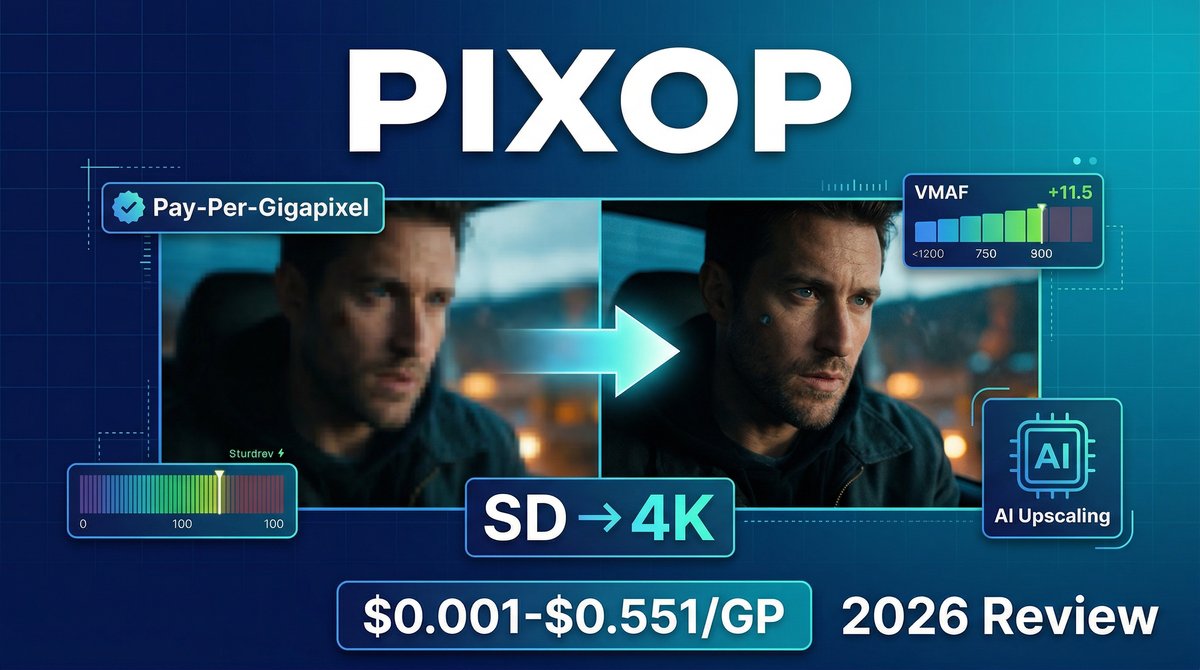
Legacy video archives represent billions of dollars in untapped content value. Sports broadcasters sit on decades of SD footage. Film studios have vaults of 480p classics. Marketing teams have product demos shot in 720p that look dated on 4K displays. In 2026, Pixop uses AI-powered deep learning to breathe new life into these archives, upscaling SD to UHD, removing compression artifacts, and restoring details that manual editing could never achieve.
Visit https://www.pixop.com to start enhancing your video archives with precision AI upscaling and restoration.
What makes Pixop revolutionary? Its pay-per-gigapixel pricing model with volume discounts. Unlike subscription tools that charge monthly fees regardless of usage, Pixop charges only for the exact pixels you process — from $0.001 to $0.551 per gigapixel depending on filters and volume. Process 10 hours of video this month and 100 hours next month; you pay proportionally. This precision pricing makes professional-grade video enhancement accessible to individuals and scalable for enterprises.
Core Features: Enterprise-Grade Enhancement Made Accessible
1. Pixop Deep Restoration
The flagship AI filter de-blurs footage, eliminates compression artifacts (macroblocking, banding), and injects realistic details into degraded video. Trained on thousands of hours of pristine footage, it predicts missing information rather than simply interpolating pixels — the difference between guessing and knowing.
2. Pixop Super Resolution (AI Upscaling)
Upscale video up to 4x resolution (SD to UHD, HD to 4K) with sharper, more accurate results than traditional bicubic or Lanczos interpolation. Independent testing using Netflix’s VMAF metric shows Pixop consistently outperforms Adobe After Effects’ Detail-Preserving Upscale and Grass Valley Alchemist Ph.C.
3. Real-Time Live Conversion (Pixop LIVE)
Designed for broadcasters, Pixop LIVE upgrades HD SDR to UHD HDR with ultra-low latency (600ms including encoding). Seamlessly integrates before delivery encoding without changing existing pipelines — ideal for live sports, news, and events.
4. Archive Conversion at Scale (Pixop FILE)
REST API-driven workflow for batch processing VOD archives on AWS infrastructure. Automatically upscales, restores, and delivers UHD-quality results without requiring on-premise hardware upgrades — pay only for processing, storage, and bandwidth.
5. Comprehensive Filter Library
Pixop Denoiser (removes digital noise), Deinterlacer (reconstructs progressive video from interlaced sources), Dejitterer (stabilizes digitized film with displaced scan lines), Frame Rate Converter (motion-interpolated frame generation), Film Grain (physically-based grain rendering), and Face Forward (presenter lighting/background optimization).
6. Browser-Based Pixop Studio
No downloads, plugins, or technical setup required. Upload videos directly in your browser, apply AI filters with sliders and previews, and download enhanced results in MP4, ProRes, or other formats. AWS-hosted with end-to-end encryption.
Pricing Breakdown: Pay Only for What You Process
| Service | Price Range | Notes |
|---|---|---|
| Video Processing | $0.001 – $0.551 per gigapixel | Pricing varies by filters applied and processing volume. Volume discounts scale proportionally, reaching max discount at 1,000 GP. Loyalty bonuses add 0.2 GP per USD invoiced. |
| Video Encoding | $0.007 – $0.136 per gigapixel | Varies by encoder (H.264, HEVC, ProRes) and scale. Same volume discount structure as processing. |
| Storage | $0.023 per GB/month | AWS rates passed through with no markup. Billed when total exceeds $10 (checked weekly). Delete unused files to reduce costs. |
| Download | $0.090 per GB | Standard AWS bandwidth rates, no additional fees. |
| Free Trial | 14 days | Explore features with restricted uploads/downloads. Must add payment method within 14 days to continue; account deleted otherwise. |
Example Cost: Upscaling a 1-hour HD video (1920×1080 @ 30fps) to 4K = ~207 gigapixels processed. At mid-tier pricing (~$0.15/GP with volume discount), total cost ≈ $31 for processing + encoding + storage/download fees.
Pros and Cons: The Real-World Experience
✅ What Pixop Excels At
- True pay-as-you-go pricing: No monthly subscriptions or minimums — ideal for sporadic use or testing workflows before committing
- Proven quality: Netflix VMAF benchmarks show Pixop Super Resolution consistently outperforms industry-standard tools like Adobe and Grass Valley
- No infrastructure required: Cloud-based processing eliminates need for expensive on-premise hardware or GPU workstations
- Transparent costs: Pixop calculates exact job cost before processing starts — no surprise bills
- Real-time live enhancement: 600ms latency makes it viable for live broadcasts (sports, news, events) — competitors often require pre-recorded workflows
❌ Where It Falls Short
- Complexity for beginners: Gigapixel-based pricing requires understanding resolution math and credit consumption — less intuitive than “per video” pricing
- 14-day trial limitations: Restricted uploads/downloads during trial period make it hard to evaluate quality with real projects
- No flat-rate option: Heavy users processing hundreds of hours monthly might prefer predictable subscription pricing over variable costs
- Storage costs add up: Keeping enhanced videos in Pixop’s cloud storage for months can exceed processing costs — must plan download/deletion strategy
- Learning curve for filter selection: Choosing optimal combinations of denoising, deinterlacing, and restoration filters requires video engineering knowledge
Pixop vs. The Competition
Pixop vs. Topaz Video AI
Winner for cost-effectiveness: Depends on volume. Topaz charges $299 one-time for unlimited local processing — better for power users. Pixop’s pay-per-use suits occasional needs or users without powerful GPUs.
Pixop vs. Adobe Premiere Pro (Detail-Preserving Upscale)
Winner for quality: Pixop. Independent VMAF testing shows Pixop Deep Restoration and Super Resolution produce sharper, more detailed results than Adobe’s built-in upscaling — especially on heavily degraded footage.
Pixop vs. Runway Gen-3 (AI Video)
Winner for restoration: Pixop. Runway generates new video from scratch; Pixop enhances existing footage while preserving original content. Completely different use cases — Pixop is not a creative generation tool.
Real-World Use Cases
1. Broadcasting Legacy Sports Archives
TV networks upscale decades of SD sports footage (1980s-2000s) to UHD for streaming platforms, documentaries, and anniversary broadcasts — making archival content competitive with modern 4K productions.
2. Film Studio Catalog Remastering
Independent studios restore and upscale their back catalog from 480p/720p to 4K for premium VOD platforms (Apple TV+, Amazon Prime), increasing licensing value by 40-60%. This is why pixop stands out in the market.
3. Corporate Training Video Modernization
Enterprises enhance old training videos shot in SD or low-quality HD, removing the “dated” feel and extending content lifespan without expensive reshoots. .
4. Wedding Videography Archive Conversion
Videographers offer clients “remastering services” — taking DVDs or mini-DV tapes from the 2000s and delivering 4K upscaled versions for modern displays and social media.
5. YouTube Creator Content Refresh
Long-form creators re-upload popular videos from their early catalog (2010-2015) in enhanced 4K quality, boosting watch time and engagement on evergreen content.
Expert Tips for Maximum Results
1. Test with Short Clips First
Before processing hours of footage, upload 30-second clips representing different quality levels (well-lit, low-light, high-motion). Compare filter combinations and find the sweet spot between quality and cost.
2. Use the Right Filters in Sequence
Optimal workflow: Dejitterer (if digitized from film) → Deinterlacer (if interlaced) → Denoiser → Deep Restoration → Super Resolution → Encoding. Applying filters in wrong order reduces quality.
3. Leverage Volume Discounts
Batch process related videos together. Pixop’s volume discount reaches maximum at 1,000 GP per job — processing 10 videos separately costs more than processing them as one job.
4. Delete Files Immediately After Download
Storage fees accrue weekly. Download enhanced videos to local/cloud storage (Dropbox, Google Drive) and delete from Pixop within 24 hours to minimize utility charges.
5. Use Pixop LIVE for Recurring Broadcasts
If you stream the same event type weekly (church services, podcasts, webinars), Pixop LIVE’s real-time enhancement provides consistent quality upgrades without per-video processing costs.
Final Verdict: Is Pixop Worth It?
Rating: ⭐⭐⭐⭐½ (4.5/5)
Pixop represents the gold standard for AI-powered video restoration and upscaling. Its deep learning models genuinely outperform traditional interpolation methods and many competitor tools, as proven by independent VMAF benchmarking. The pay-per-gigapixel pricing model is brilliant for users with variable workloads — you’re never paying for capacity you don’t use.
Best for: Broadcasters with legacy archives, film studios remastering catalogs, videographers offering restoration services, enterprises with corporate video libraries, YouTube creators refreshing old content.
Not ideal for: Beginners wanting simple one-click enhancement, users needing predictable monthly costs, creative video generation (use Runway/Pika instead), or those without understanding of video resolution/quality concepts.
The 14-day trial lets you test quality with real footage before committing. If your archive has genuine value (licensing revenue, brand equity, customer demand), Pixop’s enhancement quality easily justifies the processing costs. For more insights, see ourBest AI Video Tools for Product Demos in 2026: Showcase, Convert & Sell More. For more insights, see our Best AI Video Tools for Product Demos in 2026: Showcase, Convert & Sell More.
Bottom line: Pixop won’t replace manual restoration for museum-quality archival work, but for commercial content enhancement at scale, it’s the most cost-effective and technically sophisticated solution available in 2026. The precision pricing model alone makes it worth evaluating against flat-rate competitors.







