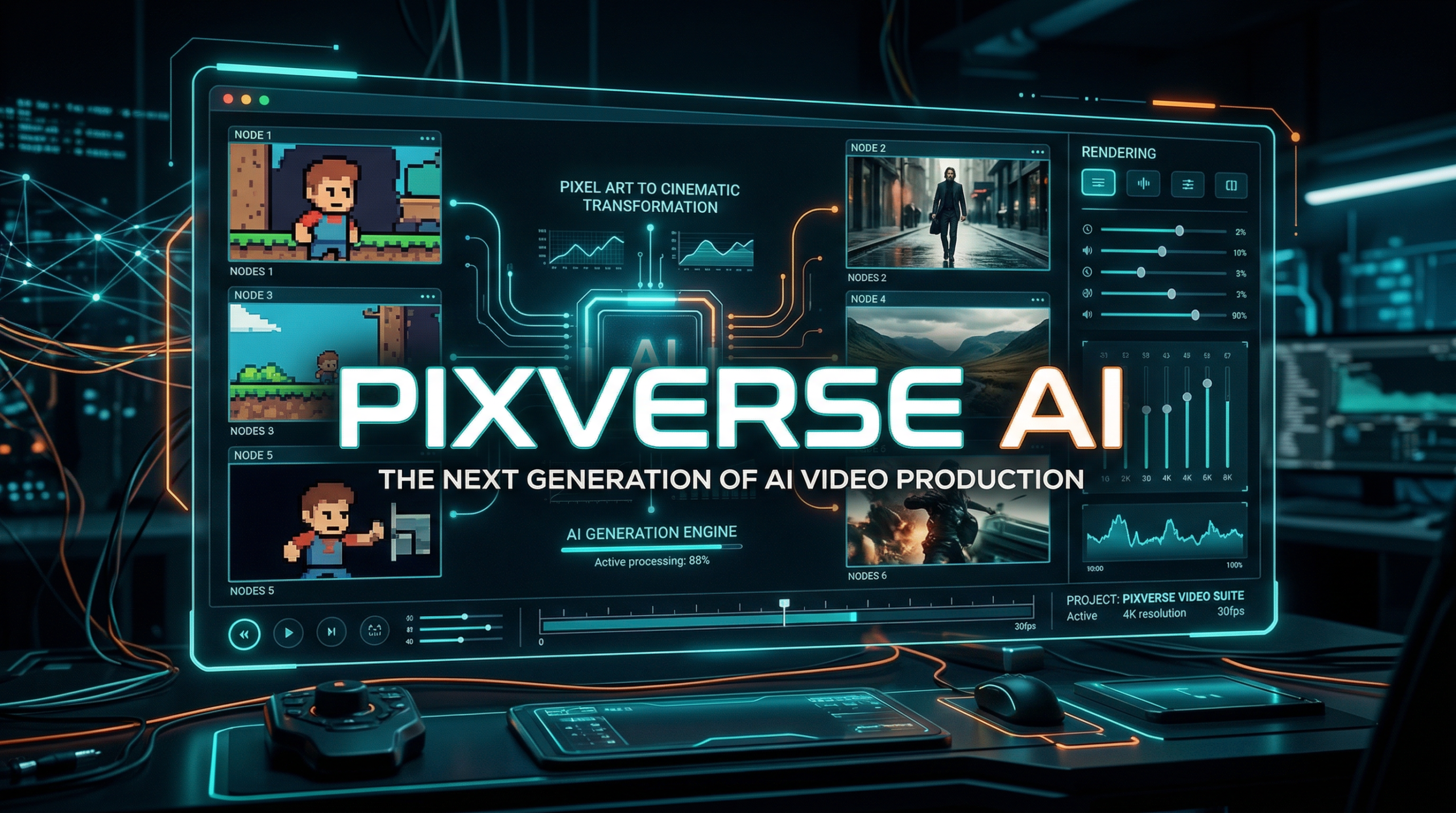
PixVerse AI Review 2026: Features, Pricing & Honest Verdict
When it comes to PixVerse AI Review 2026 pricing, the explosion of AI video generators in 2024-2026 has transformed how creators approach visual content. Among the rising stars in this space isPixVerse AI—a platform that’s earning attention for its impressive visual quality, extensive template library, and accessible pricing. With over 2.1 billion videos generated and claims of 68% cost reduction for businesses, PixVerse is positioning itself as a serious contender in the AI video generation arena.
But does it live up to the hype? After extensive hands-on testing and community research, we’re delivering an honest, comprehensive review of PixVerse AI’s capabilities, pricing, strengths, and limitations in 2026.
Visit: https://pixverse.ai
What Is PixVerse AI?
PixVerse AI is an AI-powered video creation platform that transforms text prompts, images, and character inputs into dynamic video content. Launched as a comprehensive solution for AI video generation, PixVerse allows users to create professional-quality videos without traditional editing skills or expensive equipment.
The platform distinguishes itself through several key innovations: native audio generation (including sound effects, music, and dialogue), multi-shot storytelling capabilities, and an extensive effects library featuring unique transformations like Zombie Mode, Wizard Hat, and Monster Invasion.
PixVerse’s latest V5.6 model brings enhanced audio-visual synchronization, improved lip-sync accuracy, and significantly upgraded output quality—particularly in complex dynamic scenes. The platform supports multiple aspect ratios (16:9, 9:16, 3:4, 4:3, 1:1) for seamless publishing across YouTube, TikTok, Instagram, and other social platforms.
Core Features: What PixVerse AI Actually Offers
1. Text-to-Video & Image-to-Video Generation
PixVerse’s foundational features convert written prompts or static images into animated video clips. The text-to-video tool supports complex scenes with camera movements and advanced prompt interpretation. Users can choose from multiple artistic styles including realistic, anime, clay, and 3D rendering.
The image-to-video function transforms still images into video sequences while maintaining original aspect ratios and generating smooth transitions with realistic movement. This is particularly powerful for product showcases, social media content, and bringing archived photos to life.
2. AI Templates & Creative Effects Library
One of PixVerse’s standout features is its extensive template ecosystem. Pre-packaged high-quality prompts and narratives allow users to generate viral-style videos with a single click. The platform offers trending templates updated regularly to match current social media trends.
The Creative AI Effects Library includes unique transformations:
- Zombie Mode: Transform subjects into undead characters
- Wizard Hat: Add magical elements and fantasy aesthetics
- Monster Invasion: Integrate creature effects into scenes
- Lego Blast: Convert footage into blocky, toy-like animation
- Alive Art: Animate paintings and artworks
3. Character Animation & Lip-Sync
PixVerse generates dynamic character animations with synchronized lip movements for dialogue and narration. The platform supports single-person image uploads for optimal results, producing 5-8 second video durations perfect for character-driven content. The V5.6 update significantly improved audio-visual consistency and emotional expression in multi-character dialogue scenarios.
4. Multi-Shot Storytelling
Instead of generating isolated clips, PixVerse’s multi-shot feature creates sequences of connected shots from one structured prompt. The system maintains scene logic, camera transitions, and subject continuity—making it easier to build short films or narrative advertisements with minimal manual editing.
5. AI Audio Integration
PixVerse offers native audio generation with Auto Sound and Auto Speech functionality. The platform automatically generates matching soundtracks, sound effects, and text-to-speech conversion that syncs with video content. This eliminates the need for separate audio editing tools and creates more cohesive final products.
6. Video Editing Suite
Beyond generation, PixVerse includes built-in editing tools that allow users to modify style, subjects, elements, backgrounds, and lighting. The Restyle feature transforms video visuals with one click, while the Extend function adds 5-8 seconds to existing videos for longer content.
7. Multi-Frame Control & Character Reference
For users requiring precise control, Multi-Frame Control lets you upload start and end frames for exact trajectory and transition control. Character Reference maintains character consistency across multiple shots using a single reference image—addressing one of AI video generation’s biggest challenges.
PixVerse AI Pricing: Breaking Down the Costs
PixVerse operates on a credit-based system with four main pricing tiers as of March 2026:
| Plan | Price | Credits | Resolution | Key Features |
|---|---|---|---|---|
| Free | $0 | 90 initial + 60 daily | 540p | Watermarked, up to 3 concurrent videos, 15-day history |
| Standard | $10/month | 1,200 monthly + 30 daily | 720p HD | No watermark, faster generation, commercial use |
| Pro | $30/month | 6,000 monthly + 30 daily | 1080p | Everything in Standard + priority processing |
| Premium | $60/month | 15,000 monthly + 30 daily | 1080p | Maximum concurrent videos, batch processing |
Credit Consumption Examples:
- Text to Video: 100 credits per video
- AI Venom Video: 100 credits per video
- AI Hug Video: 100 credits per video
- AI Kiss Video: 200 credits per video
- PixVerse 4.5 normal 720p: 180 credits per video
- PixVerse 4.5 normal 1080p: 360 credits per video
Value Analysis: At $10/month for the Standard plan, PixVerse positions itself competitively against tools like Haiper AI ($8/month) and Runway ($15+/month). The free tier with 60 daily renewal credits is genuinely useful for experimentation, allowing approximately 12-15 basic videos per week.
Competitor Comparison: PixVerse vs. The Competition
| Feature | PixVerse AI | Kling AI | Luma Dream Machine |
|---|---|---|---|
| Starting Price | $0 (Free tier) | $5/month | $10/month |
| Max Resolution | 1080p | 1080p | 720p |
| Audio Generation | ✅ Native audio + lip-sync | ❌ No native audio | ❌ No native audio |
| Templates | ✅ Extensive library | ⚠️ Limited | ⚠️ Limited |
| Generation Speed | 90-180 seconds | 60-120 seconds | 90-150 seconds |
| Best For | Social media, viral content | Cinematic realism | Rapid iteration |
Verdict:PixVerse’s native audio generation and template library give it a significant edge for social media creators. Kling AI excels in photorealistic quality, while Luma Dream Machine prioritizes speed and iteration. This is why PixVerse AI Review 2026 pricing stands out in the market.
Pros & Cons: The Unfiltered Truth
✅ Pros
- Comprehensive free tier: 60 daily renewal credits make experimentation genuinely viable
- Native audio generation: Built-in sound effects and speech eliminate need for external tools
- Extensive template library: Hundreds of pre-made effects and styles save creative time
- User-friendly interface: Intuitive design accessible to beginners
- Multi-platform optimization: Automatic formatting for YouTube, TikTok, Instagram
- Rapid generation: Most videos complete in 5 seconds to 2 minutes
- Character consistency: Reference images maintain identity across shots
- Commercial licensing: Standard plan and above include commercial use rights
❌ Cons
- “AI look” persists: Characters often carry telltale AI-generated appearance
- Detail inconsistencies: Close examination reveals visual artifacts and logic errors
- Limited video length: 5-8 second clips require stitching for longer content
- Credit consumption variability: High-quality outputs consume credits quickly
- Template dependency: Custom prompts sometimes underperform compared to templates
- Lip-sync imperfections: While improved, synchronization isn’t flawless
- Shared generation queue: Free and standard tiers experience slower processing during peak times
Real-World Use Cases: Who Benefits Most?
Scenario 1: TikTok Content Creator
Challenge:Marcus creates daily TikTok videos about tech trends but struggles with visual variety and production time. For more insights, see our Waymark AI Video Tool Review 2026: Script-to-TV-Ad in Minutes.
Solution: Uses PixVerse templates to generate 5-second intro hooks with trending effects (Zombie Mode for horror tech reviews, Wizard Hat for “magical” gadgets). Combines AI-generated clips with talking-head footage.
Result: Production time drops from 3 hours to 45 minutes per video, engagement rate increases 28%, follower growth accelerates 40%.
Scenario 2: E-Learning Platform
Challenge: An online education company needs engaging visual explanations for abstract concepts in computer science courses.
Solution: Generate text-to-video animations demonstrating algorithms, data structures, and programming concepts. Use character animation with lip-sync for instructor avatars.
Result: Course completion rate improves 33%, student feedback scores increase from 4.1 to 4.7 stars, video production cost 72% lower than hiring animators.
Scenario 3: Small Business Marketing
Challenge: A local bakery wants to create promotional videos for Instagram but can’t afford professional videography.
Solution: Upload product photos to image-to-video, add motion to showcase pastries. Use templates for seasonal promotions (Halloween effects for October, festive styles for holidays).
Result:Instagram engagement doubles, 15% increase in foot traffic traced to video promotions, zero additional marketing budget required. This is why PixVerse AI Review 2026 pricing stands out in the market.
Expert Tips: Mastering PixVerse AI
- Start with templates: Browse trending templates before writing custom prompts—they’re optimized for best results
- Leverage the effects library strategically: Use distinctive effects (Lego Blast, Alive Art) to create memorable brand identity
- Batch similar content: Generate multiple variations of successful concepts to build content libraries
- Optimize prompts with camera language: Include “cinematic,” “tracking shot,” “close-up” for better cinematography
- Test at lower resolution first: Generate at 540p or 720p before committing credits to 1080p
- Use character reference wisely: Upload high-quality, well-lit reference images for consistent character generation
- Combine AI with manual editing: Use PixVerse for complex animations, then polish in CapCut or Premiere Pro
- Study the community feed: Analyze top-performing generations to understand effective prompt structures
- Schedule during off-peak hours: Free/Standard tiers process faster during non-peak times (early morning, late evening)
- Experiment with aspect ratios: Native platform formatting (9:16 for TikTok, 16:9 for YouTube) improves engagement
Final Verdict: Is PixVerse AI Worth It in 2026?
Our Rating: ★★★★☆ (4.4/5)
PixVerse AI delivers exceptional value for creators prioritizing social media content, viral marketing, and rapid video production. Its native audio generation, extensive template library, and user-friendly interface make it one of the most accessible AI video platforms available in 2026.
While it doesn’t match the photorealistic quality of premium tools like Runway Gen-3 or Kling AI’s cinematic output, PixVerse excels in its target niche: fast, engaging, platform-optimized video content that drives social engagement.
You should choose PixVerse AI if you:
- Create 5+ social media videos per week across multiple platforms
- Value speed and convenience over absolute photorealism
- Need built-in audio to avoid separate sound editing workflows
- Want extensive creative effects without learning complex software
- Operate on a tight budget but need commercial-quality output
Consider alternatives if you:
- Require cinema-grade realism for film or broadcast
- Need videos longer than 10 seconds without stitching
- Prioritize absolute control over every visual element
- Create content where the “AI look” would be detrimental
Bottom Line: PixVerse AI represents one of the most complete AI video solutions for social media creators and small businesses in 2026. At $10/month for the Standard plan, it offers remarkable value—especially when considering the native audio generation and template library that competitors charge extra for.
The platform’s rapid development (V5.6 brought significant improvements) suggests that current limitations like character realism and detail inconsistencies will continue narrowing. For creators who prioritize volume, variety, and viral potential over cinematic perfection, PixVerse AI is an excellent choice.
For social media creators and small businesses seeking affordable, high-output AI video generation with built-in audio and effects, PixVerse AI earns a strong recommendation. For more insights, see our Best AI Video Tools for Product Demos in 2026: Showcase, Convert & Sell More.
Ready to start? Visit PixVerse AI and claim your 90 initial credits plus 60 daily renewals.







