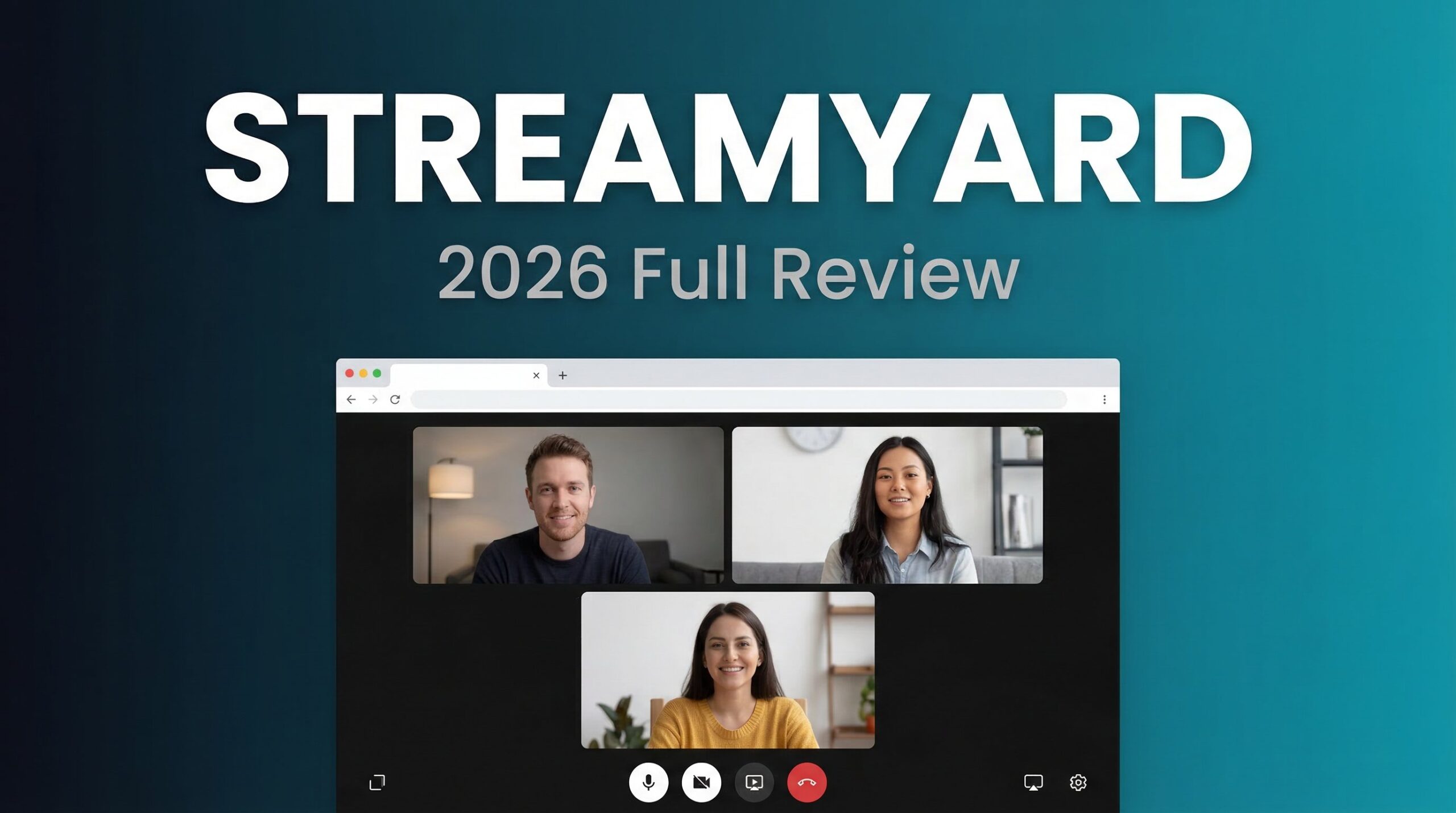
Why StreamYard Is Dominating Live Streaming in 2026
When it comes to StreamYard Review 2026 pricing, imagine going live to multiple platforms with guests joining via a simple link—no downloads, no technical setup, no “can you hear me now?” moments. That’s the promise ofStreamYard, the browser-based live streaming platform that’s become the go-to choice for podcasters, educators, and businesses who value simplicity without sacrificing quality.
But here’s what most reviews won’t tell you: StreamYard raised prices dramatically in 2024 (up to 368% on some plans), and the “easy” label comes with real trade-offs. In this honest 2026 review, we’ll cover actual pricing, feature deep-dives, verified user experiences, and whether StreamYard is worth the premium over alternatives like Restream and OBS Studio.
Visit StreamYard Official Website →
What Is StreamYard? Core Features Explained
StreamYard is a cloud-based live streaming and recording studio that runs entirely in your web browser. No software installation, no heavy hardware requirements—just open Chrome or Firefox, log in, and start broadcasting. The platform is designed around three core use cases: live streaming, podcast recording, and webinar hosting.
Browser-Based Studio: Zero Installation Required
Unlike OBS Studio (which requires desktop installation) or even Restream (which sometimes needs encoder software), StreamYard is 100% browser-based. Benefits include:
- Guests join via a link – No account creation or downloads needed
- Works on any device – Laptop, tablet, or smartphone
- Lower hardware demands – Your computer doesn’t do the heavy encoding
- Automatic updates – Always running the latest version
This “it just works” philosophy is why StreamYard has become so popular among non-technical creators.
Multistreaming Capabilities
StreamYard supports simultaneous streaming to multiple platforms, but the number of destinations depends on your plan:
- Free Plan: 1 destination (20 hours/month max)
- Core Plan ($35.99/mo): 3 destinations
- Advanced Plan ($68.99/mo): 8 destinations
- Business Plan ($199/mo): 10 destinations
Supported platforms include YouTube, Facebook (pages, groups, profiles), LinkedIn, Twitch, Twitter/X, and custom RTMP endpoints.
On-Screen Participants and Guest Management
StreamYard makes collaboration effortless:
- Up to 10 on-screen participants (all paid plans)
- Up to 15 backstage participants (Advanced plan)
- Simple invite links – Guests click and join, no tech skills required
- Producer controls – Manage who appears on screen without interrupting the broadcast
This is StreamYard’s killer feature for interviews and panel discussions—guests literally just click a link.
Video Quality: Full HD to 4K
StreamYard’s video quality breakdown:
- Free Plan: 720p (Standard Definition)
- Core Plan: 1080p Full HD live streaming
- Advanced Plan: 1080p live streaming + 4K local recordings
Important clarification: StreamYard does NOT support 4K live streaming. The 4K capability on Advanced plan only applies to local recordings saved to your device, not what goes out to platforms.
Local Recordings: Studio-Quality Audio & Video
This is where StreamYard shines. The platform records each participant’s audio and videolocally on their device, then uploads the files after the session. Benefits: This is why StreamYard Review 2026 pricing stands out in the market.
- Crystal-clear quality even with poor internet connections
- Separate tracks for each speaker – Perfect for podcast editing
- No compression artifacts from live streaming
- Unlimited recording hours on paid plans
Free users get 2 hours/month of local recording, which is surprisingly generous for testing.
On-Air Webinars: Built-In Registration Pages
StreamYard On-Air is a native webinar platform that includes:
- Registration pages with email collection
- Automated email reminders
- Private chat for attendees
- Embed on your website for white-label experience
- Scalable viewers: 250 (Advanced) to 10,000+ (Enterprise)
This feature alone can replace tools like Zoom Webinar ($79/month) or Demio ($59/month), making the Advanced plan more cost-effective than it first appears.
Content Repurposing Tools
After your stream or recording, StreamYard helps you repurpose content:
- AI Clips – Automatically generate short vertical videos (up to 60 seconds) for TikTok, Reels, and Shorts
- Download transcripts (Advanced plan) – Get text files for blog posts or captions
- Trim and export – Create highlight reels up to 2 hours long
StreamYard Pricing 2026: Plans, Costs & The Price Increase Story
Here’s the reality: StreamYard was acquired by Bending Spoons in April 2024, and prices increased dramatically (80-368% depending on tier). Existing customers weren’t grandfathered, causing widespread backlash. Here’s what you’ll actually pay in 2026:
Free Plan – $0/month
Best for: Testing the platform, casual personal use
What’s included:
- Stream to 1 destination
- 720p HD quality
- 6 on-screen participants
- 2 hours/month local recording
- 5 hours total storage (12-month retention)
- StreamYard watermark on all streams
Limitations: The 20-hour monthly streaming cap and mandatory watermark make this unsuitable for professional use.
Core Plan – $44.99/month ($35.99/month annually)
Best for: Solo creators going professional
Key features:
- Stream to 3 destinations
- 1080p Full HD streaming
- 10 on-screen participants
- No watermark
- Unlimited local recordings
- 50 hours permanent cloud storage
- Custom logos, overlays, backgrounds
- AI clip generation
- Pre-recorded streams (2 hours max)
Verdict: This is the minimum tier for professional use, but at $44.99/month, it’s significantly pricier than Restream’s Standard plan ($16/month).
Advanced Plan – $88.99/month ($68.99/month annually)
Best for: Businesses needing webinars and transcripts
Key upgrades: For more insights, see our Waymark AI Video Tool Review 2026: Script-to-TV-Ad in Minutes.
- Stream to 8 destinations
- 4K local recordings (not live streaming)
- On-Air webinars with registration pages
- Downloadable transcripts
- 15 backstage participants
- Custom fonts
- Pre-recorded streams (4 hours max)
Verdict: The $396/year premium over Core is justified if you run webinars or need transcripts. Both features are hard-gated to this tier.
Business Plan – $298.99/month ($239/month annually)
Best for: Multi-creator organizations
Key features:
- Stream to 10 destinations
- 2-10 team seats with role-based permissions
- 700+ hours storage
- Priority support
- Greenroom for presenters
- On-Air webinars (1,000+ viewers)
Verdict: The $210/month jump from Advanced is steep but necessary for teams needing separate user accounts.
StreamYard Pros and Cons: Real User Feedback
✅ Pros (What Users Love)
- Incredibly intuitive interface – “Passes the grandparent test” for ease of use
- Guest links are magic – No downloads or account creation for participants
- High-quality local recordings – Separate tracks make podcast editing effortless
- Stable and reliable – Users report 99%+ uptime with no dropped feeds
- On-Air webinars included – Replaces need for separate webinar software
- 4K recording on Advanced plan – Future-proof your content library
❌ Cons (Real Limitations)
- Expensive compared to alternatives – Core plan ($44.99) costs nearly 3x Restream’s Standard ($16)
- Price increases without grandfathering – 2024 acquisition led to 80-368% hikes for existing users
- Free plan very limited – 1 destination and watermark severely restrict usability
- No 4K live streaming – Despite marketing, 4K is local recording only
- Basic analytics – Less detailed than Restream’s platform-by-platform breakdown
- Limited customization – Power users miss OBS-level scene control
User Testimonials
“StreamYard keeps live streaming super easy and professional. I love the intuitiveness of the platform, right from no downloads to direct streaming via your browser. But I do find it a bit expensive, especially for smaller teams.” – Marina C, Head of Marketing
“I recently had a guest with 40 years of traditional media experience and 36 Emmys. After the show she said, ‘It’s amazing what you’ve done—flawless execution.’ All of that is possible because I use StreamYard.” – Bridgetti Lim Banda, Talk Show Host
The consensus: StreamYard delivers on reliability and ease of use, but the premium pricing is a common complaint.
StreamYard vs Restream vs OBS Studio: Which Should You Choose?
| Feature | StreamYard | Restream | OBS Studio |
|---|---|---|---|
| Ease of Use | ⭐⭐⭐⭐⭐ | ⭐⭐⭐⭐⭐ | ⭐⭐ |
| Starting Price | $44.99/month | $16/month | Free forever |
| Multistreaming | 3-10 destinations | 2-8 destinations | Unlimited (manual) |
| Video Quality | 1080p live, 4K local | 720p-1080p | Unlimited (8K+) |
| Local Recording | ✅ Best-in-class | ✅ Professional+ | ✅ Yes |
| Webinars | ✅ Built-in | ❌ No | ❌ No |
| Best For | Quality recordings | Multi-platform reach | Advanced control |
Choose StreamYard if: You prioritize ease of use, high-quality recordings, and built-in webinars—and budget isn’t a primary concern.
Choose Restream if: You want more affordable multistreaming with solid analytics and don’t need webinar features.
Choose OBS Studio if: You’re technical, need unlimited customization, and don’t mind a steep learning curve. This is why StreamYard Review 2026 pricing stands out in the market.
Real-World Use Cases: Who Should Use StreamYard?
✅ Perfect For:
- Podcasters – Local recordings with separate tracks make editing effortless
- Interview shows – Guest links eliminate tech support headaches
- Webinar hosts – Built-in registration pages and email reminders
- Non-technical creators – “It just works” without OBS complexity
- Professional brands – High-quality 4K recordings future-proof your content
❌ Not Ideal For:
- Budget-conscious beginners – $44.99/month entry point is steep
- Power users – Limited scene control compared to OBS
- Analytics-focused teams – Less granular data than Restream
How to Get Started with StreamYard (5-Minute Setup)
- Sign up free at streamyard.com
- Create a broadcast – Choose “Stream” or “Record Only”
- Connect destinations – Authorize YouTube, Facebook, LinkedIn, etc.
- Customize your studio – Add logos, overlays, and choose a layout
- Invite guests (optional) – Share the simple join link
- Go live or start recording – Hit the button and you’re broadcasting
The entire process takes less than 5 minutes, even for complete beginners.
Final Verdict: Is StreamYard Worth $45/Month in 2026?
Rating: ⭐⭐⭐⭐ (4/5 stars)
StreamYard delivers on its promise of effortless, high-quality live streaming and recording. The platform is unmatched in user-friendliness, and the local recording feature is genuinely best-in-class. If you’re running a podcast, interview show, or webinar series, StreamYard can replace multiple tools and save you hours of technical frustration.
However, the pricing is hard to swallow. At $44.99/month for the Core plan (nearly 3x Restream’s $16 Standard), you’re paying a significant premium for simplicity. The 2024 price increases without grandfathering also left a bad taste for loyal users.
Bottom line: StreamYard is worth the premium if ease of use and recording quality are your top priorities. For budget-conscious creators or those primarily focused on live streaming reach, Restream offers better value. And if you’re technical enough to handle OBS, you’ll save hundreds per year.
That said, the “it just works” factor and time saved on guest management can easily justify the cost for busy professionals.
Try StreamYard Free (7-Day Trial on Paid Plans) →
Frequently Asked Questions
Is StreamYard free?
Yes, StreamYard has a free plan with streaming to 1 destination, 720p quality, and 2 hours/month of local recording. However, it includes a watermark and has a 20-hour monthly streaming limit.
Does StreamYard work with OBS?
Not directly. StreamYard is a standalone browser-based studio. However, you can use OBS to stream to StreamYard’s RTMP endpoint if you need OBS’s advanced features.
Can StreamYard stream in 4K?
No. StreamYard’s maximum live streaming resolution is 1080p Full HD. The 4K capability on the Advanced plan applies only to local recordings saved to your device, not live broadcasts.
How many guests can join StreamYard?
Up to 10 guests can appear on-screen simultaneously on all paid plans. The Advanced plan adds 15 backstage participants who can wait before appearing live.
Does StreamYard have a watermark?
Yes, the free plan includes a StreamYard watermark on all streams. This is removed on all paid plans starting with Core ($44.99/month). For more insights, see our Best AI Video Tools for Product Demos in 2026: Showcase, Convert & Sell More.
Can I use StreamYard for podcasts?
Absolutely. StreamYard’s local recording feature with separate audio/video tracks makes it excellent for podcast recording. You can record without going live, then edit the separate tracks in your audio editor.







