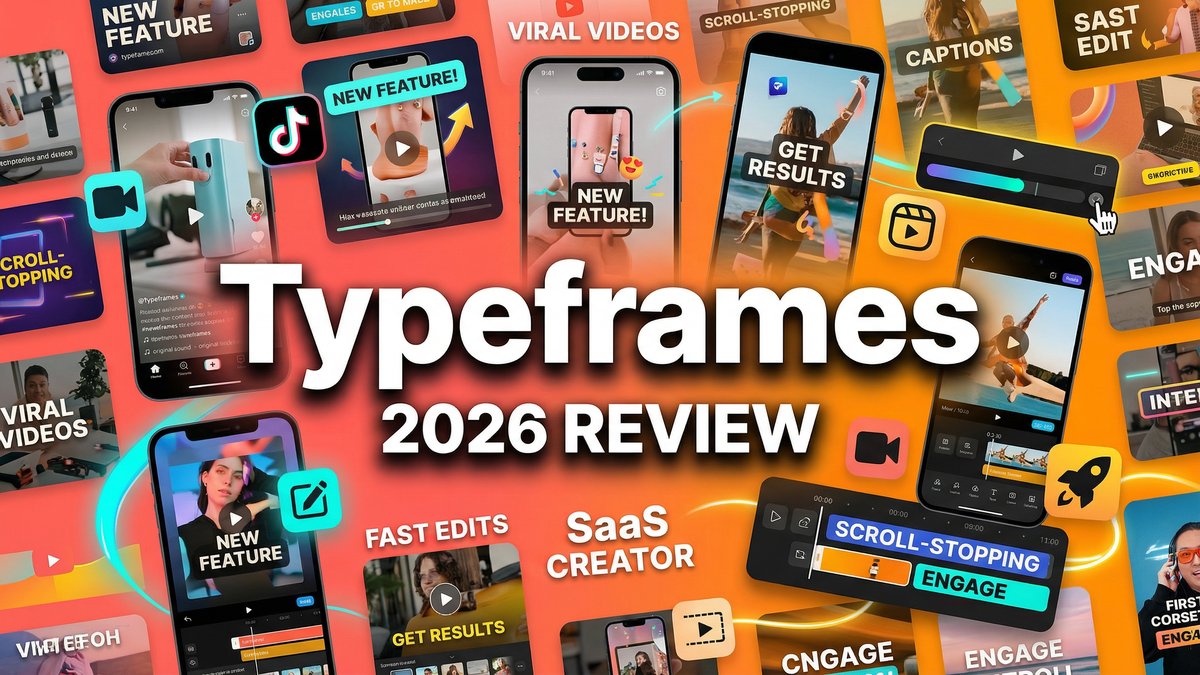
Scroll-stopping video content is no longer optional for brands—it’s survival. But creating professional product videos traditionally means hiring videographers, spending hours in editing software, or settling for bland templates that scream “generic.” What if you could type a few sentences and watch them transform into polished, branded videos ready for TikTok, Instagram, or YouTube in under five minutes?
That’s the promise of Typeframes, and after putting this AI-powered text-to-video tool through its paces across dozens of product launches and social campaigns, I can tell you it’s both a game-changer and a tool with specific sweet spots. Whether you’re a solo entrepreneur launching products on Product Hunt, a social media manager drowning in content demands, or a marketer who needs rapid video iteration, Typeframes offers something genuinely different from the crowded AI video landscape.
What is Typeframes?
Typeframes is an AI-driven video creation platform specifically designed to convert text into customizable product videos optimized for social media. Founded in 2023 in France by Tibo (creator of Taplio and Tweet Hunter), Typeframes focuses on one thing exceptionally well: helping brands create engaging product videos fast.
Visit https://www.typeframes.com to start creating.
Unlike general-purpose AI video generators that try to do everything, Typeframes zeroes in on the specific use case of product storytelling for social platforms. The tool excels at creating vertical videos for TikTok and Instagram Reels, horizontal videos for YouTube, and square formats for feed posts—all with built-in brand customization, effects, and export options optimized for each platform.
The workflow is refreshingly simple: write your text content (or paste from a tweet, website, or YouTube video), customize the visual style with your brand colors and fonts, add voiceovers and effects, and export in your target platform’s optimal format. No complex timelines, no manual syncing—just fast, brand-consistent video production.
Core Features: Why Typeframes Works Differently
1. Text-to-Video Conversion with Rhythm Control
Unlike tools that automatically pace your content, Typeframes lets you break sentences to create your own rhythm. This control over pacing means you can build suspense, create punchy reveals, or match the energy of your brand voice—something automated tools often miss.
2. Multi-Source Input Options
Typeframes doesn’t just work with raw text. You can convert tweets to videos, transform website copy into video content, or repurpose YouTube videos into different formats. This flexibility makes it perfect for content repurposing strategies.
3. Brand Customization Engine
Upload your brand colors, fonts, and visual assets to create videos that actually look like they belong to your brand. No more generic templates that dilute your identity—Typeframes makes branded content production accessible without design expertise.
4. Platform-Specific Formatting
One-click export for vertical (9:16), horizontal (16:9), or square (1:1) formats means you’re creating content optimized for each social platform’s requirements. No more awkward cropping or black bars.
5. Real-Time Preview System
See changes instantly as you make them. Adjust text timing, swap visual effects, or modify animations and watch the preview update in real-time—no rendering delays for quick iterations.
6. AI Voice Generation (Growth Plan+)
Add professional voiceovers without recording studios or voice actors. The AI voice generation on higher-tier plans produces natural-sounding narration that brings your product story to life.
7. Visual Effects Library
From subtle transitions to attention-grabbing animations, Typeframes offers a range of effects that enhance your message without overwhelming it. Effects are categorized by intensity so you can match your brand’s tone.
8. API Access for Programmatic Video
For developers and high-volume users, Typeframes provides API access enabling programmatic video generation—perfect for automating video production at scale or integrating into existing workflows.
Typeframes Pricing: What You’ll Actually Pay
| Plan | Price | Key Features | Best For |
|---|---|---|---|
| Hobby | $29/month | Unlimited videos, full customization, no AI credits | Creators who don’t need AI voiceovers |
| Growth | $49/month | Everything in Hobby + AI voiceovers, video credits, automations | Marketers and agencies needing AI features |
| Hand-Made | Custom | Professional service, custom video creation by Typeframes team | Brands wanting done-for-you videos |
Free Trial: Typeframes offers a free trial with watermarks, allowing you to test the platform before committing. This is a significant advantage over competitors with no trial options.
Pricing Reality Check:At $29/month for unlimited videos (Hobby plan), Typeframes is competitively priced if you create product videos regularly. The $49 Growth plan adds AI capabilities that justify the $20 increase for most professional use cases. . For more insights, see our Waymark AI Video Tool Review 2026: Script-to-TV-Ad in Minutes.
Pros & Cons: What Actually Works (and What Doesn’t)
Pros
- Incredibly Fast Video Creation: Go from idea to published video in 5-10 minutes—no other tool matches this speed for product videos
- True Brand Consistency: Custom fonts, colors, and visual styling mean videos actually look like your brand
- Multi-Platform Optimization: One-click export to vertical, horizontal, or square formats saves massive time
- Content Repurposing Powerhouse: Convert tweets, websites, YouTube videos into new formats effortlessly
- Free Trial with Watermarks: Test before buying—rare in the AI video space
- API for Automation: Programmatic video generation opens possibilities for scaling content production
- 5/5 User Ratings: Consistently high satisfaction from actual users on Product Hunt
Cons
- Pricing Jump for AI Features: $49/month to access AI voiceovers and credits is steep for solo creators
- Limited to Short-Form Content: Best for 15-60 second videos; not ideal for long-form content
- Product Video Focus: If you need narrative storytelling or cinematic scenes, look elsewhere
- Template-Based Approach: While customizable, you’re still working within template structures
- No Free Plan: After trial ends, you must subscribe—no permanent free tier for light usage
Typeframes vs Competitors: How Does It Compare?
| Feature | Typeframes | Canva Video | Pictory AI |
|---|---|---|---|
| Starting Price | $29/month | Free (Pro at $15/month) | $19/month |
| Text-to-Video Speed | 5-10 minutes | 15-30 minutes (manual) | 10-15 minutes |
| Brand Customization | Excellent | Good | Limited |
| Platform Optimization | One-click formats | Manual resizing | Manual resizing |
| Free Trial | Yes (with watermark) | Free plan available | Yes |
| Best For | Fast product videos, social media | General design & video needs | Long-form content repurposing |
Who Should Use Typeframes?
Perfect For:
- Product Hunt Launchers: Create compelling product demos and launch videos in minutes
- Social Media Managers: Scale video content production across multiple platforms without design teams
- E-commerce Brands: Generate product showcase videos that drive conversions
- SaaS Marketers: Produce feature highlights and update announcements quickly
- Content Repurposers: Transform blog posts, tweets, and podcasts into engaging video content
- Solo Entrepreneurs: Create professional-looking videos without video editing skills or agencies
Not Ideal For:
- Creators needing long-form narrative content (use Mootion or Descript instead)
- Those requiring cinematic AI-generated footage (try Runway or Pika)
- Budget-conscious users who only create occasional videos (Canva’s free plan might suffice)
- Projects requiring advanced motion graphics (Adobe After Effects or similar needed)
Expert Tips: Getting Maximum Value from Typeframes
1. Master the Rhythm Control Feature
The ability to break sentences manually is Typeframes’ secret weapon. Don’t let the AI auto-pace everything—intentionally create dramatic pauses, quick-fire reveals, or rhythmic patterns that match your brand’s voice and message intensity.
2. Build a Brand Template Library
Invest time upfront creating 2-3 branded templates with your exact colors, fonts, and effect preferences. Save these as starting points so every video maintains consistency without rebuilding from scratch each time.
3. Repurpose Strategically Across Platforms
Create one master video, then use Typeframes’ format export to generate vertical (TikTok/Reels), horizontal (YouTube Shorts), and square (Instagram Feed) versions. This 1-to-3 approach maximizes content ROI with minimal extra effort.
4. Start with Hobby, Upgrade When AI Features Become Essential
If you’re unsure whether you need AI voiceovers, start with the $29 Hobby plan and add your own audio or music. Upgrade to Growth ($49) only when AI voice generation becomes a bottleneck—save $20/month until you truly need it. This is why typeframes stands out in the market.
5. Use the API for Automation at Scale
If you’re creating multiple similar videos (like product updates, feature announcements, or testimonials), invest in learning the Typeframes API. Automate video generation from spreadsheets or databases to scale production 10x.
Final Verdict: Is Typeframes Worth Your Money?
Rating: 4.5/5 Stars
Typeframes delivers exactly what it promises: fast, branded, platform-optimized product videos from text. For social media marketers, product launchers, and content teams drowning in video demands, it’s a genuinely valuable tool that pays for itself in time saved.
The platform’s laser focus on product videos and social media content is both its strength and limitation. If you need narrative storytelling, cinematic AI footage, or long-form content, Typeframes isn’t the right tool. But if your goal is creating scroll-stopping product showcases for TikTok, Instagram, and YouTube—and doing it fast—Typeframes excels.
The free trial with watermarks removes buying risk, and the 5/5 user rating average on Product Hunt reflects genuine user satisfaction. At $29/month for unlimited videos, the Hobby plan offers strong value for consistent creators. The $49 Growth plan’s AI features justify the upgrade for professional use cases where voiceover quality matters.
What sets Typeframes apart is the speed-to-quality ratio. You can genuinely create professional-looking, branded videos in 5-10 minutes—something that would take 30-60 minutes in Canva or Premiere Pro. For high-volume content operations, this time savings is transformative.
Bottom Line:If product videos and social media content are core to your strategy, Typeframes is worth the investment. Start with the free trial, test it on 3-5 real projects, and if it saves you significant time, the Hobby plan at $29/month is a no-brainer. Upgrade to Growth when AI voiceovers become essential. For more insights, see ourBest AI Video Tools for Product Demos in 2026: Showcase, Convert & Sell More. For more insights, see our Best AI Video Tools for Product Demos in 2026: Showcase, Convert & Sell More.
For brands launching products, scaling social presence, or repurposing content across platforms, Typeframes is one of the best specialized tools available. Just know its lane—and stay in it—for best results.







