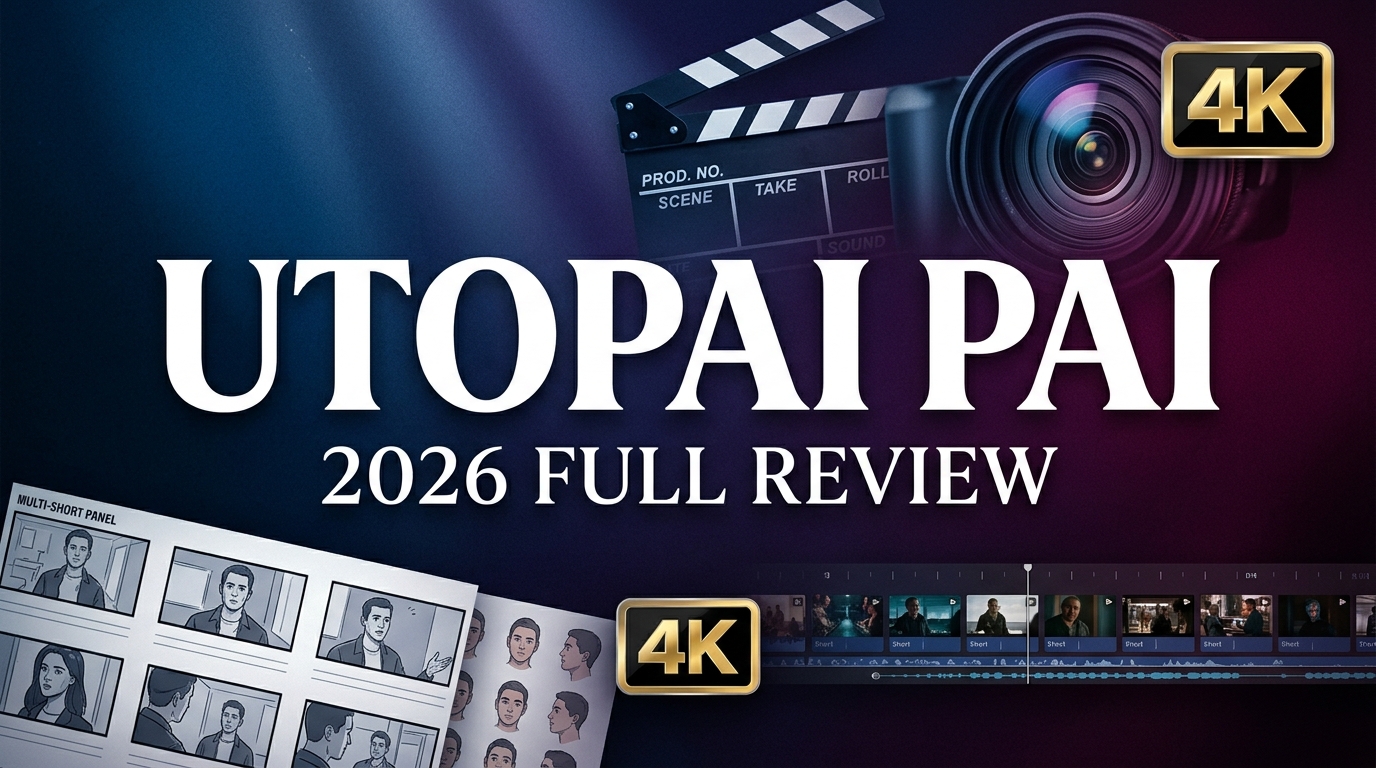
When it comes to utopai pai, long-form AI video has been the white whale of generative AI. Tools like Sora and Runway nail the five-second spectacle, but ask them to maintain character consistency across a 60-second narrative? Good luck. That’s the exact problem Utopai Studios built PAI to solve. Visithttps://www.utopaistudios.com/paito get started.
PAI (Precision AI) launched publicly in March 2026 with a bold claim: up to 16 shots in a single narrative flow, one-minute outputs, 4K resolution, and scene-to-scene character consistency that doesn’t drift. After burning through $100 in credits testing every feature, I can confirm—this is the most advanced long-form AI video tool available right now. But it’s also expensive, unforgiving, and will punish you for going in unprepared.
What Is Utopai Studios PAI?
PAI is a cinematic AI video generation platform designed for professional storytellers who need continuity, character consistency, and granular creative control across multi-shot sequences. Unlike clip generators, PAI is a structured production pipeline: you develop characters, storyboard scenes, generate video, and iteratively edit—all within one natural-language interface.
The platform was built by a team from Google Research, Meta Superintelligence, Amazon AGI, and Adobe Firefly. It includes built-in copyright protection that blocks generation against protected IP, copyrighted characters, and real public likenesses—a critical feature for studios and professionals working on commercial projects.
Core Features: What Makes PAI Different
1. Character Generation with Reference Images
PAI’s character system is the strongest I’ve tested in any AI video tool. You can either let the AI create characters from scratch or feed it reference images. What PAI does isn’t face-swapping—it generates entirely new models that closely resemble the reference without the legal and ethical issues of direct face replacement. Skin texture, lighting interaction, and facial details are all realistic. You can edit characters using natural language (“make the body proportions match the reference better”), and PAI understands and adjusts accordingly.
Caveat: Character generation is slow—expect 2+ minutes per iteration.
2. Storyboard with Keyframe-Level Control
PAI rewards detailed input. You describe what characters do across each scene, what they say, and how the story moves. The AI expands on your description and constructs around a dozen keyframes, each with a scene image and description (character actions, dialogue, visual composition). You can edit each keyframe individually before committing to render. This review-before-render flow is smart design—it forces deliberate decisions and catches problems before they become expensive. This is why utopai pai stands out in the market.
3. Long-Form Video Generation (Up to 16 Shots, 1 Minute)
When it works, a successful render takes around 30 minutes to produce one full minute of video. The output quality justifies the wait. Camera angles change naturally, lighting is realistic, and characters maintain visual consistency across cuts. Voices stay consistent with proper intonation even after cuts to other elements. When the camera refocuses on a character after showing something else, they return looking exactly as they left. Background scenery stays stable throughout.
Weakness: The model doesn’t handle in-video text well. Basic text elements work, but don’t rely on it for precise on-screen typography.
4. Natural Language Editor for Scene-Level Revisions
Once a video is complete, the Editor tab lets you direct revisions entirely in natural language. Insert elements into a scene, delete them, change colors, adjust lighting, rephrase dialogue, or update lip sync—and the model re-renders accordingly. This isn’t post-processing; it’s iterative, AI-driven revision at the scene level. You describe editorial intent and receive corrected footage in response.
5. Copyright Protection and IP Safety
PAI blocks generation against copyrighted IP, protected characters, and real public likenesses at the workflow level. All outputs are watermarked with SynthID. For studios and professionals who can’t afford accidental infringement, this feature alone may justify the platform.
6. Multi-Shot Narrative Flow
PAI supports up to 16 shots in a single sequence, with outputs up to one minute in length and resolution up to 4K. This is genuine long-form storytelling, not stitched-together clips.
Utopai Studios PAI Pricing: What You Actually Pay
| Package | Price | Credits | Estimated Output |
|---|---|---|---|
| Standard | $100 | 10,000 credits | ~4 one-minute videos (with character gen, storyboard, editing) |
Real-world cost breakdown from testing:2,000 credits covered approximately 4 minutes of video content (including two characters generated per video with multiple iterations, storyboard development, and around two rounds of post-render editing). Failed renders still consume credits—a significant pain point. This is why utopai pai stands out in the market. . For more insights, see our Waymark AI Video Tool Review 2026: Script-to-TV-Ad in Minutes.
Important: PAI operates on a pay-as-you-go credit system. There are no monthly subscriptions or free tiers. You buy credits upfront, and every generation action (character creation, storyboard, video render, editing) deducts from your balance.
Pros and Cons: The Unfiltered Truth
What Works
- Best-in-class character consistency: Characters look the same across shots and scenes—no other tool matches this
- True long-form capability: Up to 16 shots, 1-minute outputs, 4K resolution
- Natural language editing: Iteratively refine scenes by describing changes—revolutionary workflow
- Copyright protection: Built-in safeguards against IP infringement
- Professional-grade output: Camera work, lighting, and voice consistency rival traditional production
What Doesn’t
- Expensive: $100 for ~4 one-minute videos with full workflow—not for casual users
- Slow: Character generation takes 2+ minutes, full video renders take 30+ minutes
- Failed renders consume credits: Technical failures still charge you—frustrating and costly
- Steep learning curve: Unforgiving of inexperience; no tutorials or onboarding
- Weak text rendering: In-video text is unreliable for branded content
Competitor Comparison: PAI vs The Field
| Tool | Best For | Max Duration | Key Advantage |
|---|---|---|---|
| Utopai PAI | Long-form narrative | 1 minute (16 shots) | Character consistency + iterative editing |
| Sora | Creative short films | 20 seconds | Visual spectacle |
| Runway Gen-3 | Quick iterations | 10 seconds | Speed |
| Kling 3.0 | Multi-shot scenes | 15 seconds | Native audio + 4K |
Verdict: PAI is the only tool designed for sustained, multi-scene storytelling with professional-grade continuity. Sora and Runway are better for short, visually striking clips. Kling 3.0 competes on multi-shot capability but lacks PAI’s iterative editing workflow.
Real-World Use Cases: Who Should Use PAI?
1. Independent Filmmakers Prototyping Narrative Concepts
PAI lets you visualize story concepts, test character designs, and iterate on narrative structure before committing to traditional production. It’s a pre-visualization tool that understands story, not just spectacle.
2. Studios Developing Original IP
Copyright protection and character consistency make PAI suitable for developing new characters and worlds intended for distribution. Create proof-of-concept videos to pitch investors or partners.
3. Agencies Creating Branded Story-Driven Content
For campaigns that require narrative arcs (not just product shots), PAI’s multi-shot capability and natural language editing enable rapid iteration on story-driven concepts.
4. Educators and Trainers Building Scenario-Based Learning
PAI’s ability to maintain character consistency across scenes makes it ideal for scenario-based training videos where learners follow the same character through multiple situations. This is why utopai pai stands out in the market.
Expert Tips: How to Survive PAI’s Learning Curve
- Start with detailed prompts: The more specific you are about character actions, dialogue, and scene composition, the better PAI performs
- Review every keyframe before rendering: Failed renders still consume credits—catch problems at the storyboard stage
- Generate multiple character versions: Test 3-5 character variations before committing to storyboard and render
- Use natural language editing strategically: Minor tweaks cost less than full re-renders; edit iteratively
- Save outputs immediately: Download links are time-limited—mirror assets to your own storage
- Budget for failures: Expect 1-2 failed renders per project; plan credit spend accordingly
Final Verdict: Is Utopai Studios PAI Worth $100 in 2026?
Rating: 4/5 Stars
Utopai Studios PAI is the best long-form AI video system available right now—period. Character consistency, iterative editing, and true multi-shot narrative capability are unmatched. But it’s expensive, slow, and unforgiving of mistakes. After a steep learning curve, the results are genuinely surprising and professional-grade.
Buy if: You’re a filmmaker, studio, or agency where continuity, IP safety, and cinematic quality are non-negotiable. You have budget for experimentation and value control over speed.
Skip if:You need quick social clips, have a tight budget, or want a beginner-friendly tool. PAI demands expertise and patience. For more insights, see ourBest AI Video Tools for Product Demos in 2026: Showcase, Convert & Sell More. For more insights, see our Best AI Video Tools for Product Demos in 2026: Showcase, Convert & Sell More.
For professional video creators serious about AI-assisted storytelling, PAI is the future—just be prepared to pay for it, both in dollars and learning curve.







