Vidu Q3 vs Kling 2.6: Which AI Video Generator Should You Choose in 2026?
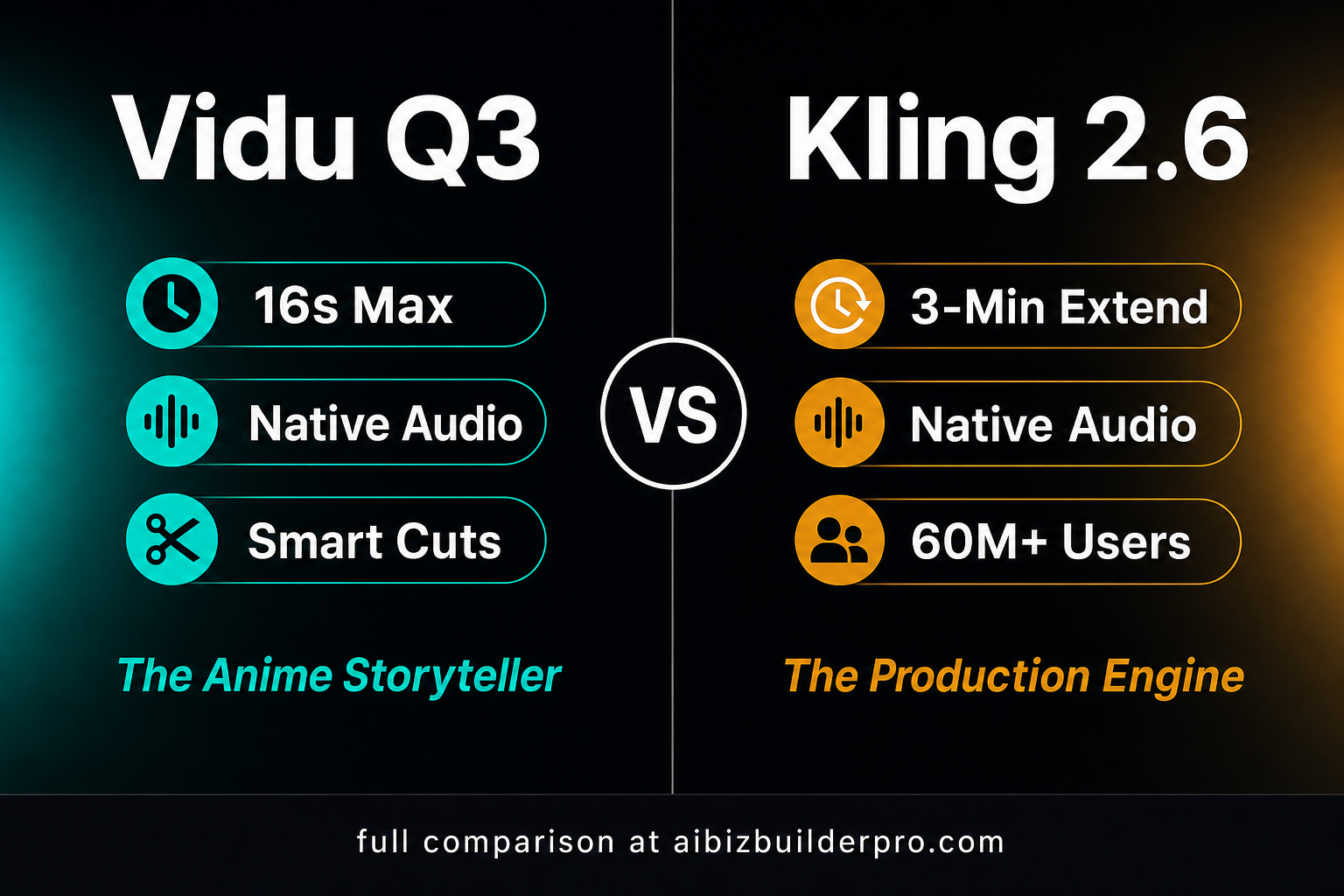
Two of the most talked-about AI video tools right now are Vidu Q3 and Kling 2.6 — and they represent two very different philosophies about what AI video should do for creators For another head-to-head between competing AI video models, see our PixVerse V6 vs HappyHorse 1.0 comparison.. Vidu Q3 is a short-form storytelling machine built for expressive, anime-flavored narratives with native audio baked right in. Kling 2.6 is a full-featured production engine with cinematic camera controls, bilingual audio, and a clip-extending pipeline that pushes toward longer-form output.
This comparison breaks down both tools across the dimensions that actually matter: video quality, audio capabilities, duration limits, pricing, and real-world use cases — so you can make the right call for your workflow.
Quick-Glance Comparison
| Feature | Vidu Q3 | Kling 2.6 |
|---|---|---|
| Max Duration | 16 seconds per render | ~10s per clip; up to 3 min via Extend |
| Native Audio | Yes — dialogue, SFX, ambience | Yes — bilingual (EN + ZH) Pro only |
| Resolution | Up to 1080p | Up to 1080p (Pro tier) |
| Generation Modes | Text-to-video, Image-to-video, Start-End frames | Text-to-video, Image-to-video |
| Camera Controls | Multi-shot sequencing, frame-accurate cuts | Dolly, rack focus, handheld, lens control |
| Extend Feature | No clip chaining | Yes — chain clips up to ~3 minutes |
| API Access | Yes (platform.vidu.com) | Yes (klingai.com + third-party: FAL.ai) |
| Free Tier | Yes — limited credits | Yes — 66 credits/day, watermarked |
| Paid Plans Start At | ~$0.07–$0.16 per second (credit-based) | ~$25.99/mo Pro; ~$0.07–$0.168/sec API |
| Best For | Short-form narrative, anime-style, marketing clips | Cinematic production, long-form, bilingual content |
Vidu Q3: The Anime Storyteller
Vidu Q3 (and its upgraded sibling, Vidu Q3 Pro) is engineered for one thing above all else: generating short, expressive video clips with synchronized audio in a single pass. If you’ve ever struggled with the tedious post-production step of laying in sound effects and ambient audio over a generated video clip, Vidu Q3 solves that problem at the generation stage.
Key Strengths
- 16-second max render: Each generation produces up to 16 seconds of video — longer than most competitors in the short-form space, giving you genuine storytelling room in a single clip.
- Native audio generation: Dialogue, sound effects, and ambient audio are synthesized alongside the visuals. No separate audio pipeline required.
- Smart Cuts / multi-shot sequencing: The Start-End frame mode lets you define the opening and closing frame of a sequence, letting the model infer the motion between them — useful for storyboard-style drafts and scene transitions.
- Anime and stylized aesthetics: Reviewers consistently note that Vidu Q3 excels at stylized, illustrated, and anime-adjacent visual styles — making it a standout for content creators working in that genre.
- Accessible pricing: Credit-based pricing starts low — 540p clips run around $0.05–$0.07/second, and 1080p is approximately $0.15–$0.16/second, making it affordable for testing and iteration.
Limitations to Know
- 16 seconds is the hard ceiling — there is no clip-chaining or extend feature. For longer narratives you’ll be manually stitching clips.
- Lip-sync accuracy can drift on complex dialogue prompts; works best with simpler audio scenarios.
- Best suited for short-form content: social reels, marketing teaser clips, animated narrative snippets — not full-scene production.
Consumer Pricing Snapshot
- Free plan: limited credits + unlimited off-peak generation
- Standard: $10/month (800 credits)
- Premium: $35/month (4,000 credits)
- Ultimate: $99/month (8,000 credits, priority queue)
API Pricing Snapshot
- Q3-pro 1080p: ~$0.15 per second (30 credits/sec at $0.005/credit)
- Q3-turbo 1080p: ~$0.07 per second (14 credits/sec)
- Off-peak pricing: ~50% discount
- Check official pricing at platform.vidu.com
Kling 2.6: The Production Engine
Kling 2.6 from Kuaishou is built for creators who need cinematic control, longer output, and a scalable production workflow. Where Vidu Q3 focuses on expressive short-form bursts, Kling 2.6 gives you a full toolkit — advanced camera language, bilingual audio, and a clip-extend pipeline that lets you build toward multi-minute sequences. With over 60 million creators worldwide and $240M in annualized revenue, it’s one of the most widely adopted AI video platforms on the market.
Key Strengths
- 3-Minute Extend: Kling 2.6 Pro’s Extend feature lets you chain clips together, pushing output toward ~3 minutes of total runtime. This is a meaningful differentiator for creators who need more than a 10-second snippet.
- Native bilingual audio: Kling 2.6 Pro generates synchronized audio in both English and Chinese — a strong advantage for brands operating in bilingual markets or targeting East Asian audiences.
- Cinematic camera controls: Dolly shots, rack focus, handheld movement, lens selection, and keyframe-interpolated camera trajectories give Kling 2.6 a level of directorial control that short-form tools rarely offer.
- 1080p Pro output: The Pro tier delivers native 1080p video with strong identity consistency across frames — important for branded content and character-driven clips.
- Flexible API access: Available via klingai.com directly and through third-party API providers like FAL.ai, making it suitable for programmatic, high-volume workflows.
Limitations to Know
- Extend quality drifts over longer chains — best results are under 30 seconds; extended sequences require careful review for continuity.
- Bilingual audio and advanced camera controls are locked to the Pro tier ($25.99/month). The free tier is watermarked and capped at 720p.
- Credit system can be confusing for new users — a single 10-second Pro-mode clip with audio can cost up to 200 credits, so real output is often lower than marketing numbers suggest.
- 30-40% failure rate on free tier during peak hours; plan for a ~20% credit buffer even on paid plans.
Pricing Plans Snapshot
- Free: 66 credits/day (no rollover), watermarked, 720p
- Standard: $6.99/month (660 credits), 1080p, no watermark
- Pro: $25.99/month (3,000 credits), 1080p, Extend + native audio + Kling O1 access
- Premier: $64.99/month (8,000 credits)
- Ultra: $127.99/month (26,000 credits)
- Annual billing saves ~25% across all tiers
API / Credit Cost Snapshot
- 5s Standard mode (720p, no audio): 10 credits
- 5s Professional mode (1080p, no audio): 35 credits
- 10s Professional mode (1080p, no audio): 70 credits
- 10s Professional mode (1080p, with native audio): ~200 credits
- Verify current pricing at klingai.com/dev/pricing
Head-to-Head: Which One Wins?
For Short Social Content
Winner: Vidu Q3. Sixteen seconds with native audio in a single pass is perfect for Instagram Reels, TikTok clips, and YouTube Shorts teasers. The anime-friendly aesthetic and integrated sound save significant post-production time for solo creators.
For Cinematic and Brand Video
Winner: Kling 2.6. The camera control toolkit and 1080p Pro output make it the better choice for marketing teams that need a polished, directorial look. If you need dolly shots, precise framing, and a consistent visual identity across a longer clip, Kling 2.6 delivers where Vidu Q3 can’t.
For Longer-Form Content
Winner: Kling 2.6. There’s no contest here — Vidu Q3 tops out at 16 seconds with no extension option. Kling 2.6’s chain-to-3-minutes Extend feature is the only path to longer AI video in this matchup.
For Budget-Conscious Creators
Winner: Vidu Q3 (on a per-second basis). At $0.05–$0.07/second for 540p, Vidu Q3 lets you generate a lot of test clips cheaply. Kling’s free tier is usable but watermarked, and the Pro plan at $25.99/month is a bigger commitment upfront.
For Bilingual or Global Marketing
Winner: Kling 2.6. Native bilingual audio (English + Chinese) in a single generation is a unique capability with no Vidu Q3 equivalent.
Who Should Use Each Tool?
Choose Vidu Q3 if you are:
- A solo content creator or social media manager producing short Reels and TikToks
- Working in anime, illustrated, or stylized visual genres
- Looking to reduce post-production by having audio auto-generated with your video
- Testing AI video for the first time and want an accessible entry point
Choose Kling 2.6 if you are:
- A marketing team producing brand videos that need cinematic camera work
- Building content for bilingual (English + Chinese) audiences
- Working on sequences longer than 16 seconds that need to look continuous
- Running programmatic or API-driven video production at scale
Final Verdict
Vidu Q3 and Kling 2.6 aren’t really competing for the same creator — they’re built for different workflows. Vidu Q3 is the go-to for short, punchy, audio-integrated clips with a stylized flair. Kling 2.6 is the production workhorse for teams that need cinematic output, longer runtimes, and bilingual capability.
If your content lives in the 15–16 second world of social reels, Vidu Q3 is the faster, cheaper path. If you’re building anything that needs to look like it was shot — not just generated — Kling 2.6 Pro gives you the controls to get there.
Either way, both tools are worth a free-tier test drive before you commit to a paid plan. The AI video space is moving fast, and the best way to know which one fits your workflow is to run your own clips.
Resources & Sources
- Vidu Q3 Official Pricing
- Vidu Q3 API Pricing Docs
- Kling AI Official Site
- Kling 2.6 Pricing
- Vidu Q3 Pro on Replicate
Pricing and features verified as of May 2026. Always confirm current rates on official product pages before purchasing.







